This post is to document the creation of a mug in maya.
To start creating the mug, I created a two cylinder primitives and made one slightly taller but thinner than the other. I then chose both of the primitives and used the difference function to make a hole in the slightly wider cylinder.
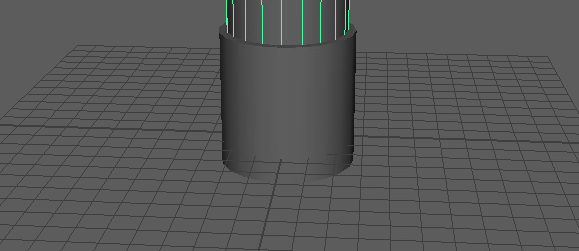
Once I had made the hole inside the cylinder, I created a torus primitive. I enlarged and rotated the primitive so that it would fit as a handle. I then created another cylinder primitive, chose both the torus and the primitive and used the difference function to cut the torus in half. I did this so that it wouldn’t stick through the first cylinder.
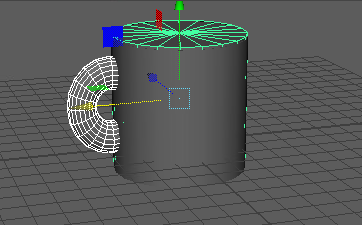
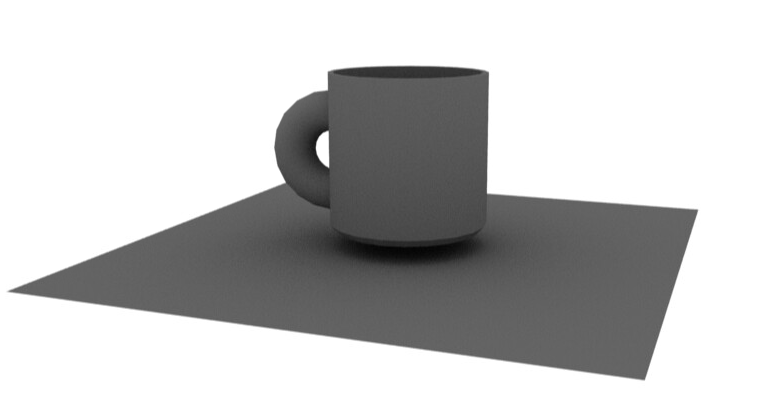
After adding the handle, I chose both the cylinder and torus and used the combine function to make them stick them together and make one object. After this I used the face tool to choose the entire bottom side of the mug and used the bevel tool to give the mug a curved bottom. I then rendered the mug using the Arnold render, I used a skybox for the lighting.
0 Comments