This post is to document the creation of a box in Maya.
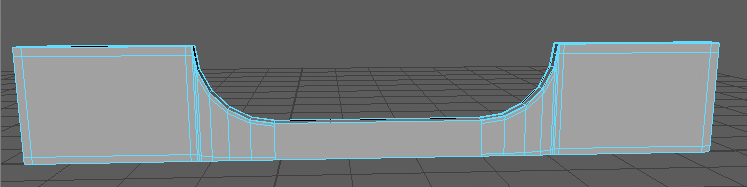
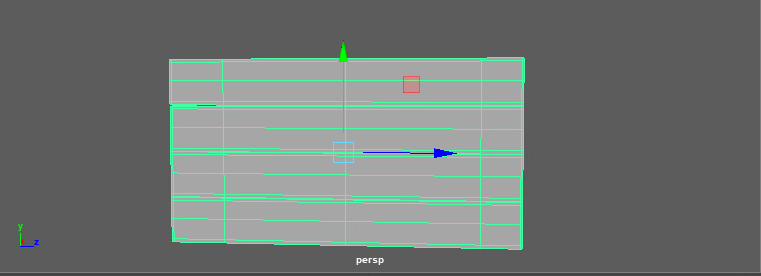
When creating the box I followed the tutorial videos on Canvas.
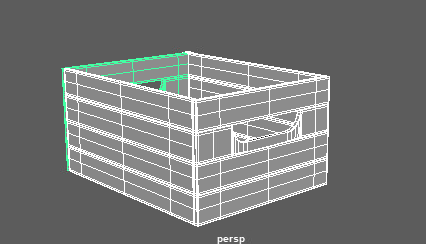
I got as far as combining all the assets together to make a basic box before I ran into an issues that I couldn’t get past. The issues I ran into involved the creation of the corner pieces. One of the issues was with merging a vertex, however many times I tried or ways I tried it I couldn’t get it to work. After asking for help from others I still couldn’t resolve this issue. I decided to try and move past this point without merging the vertex as it hadn’t caused an issue yet.
The second issue I had was with the model of the corner piece itself. I got to the point where I had to bevel the corners to make it smoother when smoothed. I beveled the model fine but when it came to smoothing it, the model warped completely. I thought the issues was a lack of edges supporting the inside faces but no matter how many I would add, the model would still distort greatly.
I am going to carry on trying to progress through the task and have already tried re-modelling the corner to no success.
After going back to the box to try and complete the corner pieces that I was having trouble with I failed over and over again, I got help from others but it led to nothing so I decided not to do the corner pieces and carry on with the model.
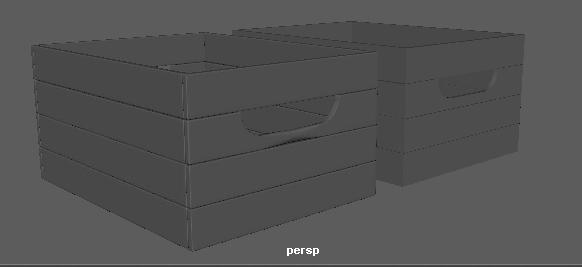
The image above show the regular and smooth version of my high poly boxes. As previously mentioned, I have left out the corner pieces as I couldn’t complete them.
After completing my high poly crate, I moved onto making the low poly version.
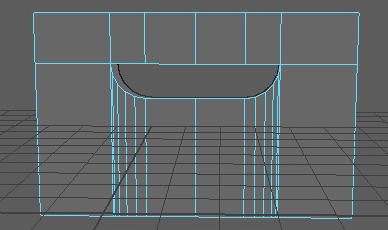
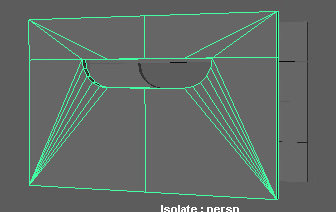
I followed the same steps taken to make the handle on the high poly box until it came to using target weld.
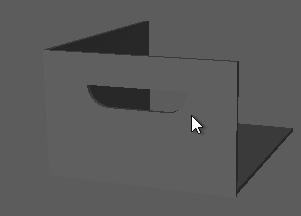
The side of the box was made by merging the vertexes in the center of the handle.
0 Comments