The first of the ten assets I am making for the theme group assignment is a glass bottle.
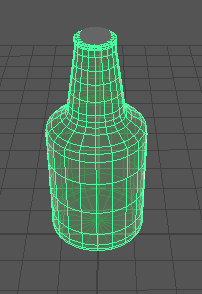
I started making the bottle using a cylinder primitive. I extruded the top and pulled it inwards slightly, I then extruded the top and side faces and pulled it upwards as to create an incline on the top face.
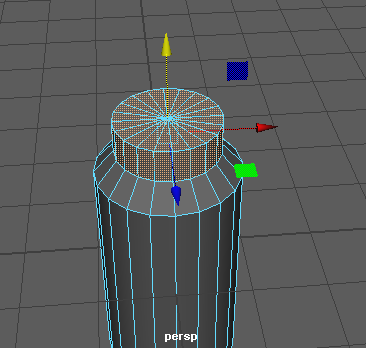
After pulling the extruded faces higher, I previewed what the bottle would look like when smoothed. It turned into almost a ball, to prevent this I added more edge loops onto the model to make it more secure when smoothed. I also beveled the inclined faces on the middle of the bottle to give it more of a natural shape.
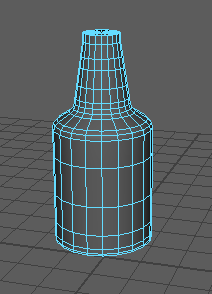
To make the lip on the top of the bottle, I inserted an edge loop close to the top of the model and extruded the faces outwards. I then bevels them to add a curve.
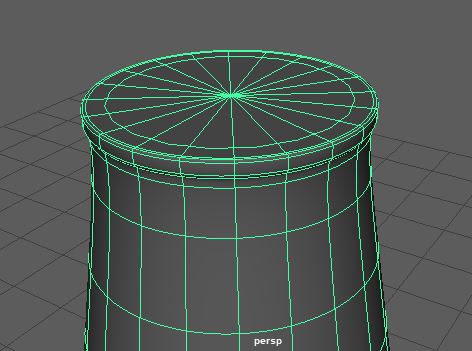
The top of the bottle required a cork so I created a cylinder primitive and made it smaller. I deleted the top edges so that it would be easier to texture later. I textured the bottle once the basic shape was finished. To do this, I went into the hypershade window and created an AI Standard Surface. I then edited the colour value in Base and the weight value in Transmission to make a glass like texture. I then applied it to the model. I then created an Arnold Skydome to see how the model would look under lighting.
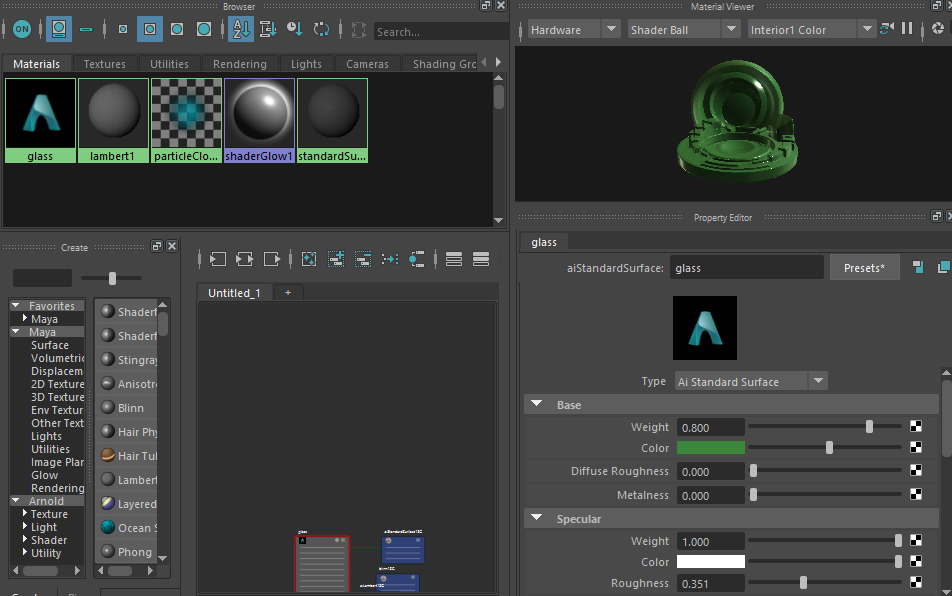
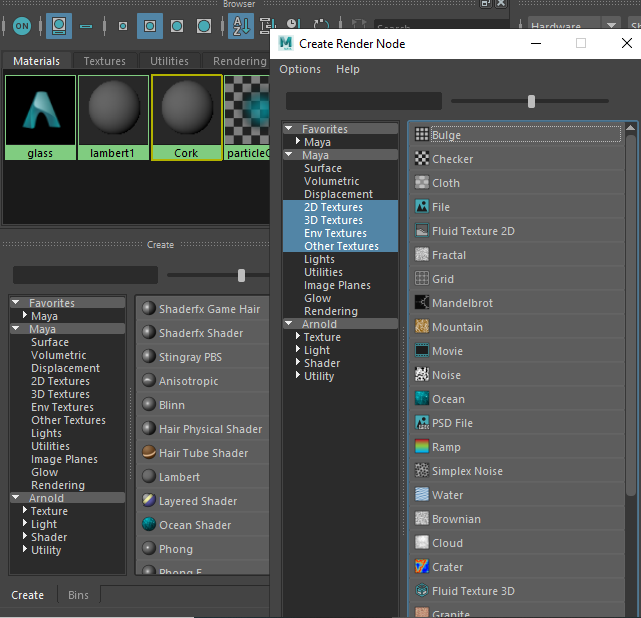
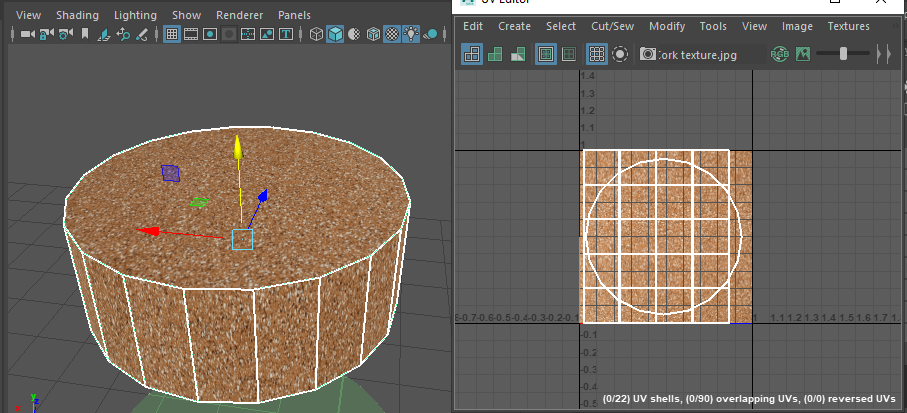
To texture the cork, I created a new lambert in the hypershade window and applied a file as the colour. I then applied the texture and used the UV editor to move the UVs into better positions so that the texture would look less messy.
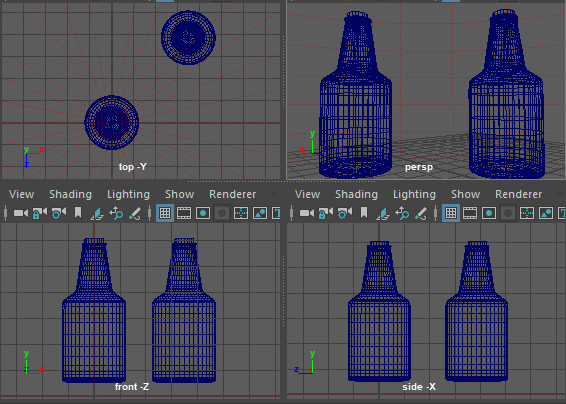
I duplicated the bottle to see how the texture would look when darker and then duplicated the cork. Once there were two of each, I combined them.
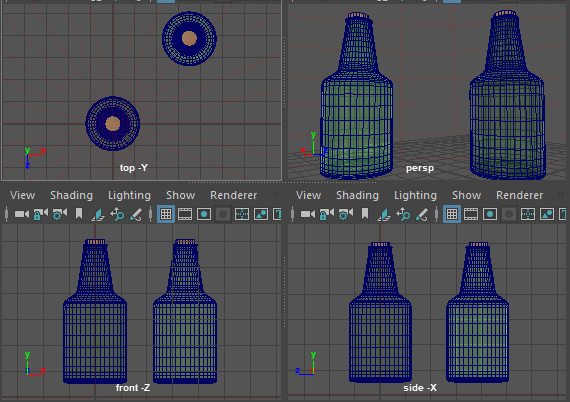
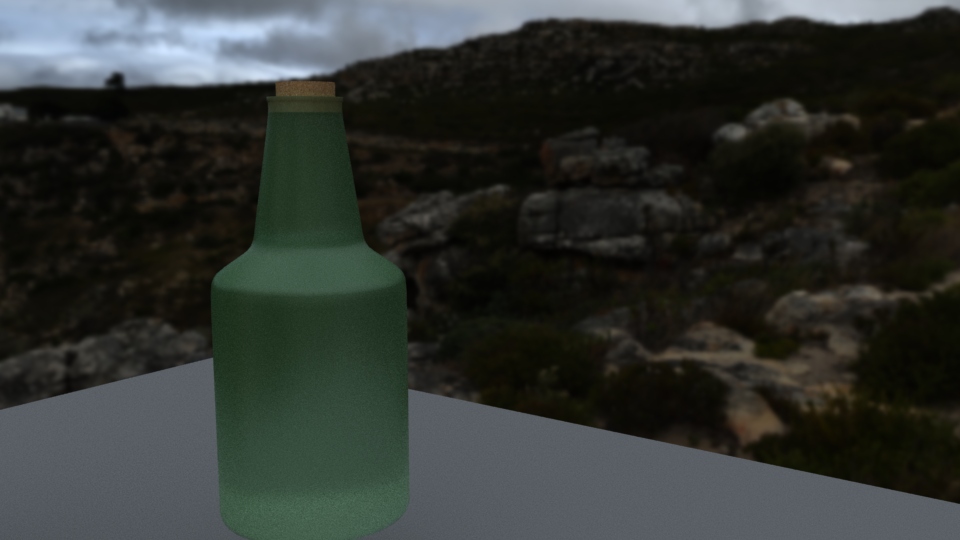
Once I had finished the model, I added a HDR image to the skydome to provide better lighting and rendered the model using the Arnold renderer.
0 Comments