This post will detail the creation of a lantern for the theme group assignment.
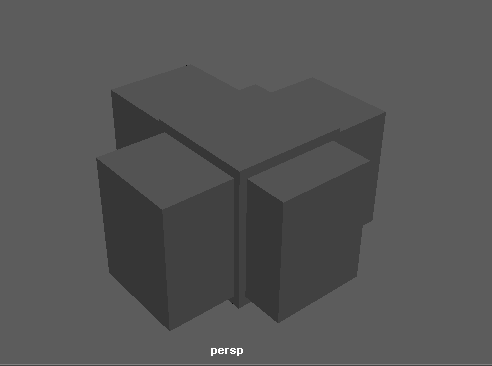
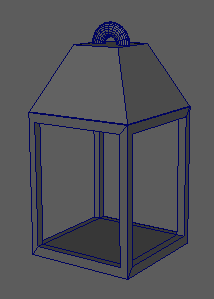
Starting out making my lantern, I created a cube primitive and enlarged it. I then duplicated it twice, keeping it at the same height and width, and extended them to go through the first cube. I then used boolean difference to put large holes in the first cube.
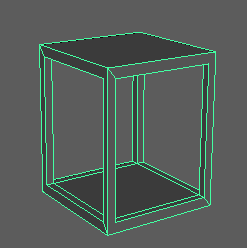
I then created another cube primitive, moved it to the top of the hollow shape and dragged the vertexes while holding V so they snapped into place, making the shapes the same length and width. After that I chose the top face and scaled it down to add an incline to the four faces surrounding it.
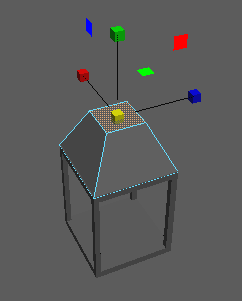
To add the ring at the top of the lantern, I created a tauros primitive and moved it to the top of the inclined cube. I then duplicated the inclined cube and chose the tauros and the cube, I then chose the boolean difference to half the tauros.
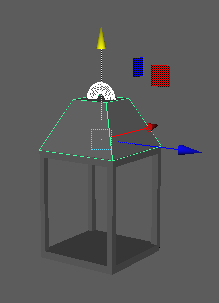
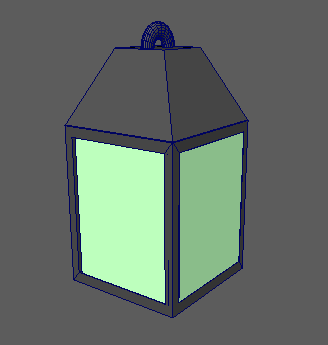
I next wanted to make the glass panels on the inside of the hollow object. To start them I made a cube primitive and snapped the vertexes to the small edges on the hollow object and then duplicated the object and put the three copies in place. I then went into the UV editor, created an AIStandardSurface and edited the weight value in transmission, making the texture transparent.
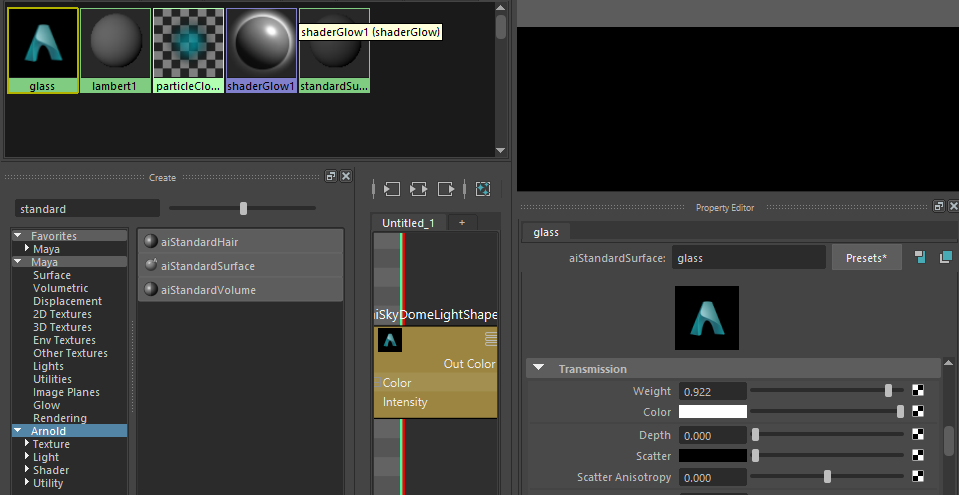
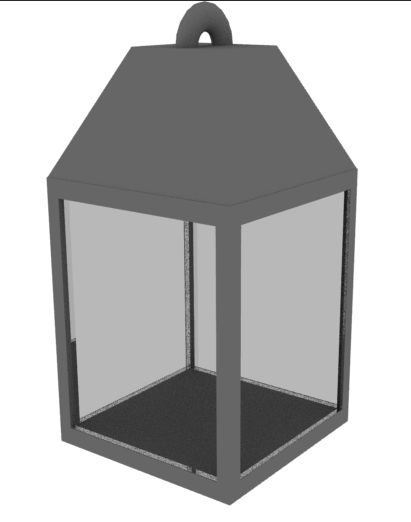
I applied the texture to the four panel objects and rendered the model in Arnold with a Skydome to make sure the texture worked properly.
0 Comments