For this weeks activity, I had to make a 2 point perspective city in Illustrator.
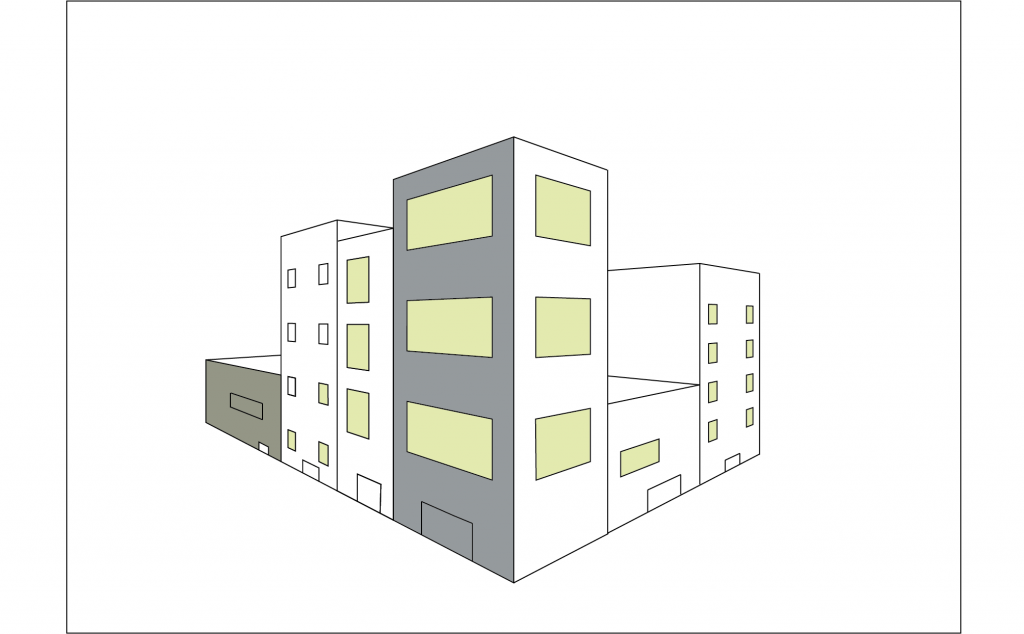
When making the image, I used the perspective tool, ctrl + shift + I, to help guide my lines towards the vanishing points. As shown in the image, I am still unable to completely color an image. I was able to color a few of the parts of the image but I am still confused by the systems in Illustrator. I hope to keep working with this image to improve my skills with Illustrator and then completing this image.
UPDATE
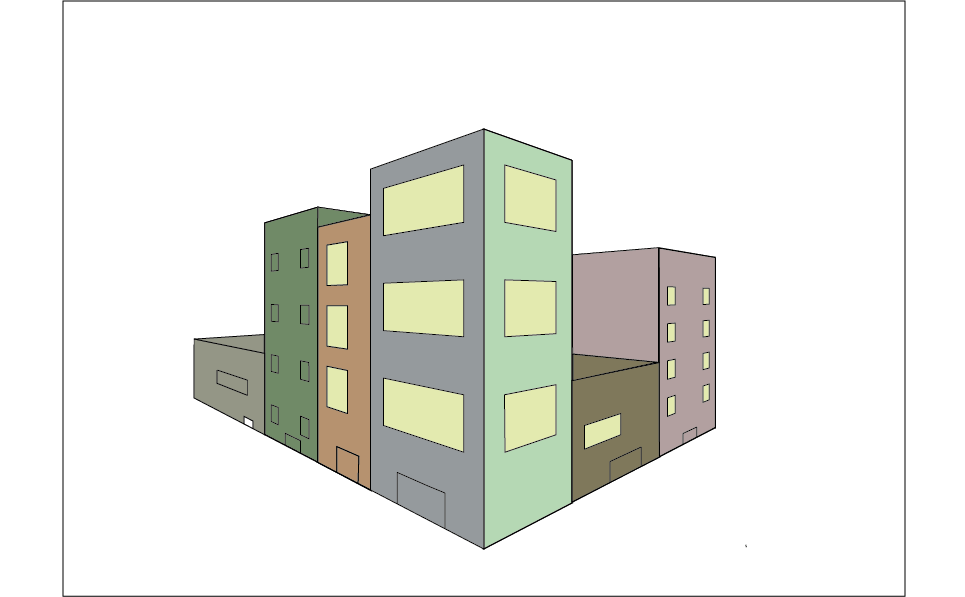
I returned to the illustrator work with hopes that I would be able to complete it. I didn’t previously understand how to use the shape builder tool, but I now understand. I found that if I overlapped the singular lines, I could combine them into one.
Using this new information, I was able to color the rest of the buildings.
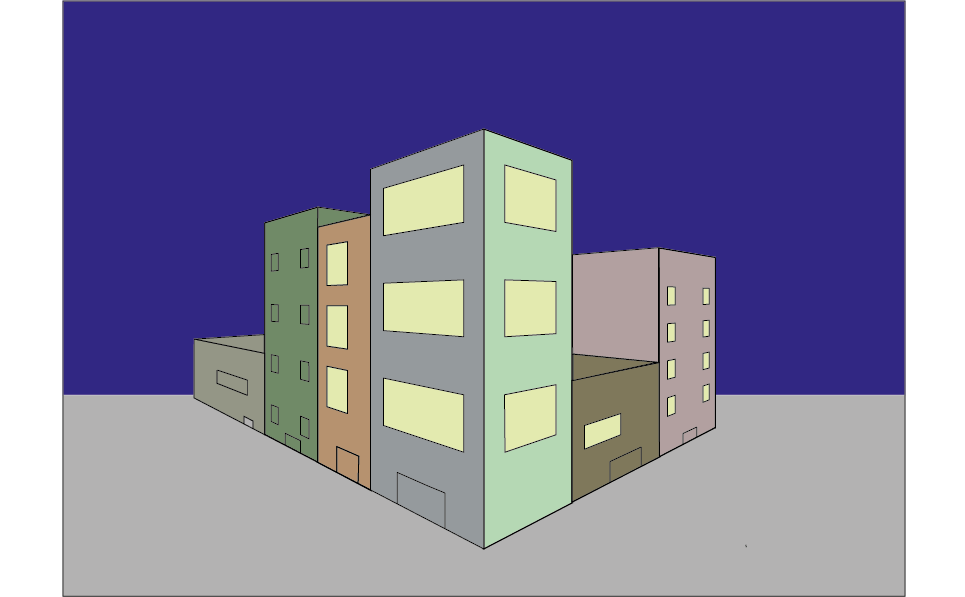
I then added large rectangles as the background, I used the arrange tool to send them behind the buildings.

0 Comments