The tenth asset I am making for the theme group assignment is a door.
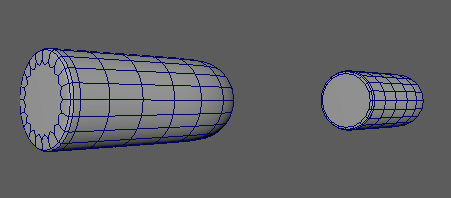
To start this asset, I create a cylindrical primitive. I then selected the bottom half faces, as well as both sides, and deleted them.
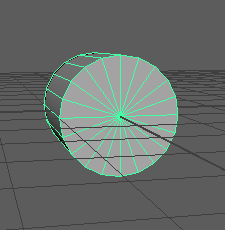
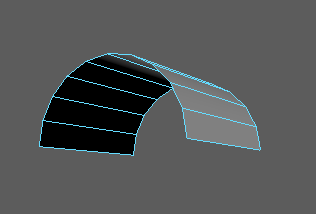
Once deleted, I then bridged together the bottom edges to create a face along the bottom of the shape.
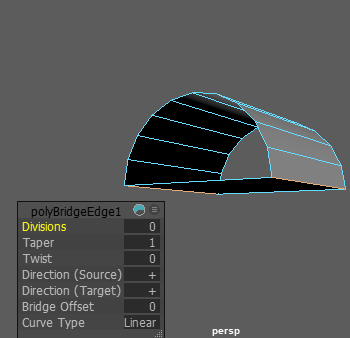
I then did the same along the sides of the shape and deleted the bottom face.
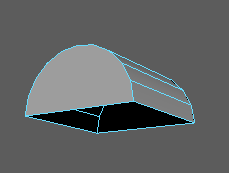
After this I extruded the bottom edges, pulled them down and bridged the bottom of the shape to add a face and make it whole.
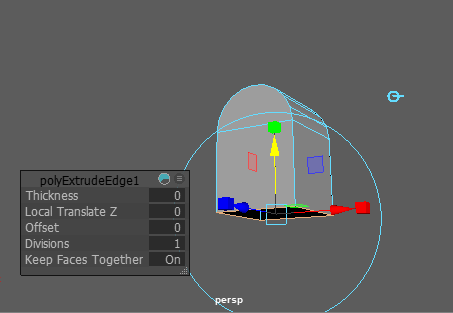
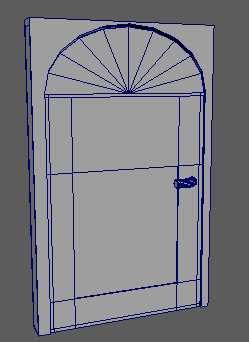
After I had done this I scaled the model so that it would better fit the proportions of a door.
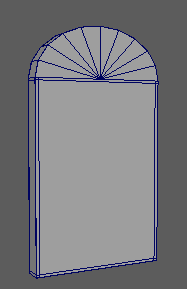
I then created a cube primitive, scaled it to make it larger and placed it next to the door model which I scaled out width wise to make it poke through the cube.
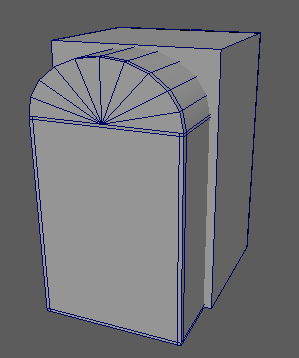
I then duplicated the door and used the difference tool to make a door shaped hole in the cube. I then scaled both the models to return them to regular proportions.
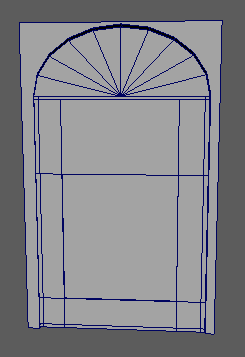
To make the handle, I smoothed a cylindrical primitve and altered the faces to curve them.
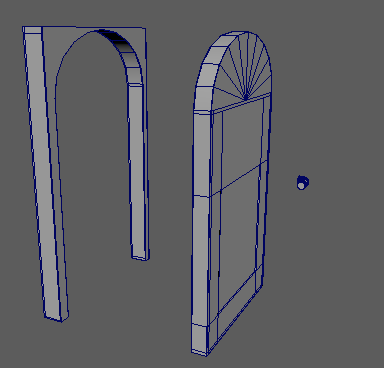
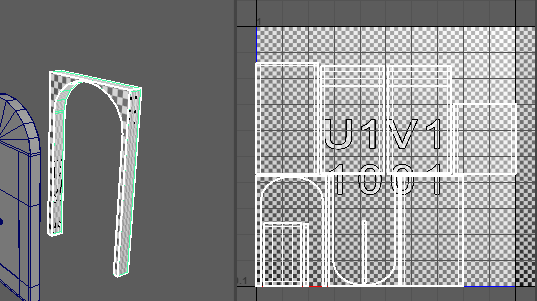
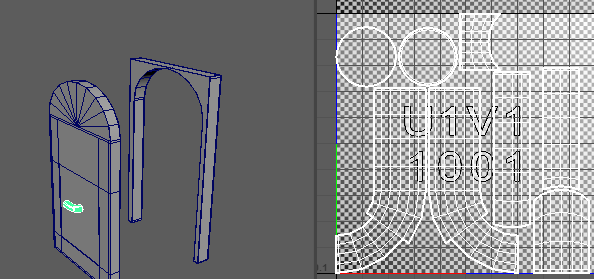
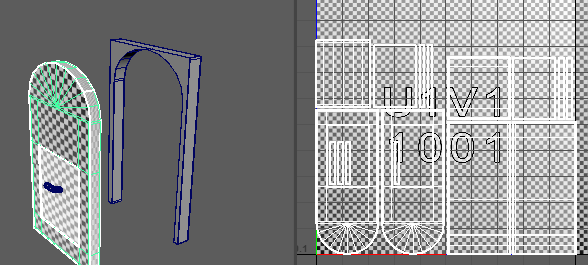
Once I had completed the models of the door, door frame and door handle, I used automatic and then layout to organise the UVs.
0 Comments