This week I had to use Adobe Audition to make sounds and analyze already existing sounds to make sure they were good enough quality to use in a portfolio piece.
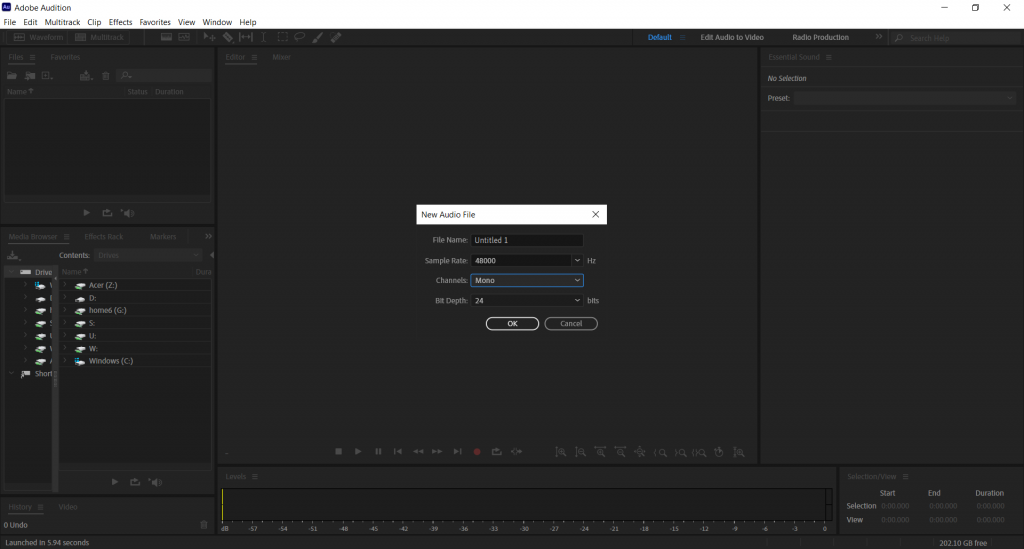
I first created an audio file that was 48khz with a 24 bit depth. I made this file white noise.
I isolated part of the audio and made it a new file. I then saved it as a WAV file. The sound I created sounded like insects.
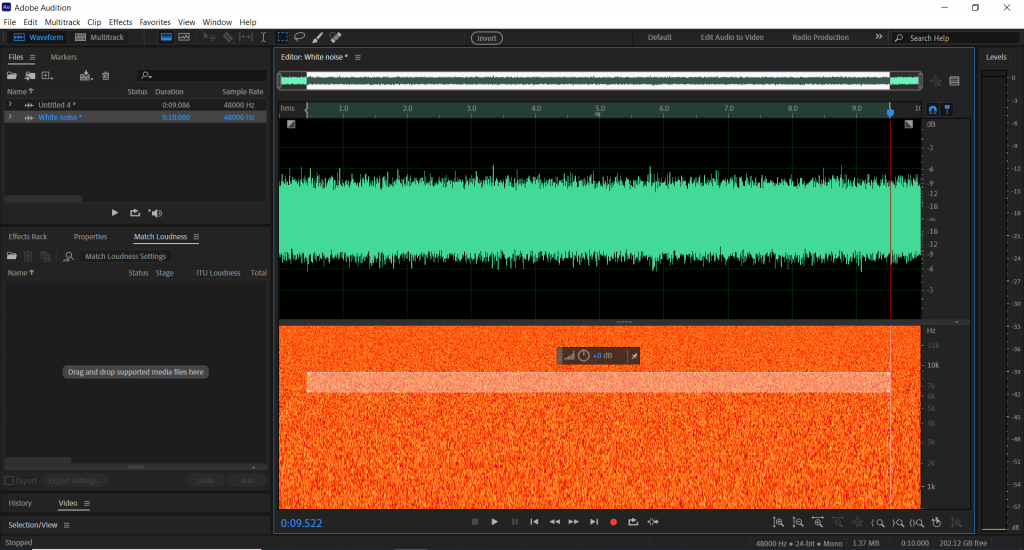
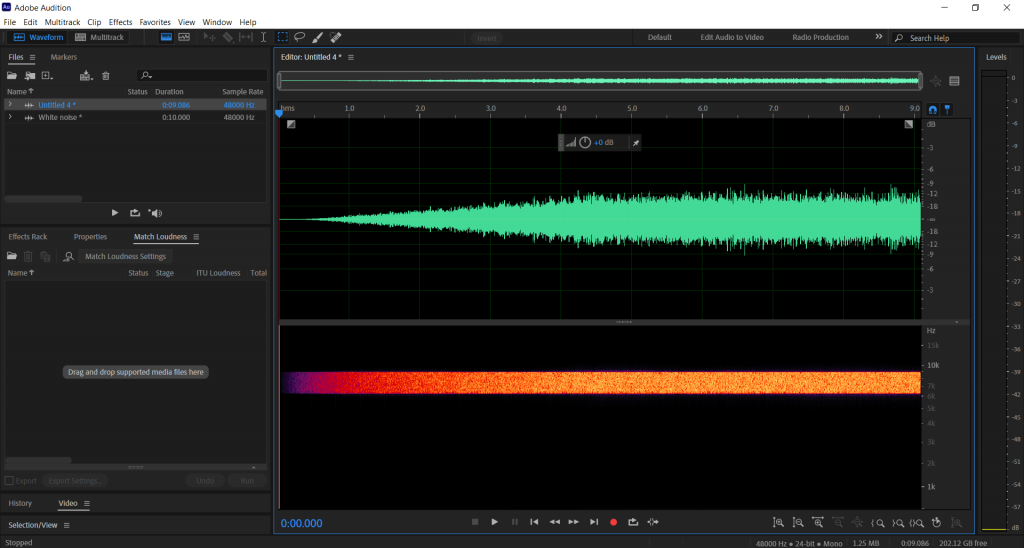
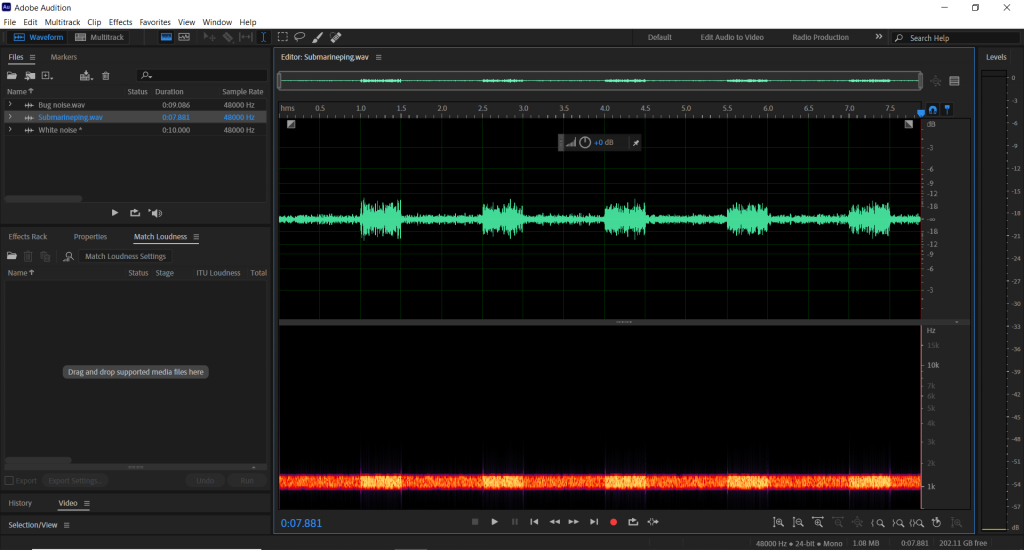
I isolated another part of the white noise audio and made it a new audio again. With this, I raised the dB of the audio at various intervals to make it sound like a submarine radar.
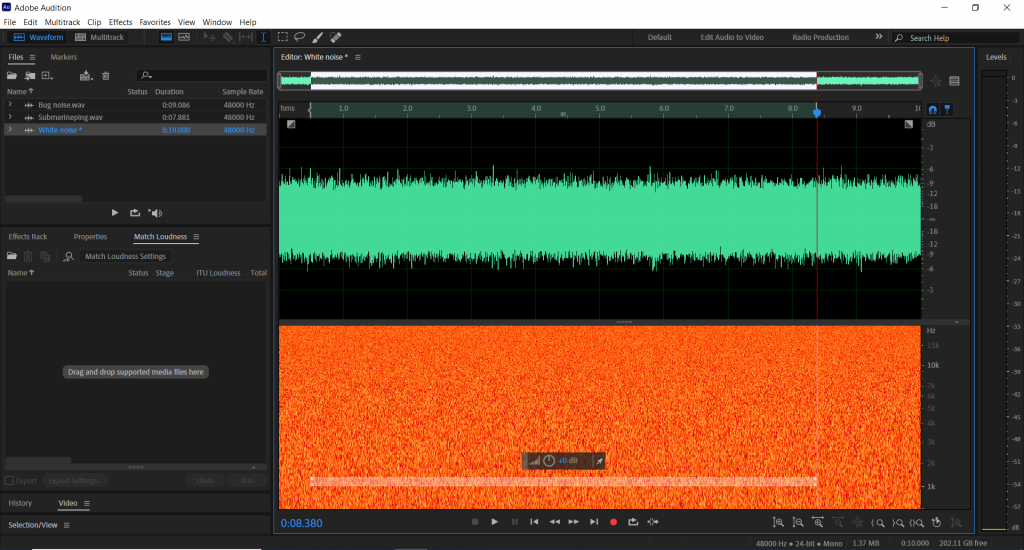
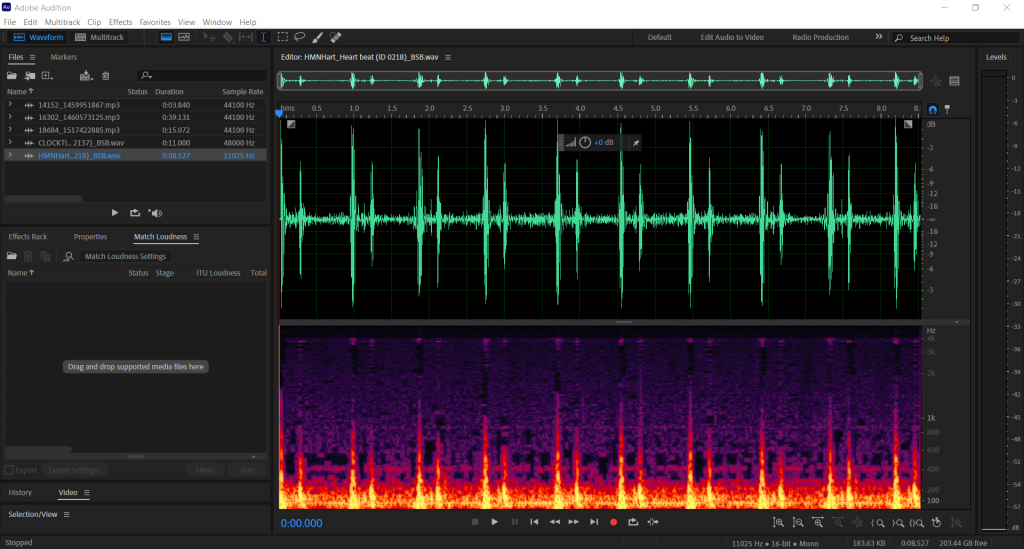
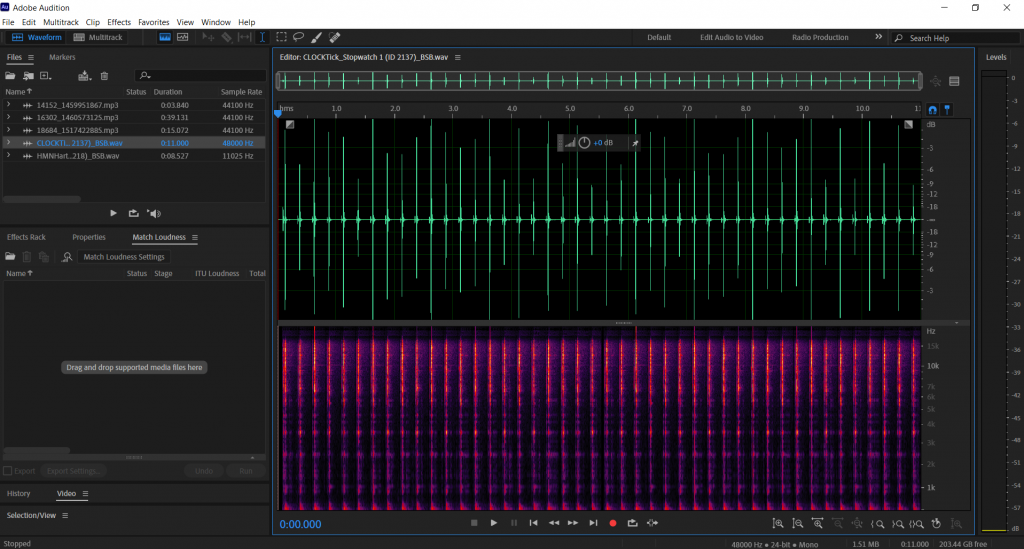
I then found two free use audio files online and put them in Adobe Audition. The first was unusable for a portfolio piece as it was below 44khz. The second audio source was fine to use as it hasn’t been edited from any other format to WAV and it is 44khz or above.
0 Comments