YouTube link: https://www.youtube.com/watch?v=AWG435Or3Uk
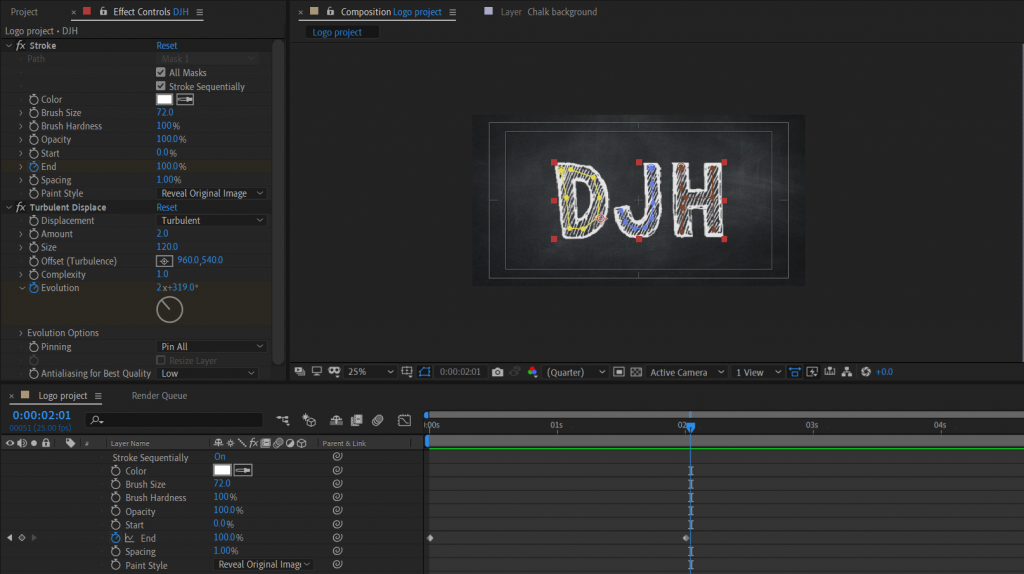
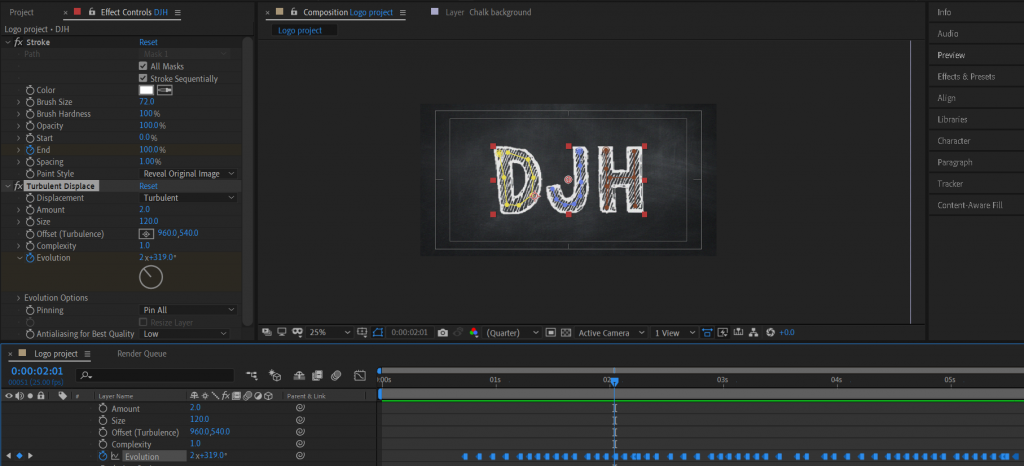
I have created an animation of my initials being written onto the screen. I drew over the text layer with the pen tool and used the stroke effect to make the text appear as if it was being written. I then added the turbulent displace effect so that the text would shuffle slightly to give it a bit more character. The two images below show the keyframing of the end of the stroke and the keyframing of the displacement.
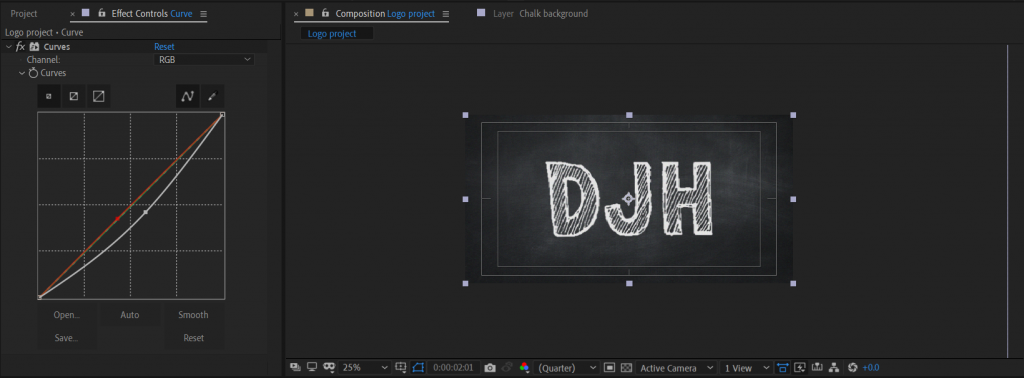
I also added the curve effect and pulled it down slightly so that it would make the board slightly darker.
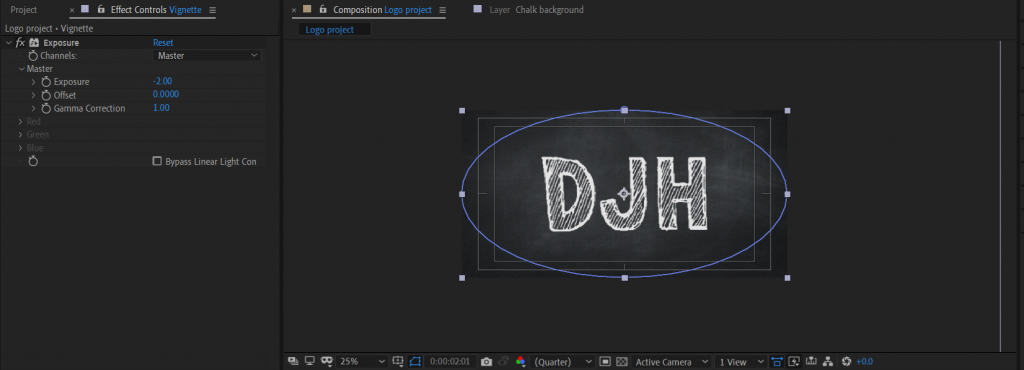
The final thing I did was add a vignette to the background so that it would look better. I did this by inverting the layer the circle is on and adding the exposure effect, I then turned that the minus.
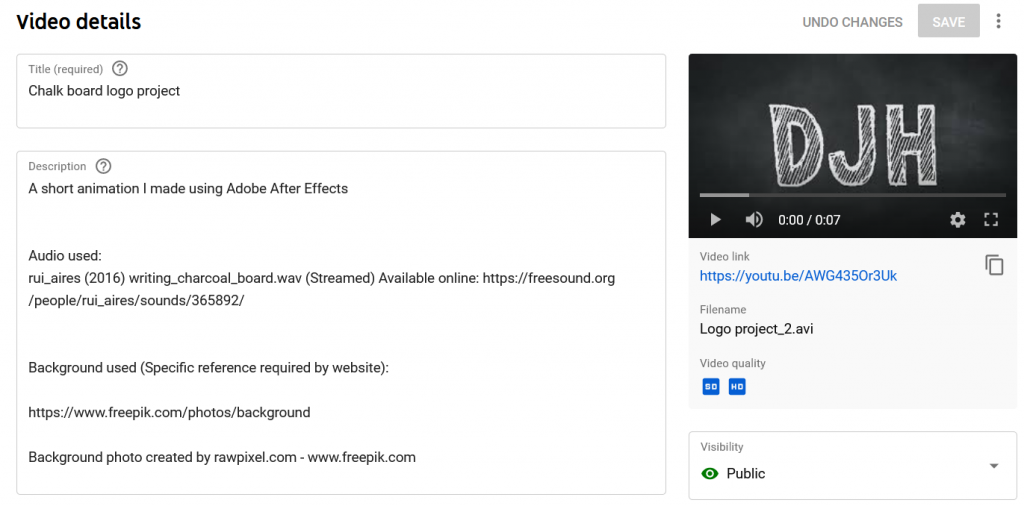
After I had completed the animation, I added sound and uploaded it to YouTube. I added the appropriate references for elements used within the animation.
0 Comments