This weeks Level Design work had me start learning the basics of landscaping within the Unreal Engine.
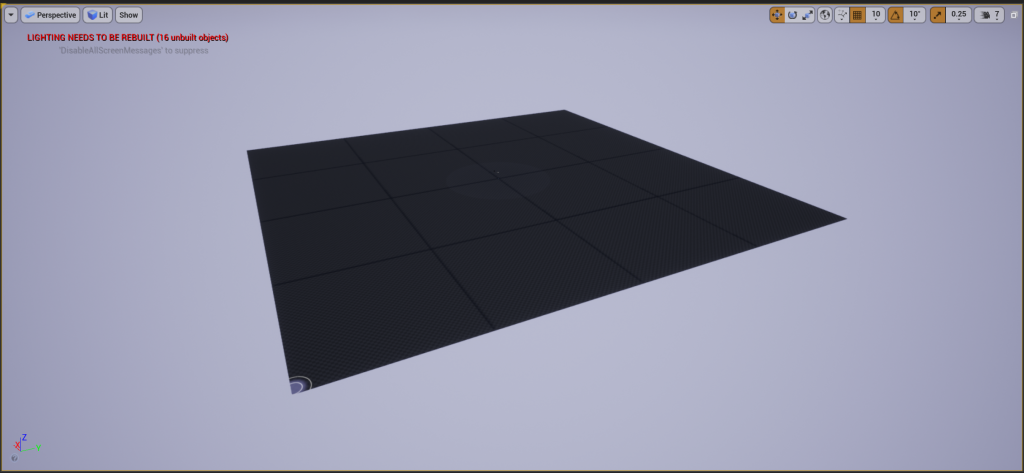
I started by creating a 4×4 landscape. I knew the level I was going to create wasn’t going to be huge as it is my first attempt at using the landscape tools and didn’t want to shoot too high with my first creation.
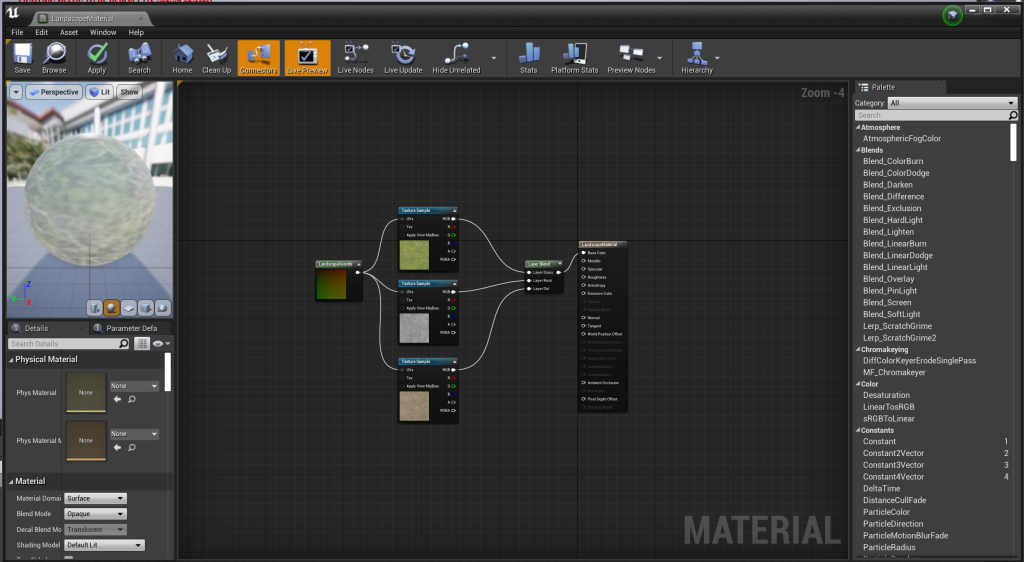
To add textures to the landscape, I added textures to texture samples, connected them to a layer blend and connected that to the base color of the material. This meant that when I went to paint, I would be able to use the chosen textures. I connect a landscape coords node to the texture samples so that I could stop them from repeating too much and breaking player immersion.
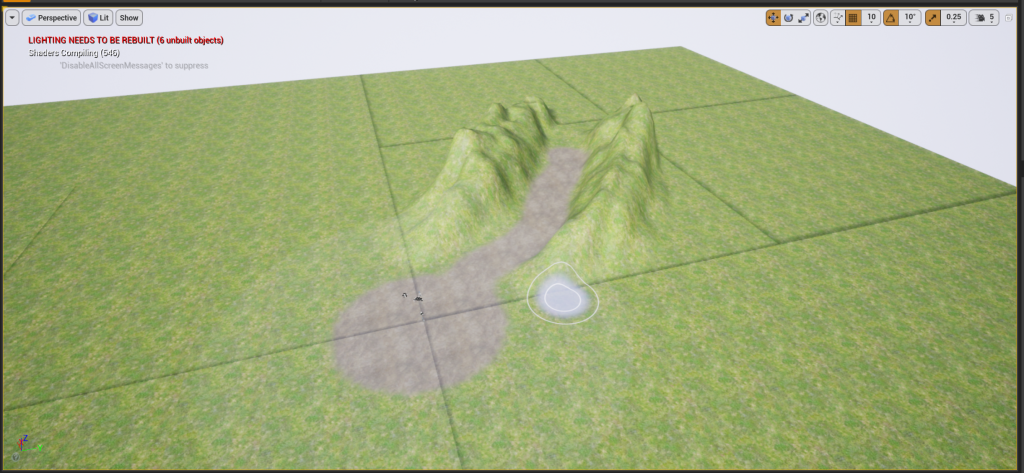
I started creating the level by painting a dirt circle in the center of the landscape, this would be the start location for the player. I then painted a pathway out from the center circle and sculpted hills on both sides of the pathway.
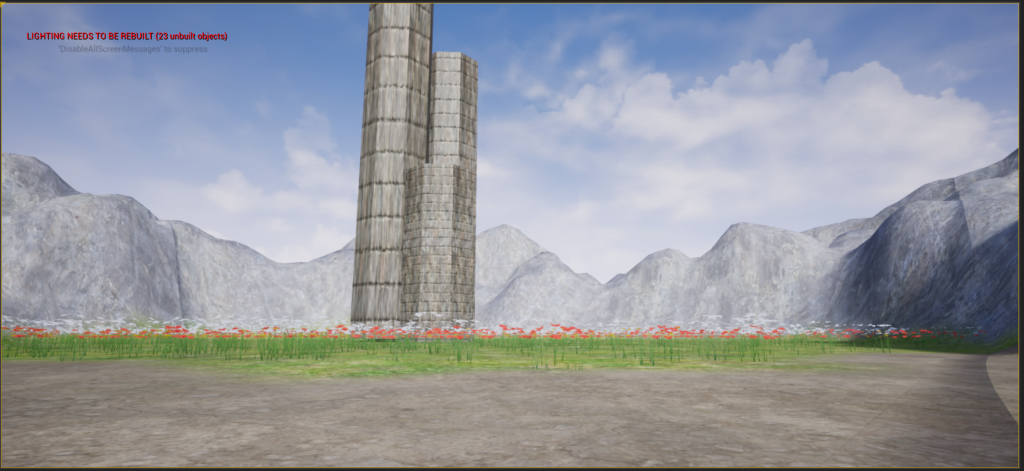
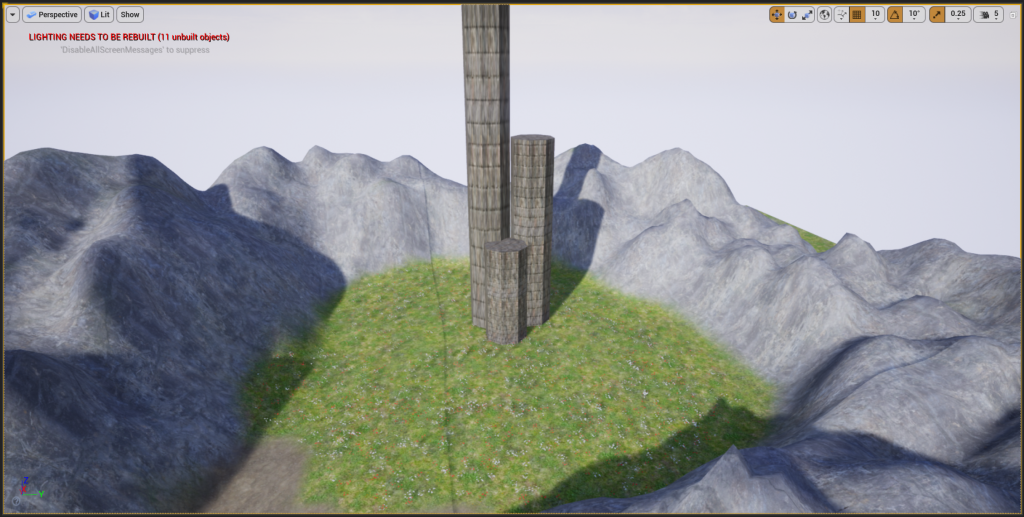
I continued sculpting cliffs along the path and enclosed a circular area with them at the end of the path. I sculpted the cliffs in rows and then used the noise tool to make them look a bit more varied in shape and size. I then painted the cliffs with a stone texture. Inside the circular area, I added a variety of flowers and three tall towers. These towers won’t initially be visible from spawn, but will eventually be seen by the player. This will interest the player, causing them to move towards them. The towers are nothing but aesthetic in this level as it is just a test to get used to the landscaping tools of the Unreal engine.
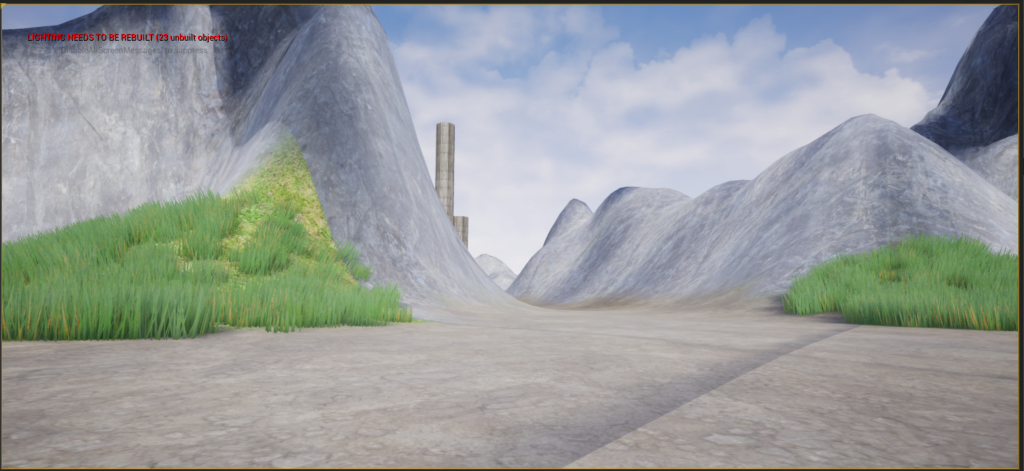
I then enclosed the initial spawn area with cliffs as well. I also added grass to the area around the dirt spawn point to make the area less barren.
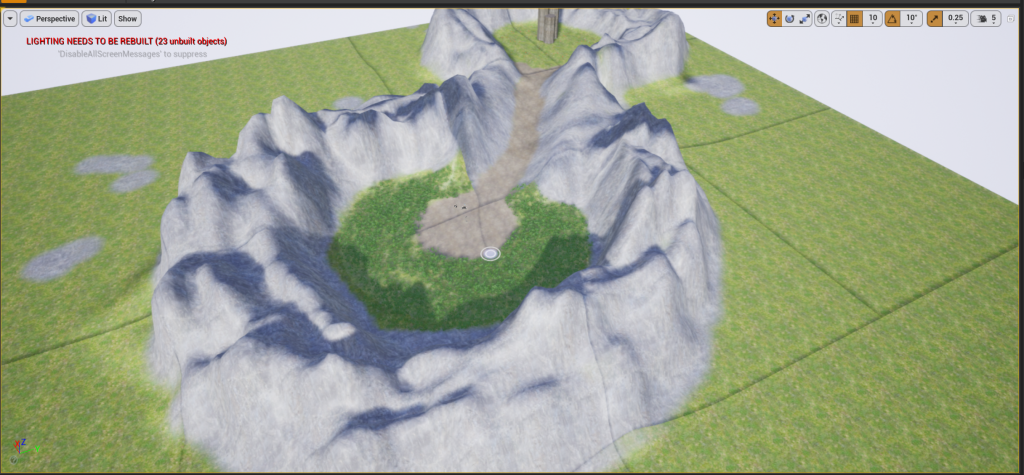
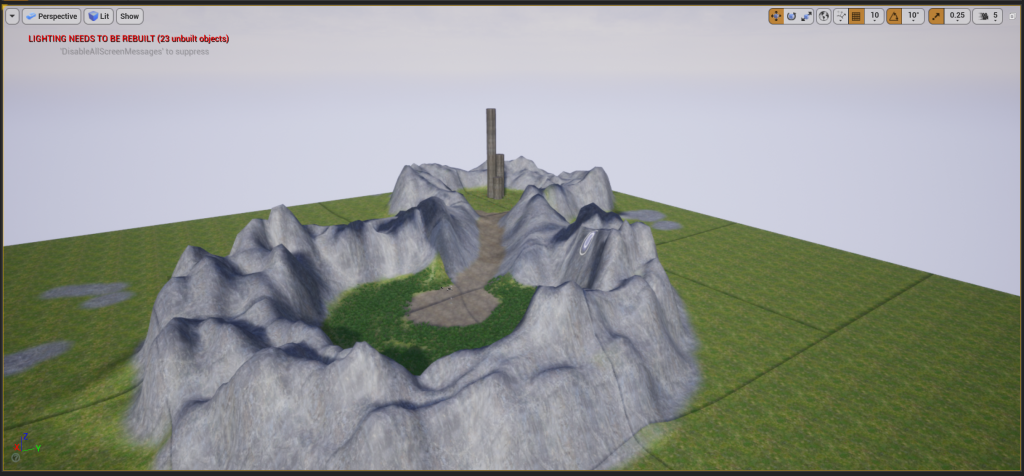
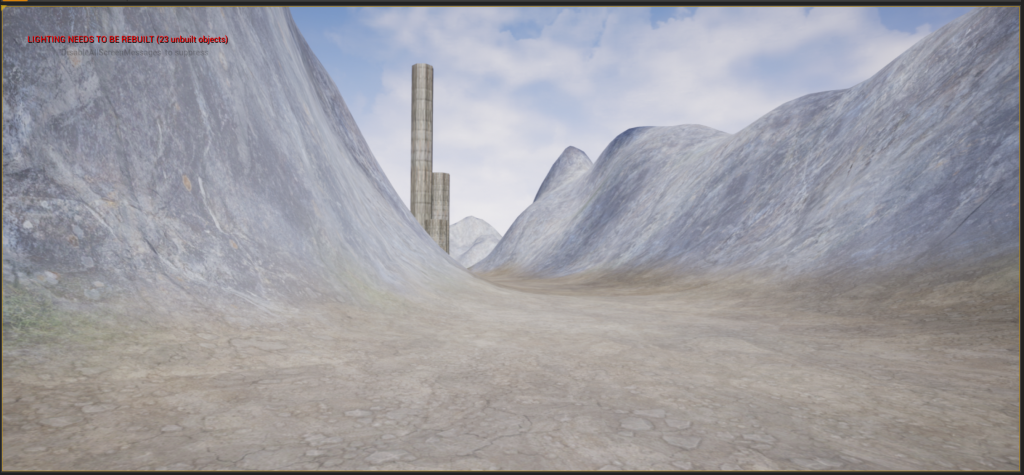
When the player loads into the level, this is the view they will see. The pathway is slightly curved so that there is an element of mystery. The player cannot see all the way to the tower, therefore making them want to move towards it and see what is hidden by the cliffs.