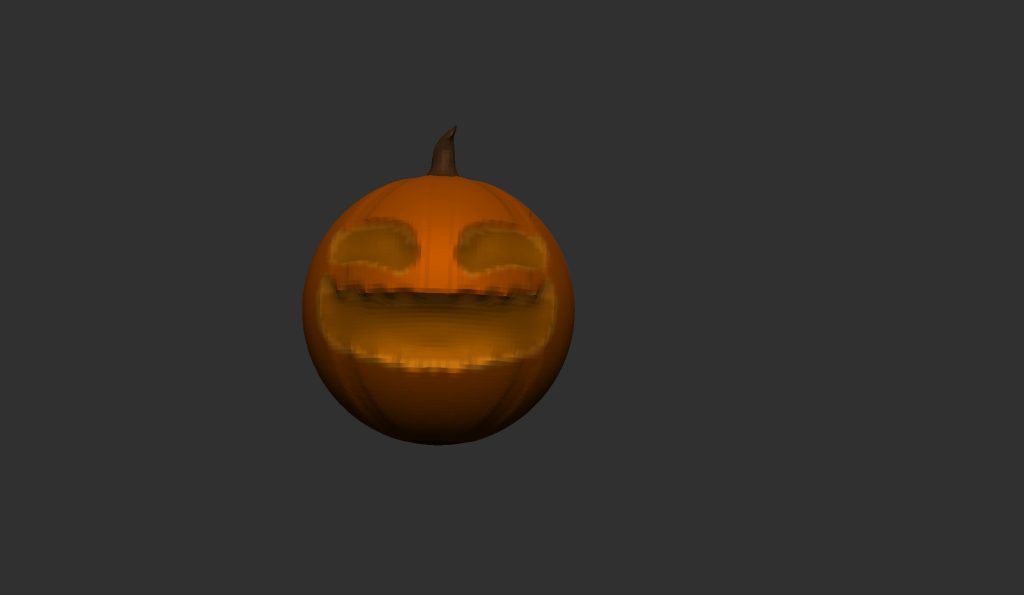
In todays lab session, we were walked through creating a pumpkin in Zbrush.
I started with a spherical mesh. Once the mesh had loaded, I turned off X symmetry and turned on Y symmetry as well as radial symmetry. This meant I could add the curves symmetrically around the sphere. Before adding the curves, I added a mask around the sphere that would allow me to pull out the make the groove pattern in the sphere. Once I had drawn the mask on, I used the scale tool to pull out the grooves in the sphere. After this, I got rid of the mask and drew a new one on the very top of the sphere. I then pulled out this mesh to add a stalk like feature to the top of the pumpkin. I then drew another mask onto the sphere, this would be the eyes and mouth. I pushed the masks inward, smoothed them and used Dynamesh so that they weren’t extremely blocky. To finalize the pumpkin, I painted it orange and added multiple shades with the eye and holes.