This week in the labs session, I learned how to make a door open in Unreal using blueprints.
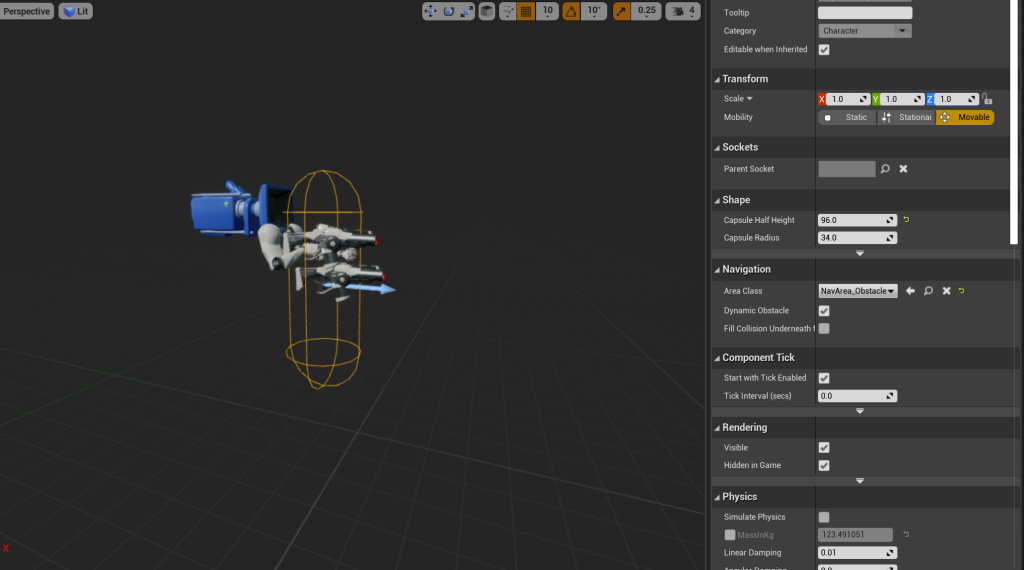
I first started by reverting the capsule radius of the first person player to the default size so it would fit through the door model.
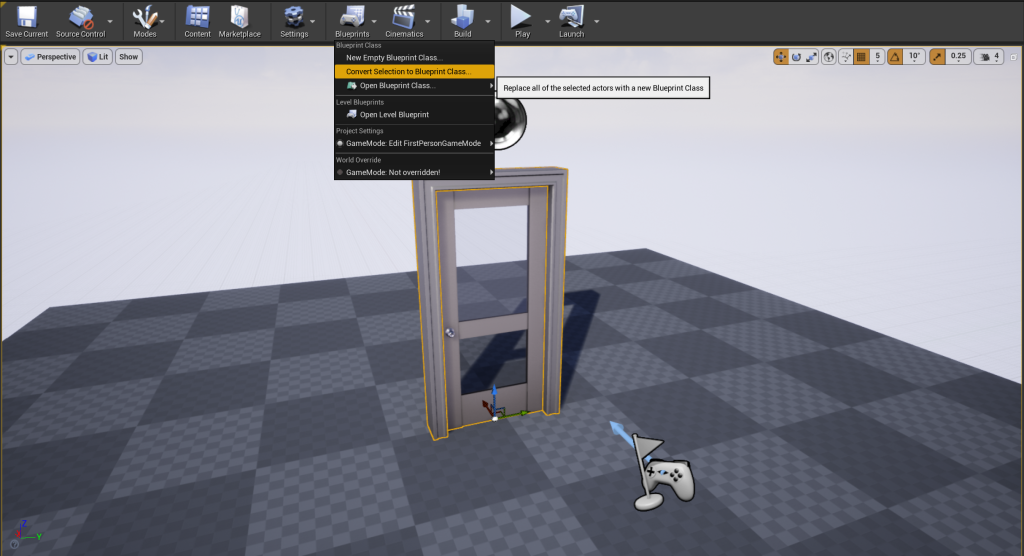
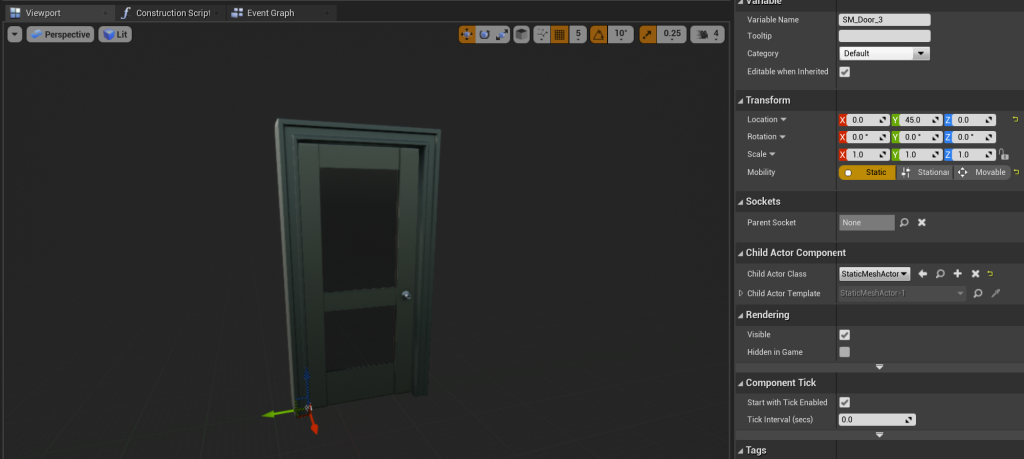
I then placed the starter content door and door frame model that are provided in Unreal and converted them into a blueprint.
I added a box collider to the blueprint so that when the player walked into it, they would be able to interact.
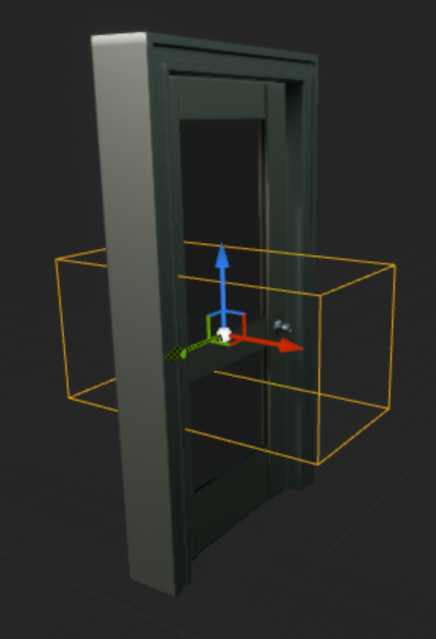
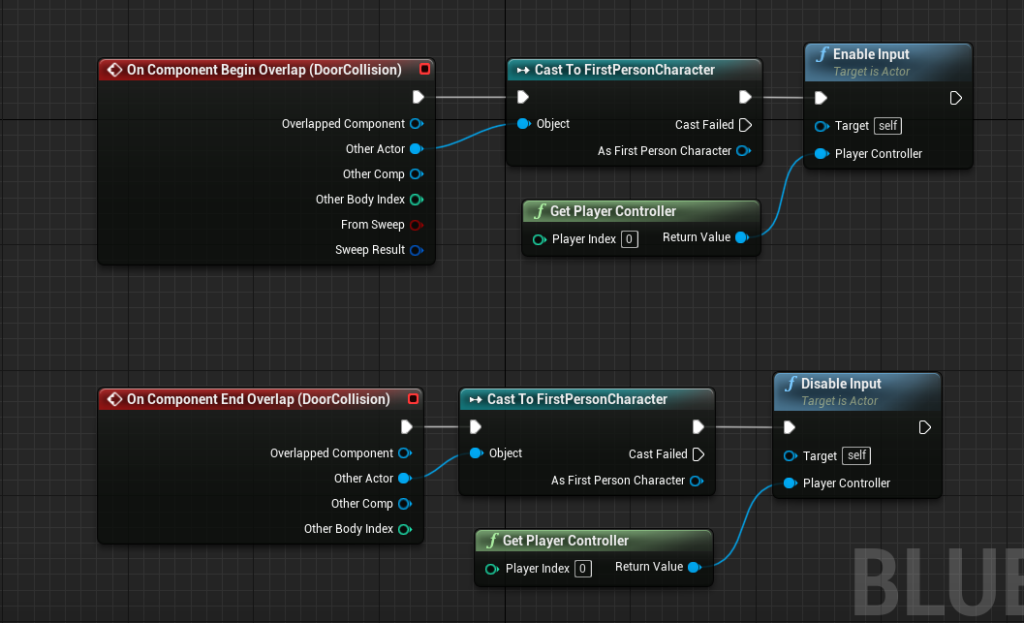
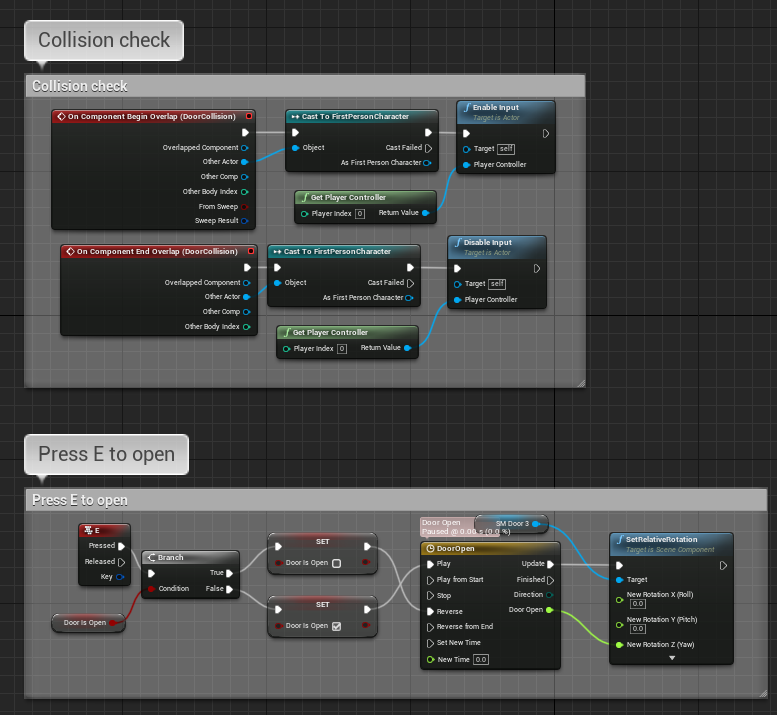
I then added nodes that would allow the player to interact with the door when in the radius of the box collider, I also stopped interaction when they left the radius.
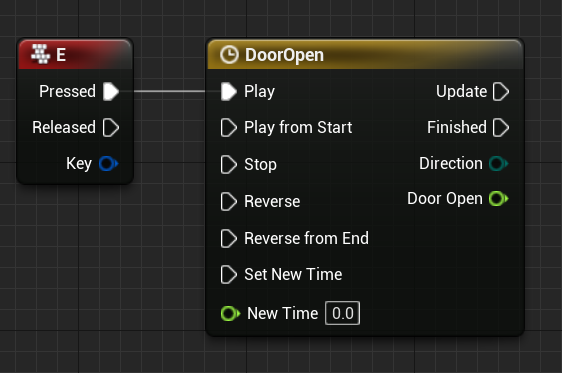
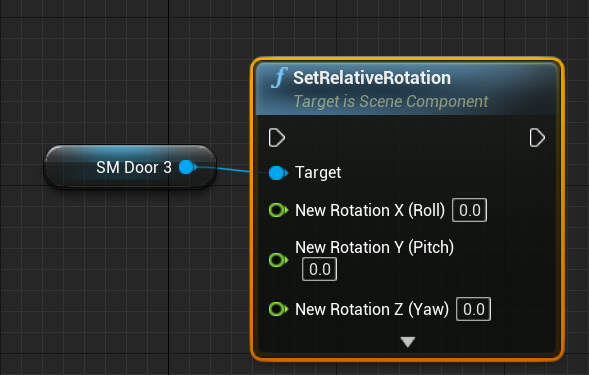
I then placed nodes that would cause the door, or close depending on the current state of the door, when the player pressed E.
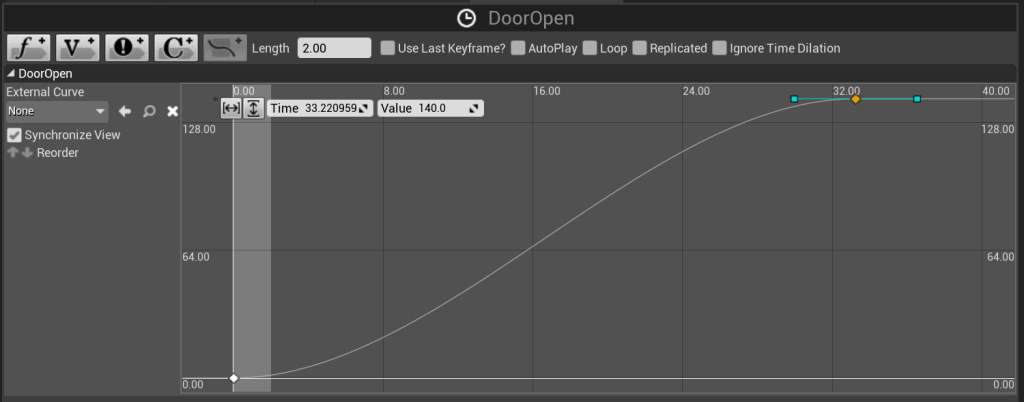
I realized after completing the project, that I had the length of the timeline set to 2 seconds whereas the time of the animation was 32 seconds so it was impossible to play. I altered this by setting the animation length to 2 seconds.
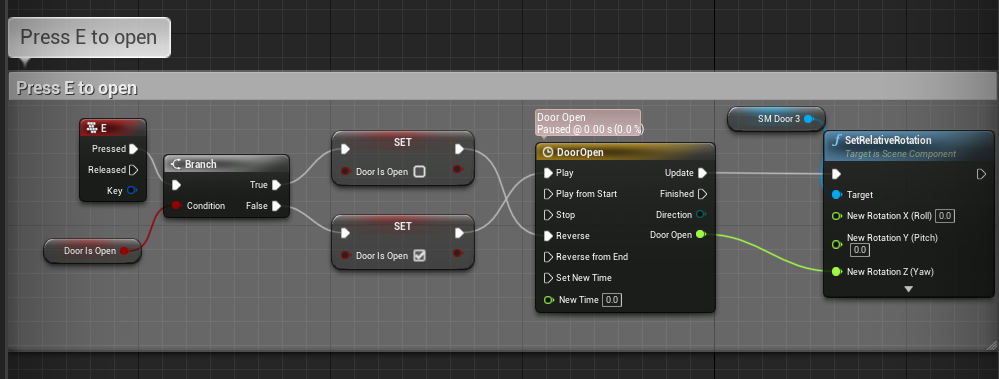
This is the whole blueprint finished for opening and closing the door.
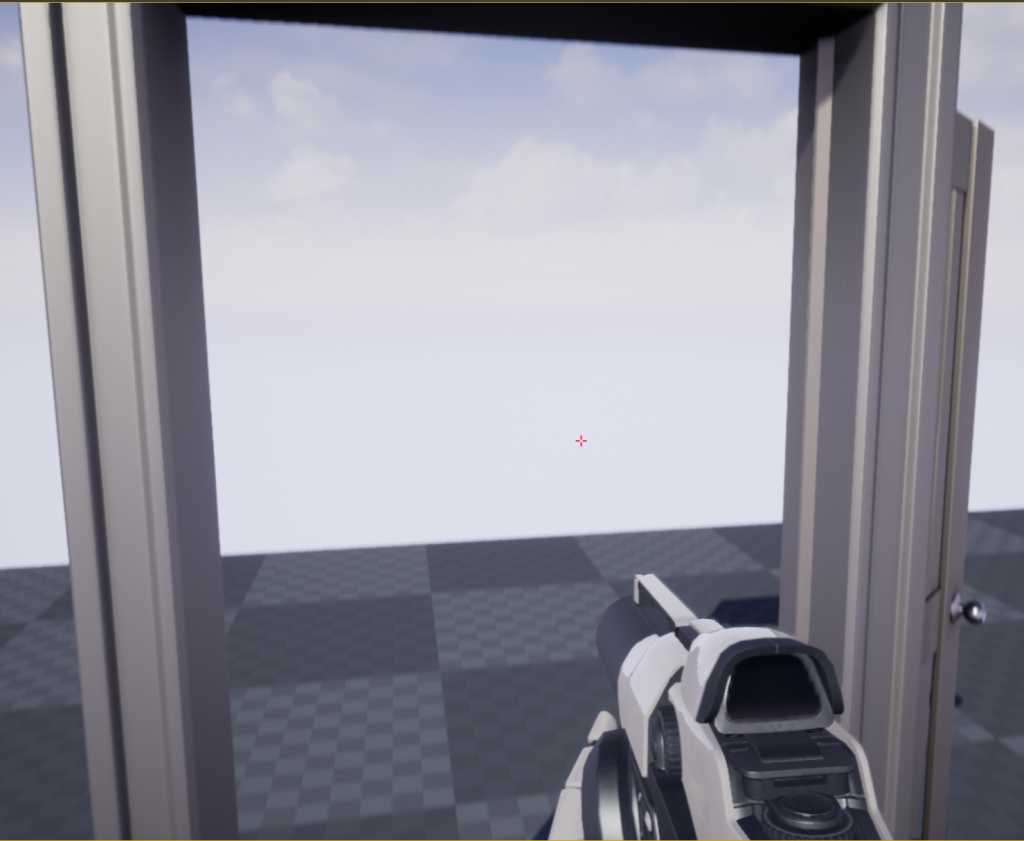
An example of the door being open.
As a side note, I had a problem I still haven’t found a resolution for and I was pure luck that any of this worked in the first place. When I turn the door into a blueprint, the door model will spawn slightly in the frame if it isn’t static. It also provides an error message saying the door needs to be static. If I change the door to static, it spawns in the correct location but I get a new error. For the door to open it needs to be moveable but then I get the error of the door not being static. I will update the page when I find a solution to this.
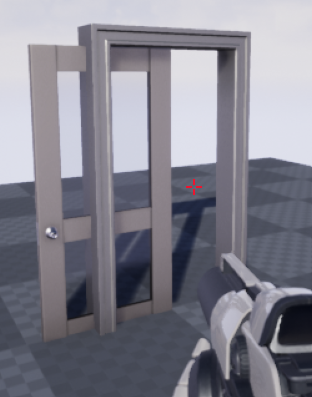
An example of the door spawning and clipping through the door frame.