The aim of today’s lab was to make a 3D bouncing ball animation following the 12 principles of animation. We were provided guides for keyframing and shaping the object.
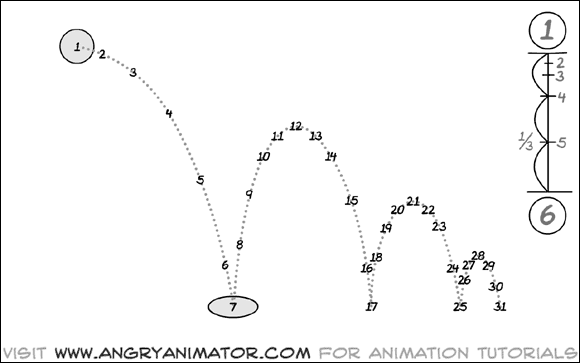
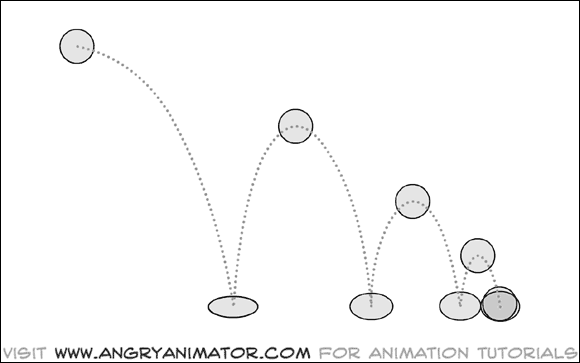
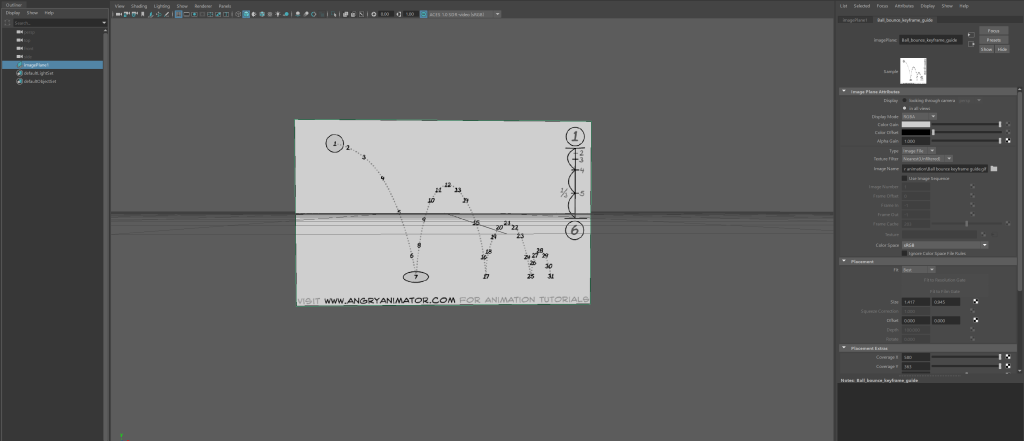
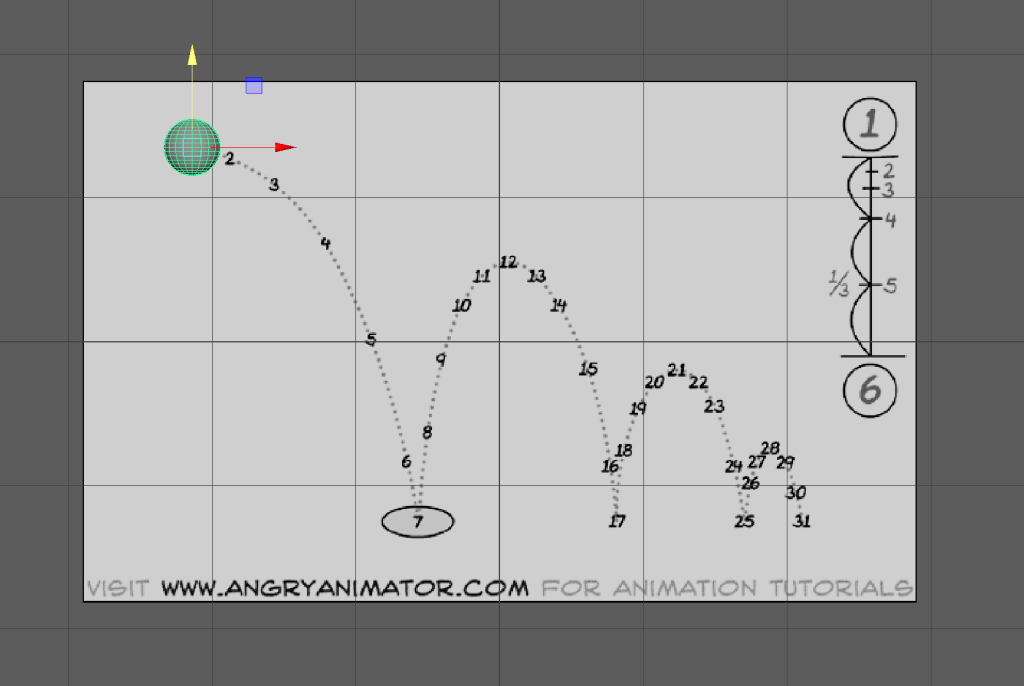
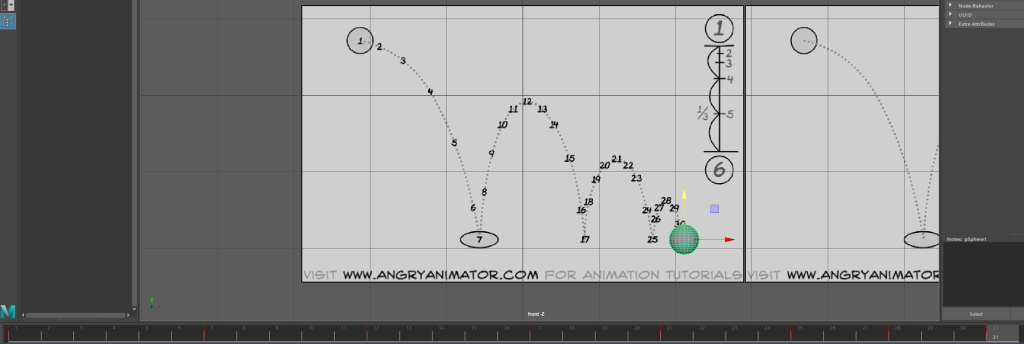
I started by inserting a free image plane and placing the guide into it, I then did this again and placed the other in.
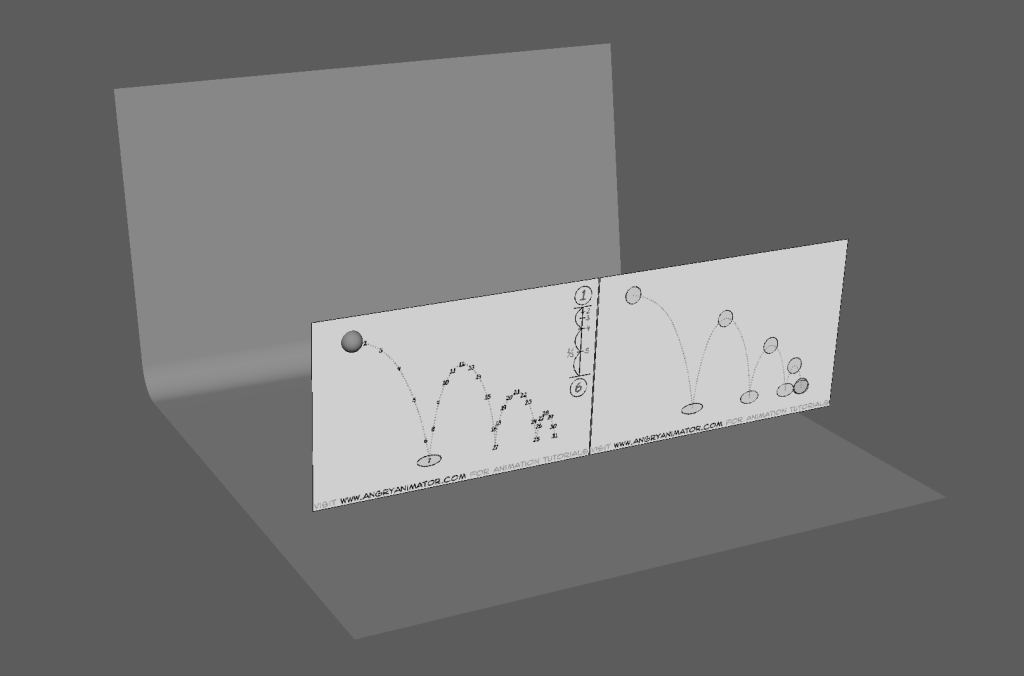
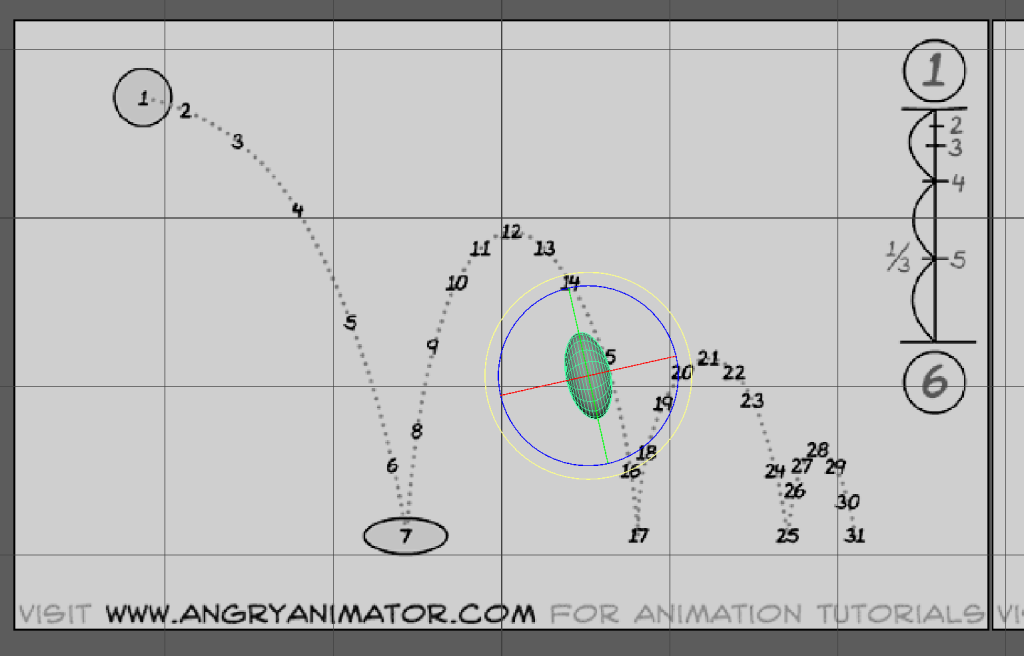
After that I Inserted a 3D sphere into the scene and altered it to fit the guide. I also inserted a 3D plane, used edge select to choose the far edge, pulled it out then up. I then chose the edge that was to be the curve and beveled it.
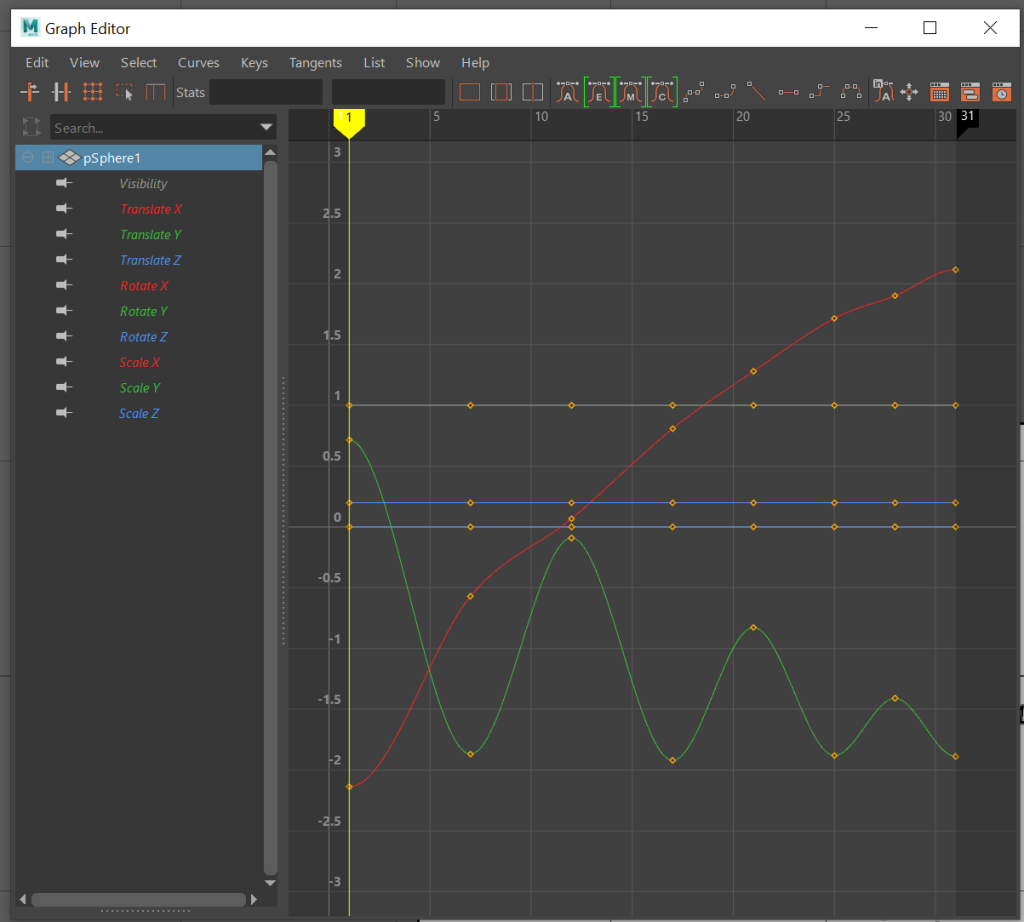
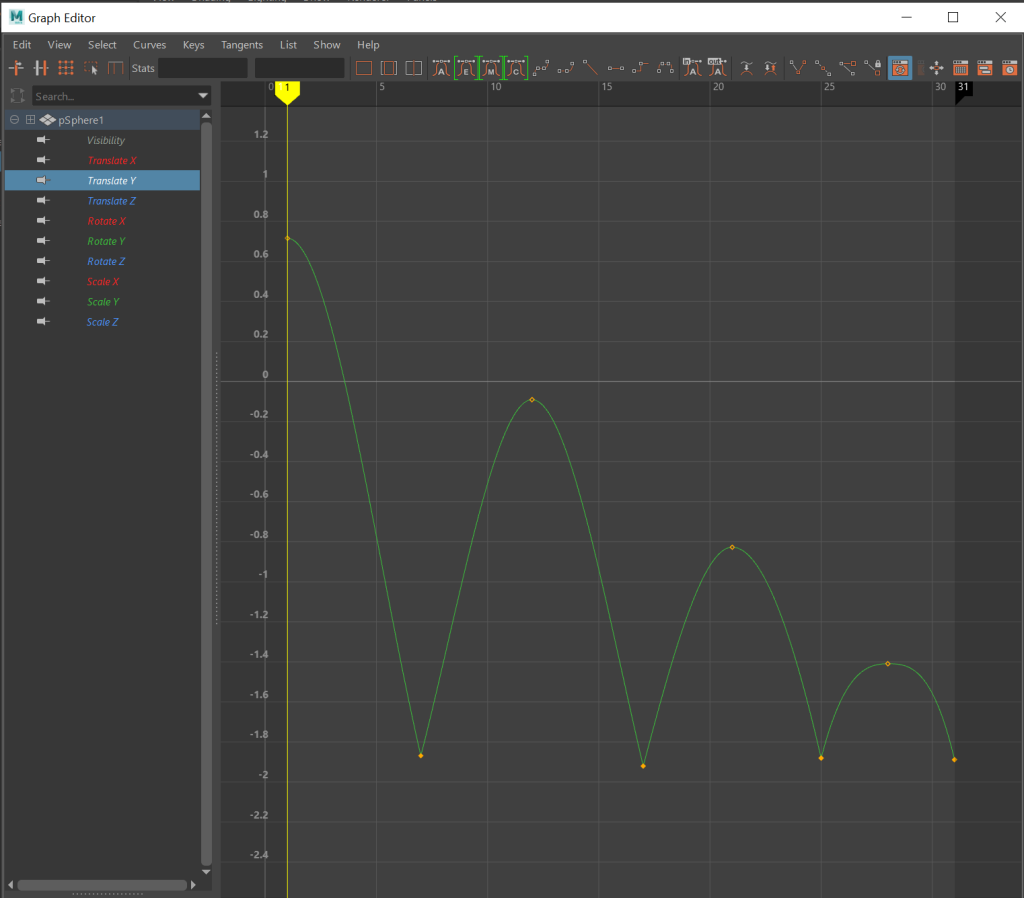
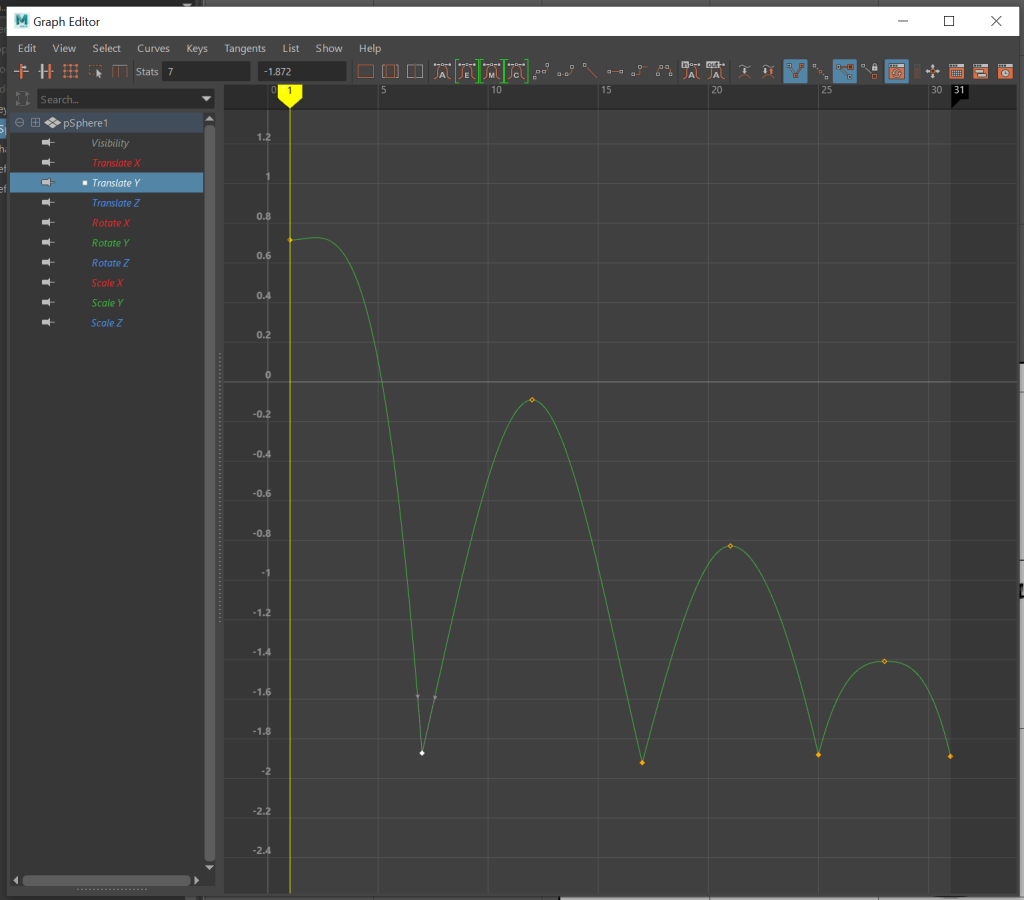
Once that was done, I started to keyframe the animation. I firstly moved the object into key positions and keyframed. After this I went into the graph editor, hid all but the Y graph the used break tangent so that I could alter the curves specifically. After the animation followed the guide, I altered the rotation of the sphere as it went up and down. I also altered the dimensions of the object as it hit the bottom and rose into the air. This was to follow the squash and stretch animation rule. As the object hit the floor it’s dimensions changed due to the impact, the impact was lighter each time so the object squashed and stretched slightly less each impact.
After I had completed the animating, I changed the colour of the background to green and the ball to a shade of purple by using the hypershade window. I used the colours as they work well with each other and the ball would stand out from the background. I then added a directional light and rendered a single frame. The light wasn’t bright enough so I raised the intensity and tried again. This worked so I used sequence rendered to render out the entire animation.
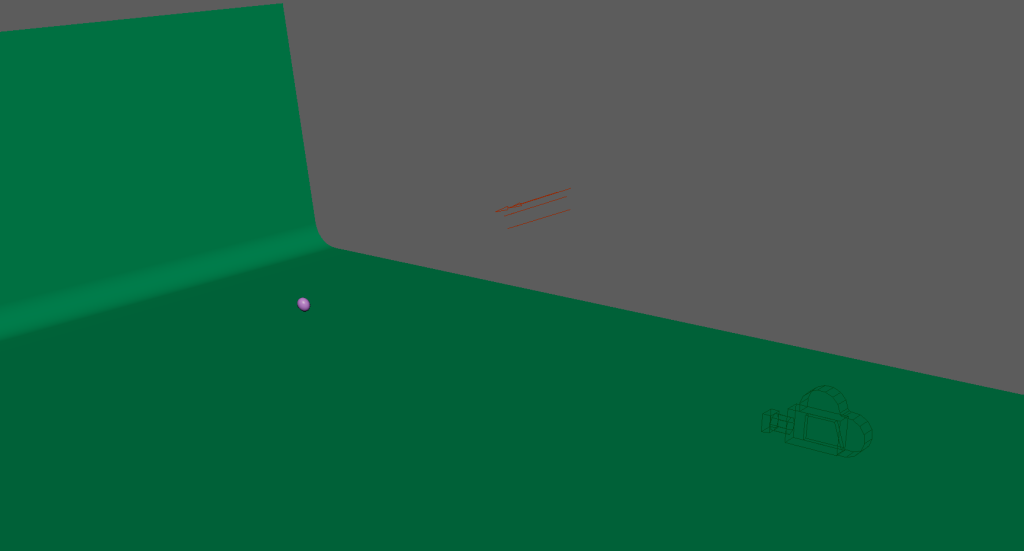
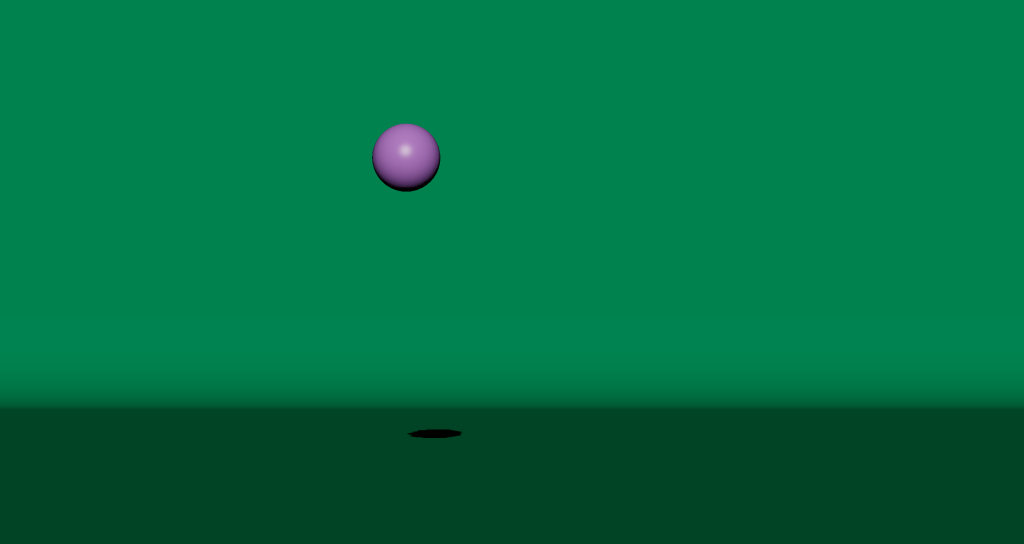
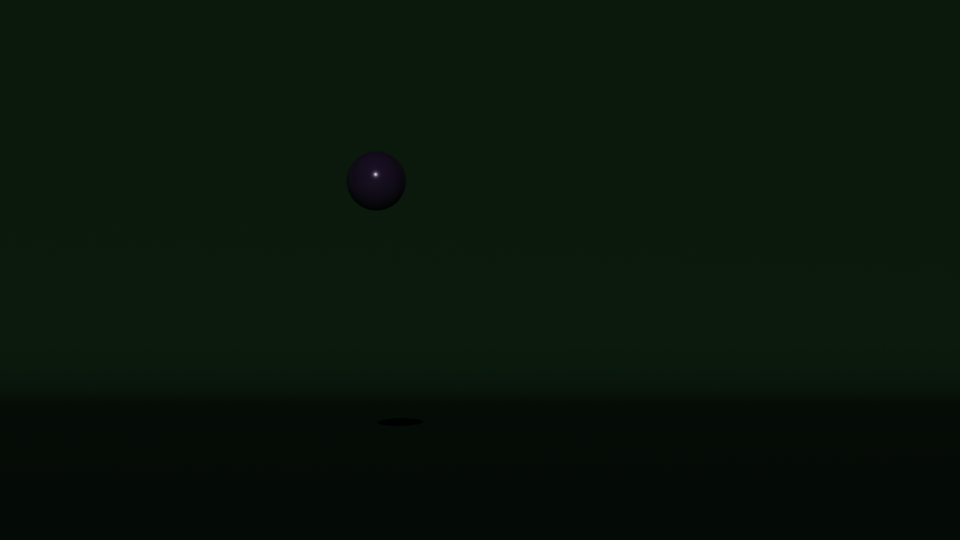
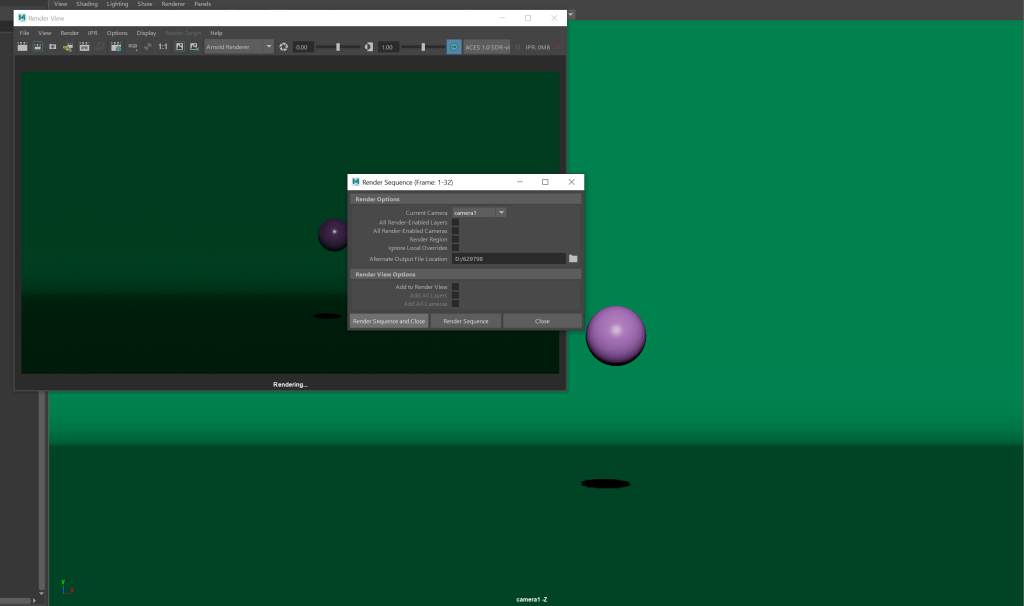
I then took the rendered image and put them in After Effects choosing to import and an image sequence. This is the final result. I feel the ball moves too fast throughout and could do with slight tweaks to make it slow down as it moves through the animation.