In this weeks lab sessions, I animated a pre-made and rigged character to walk.
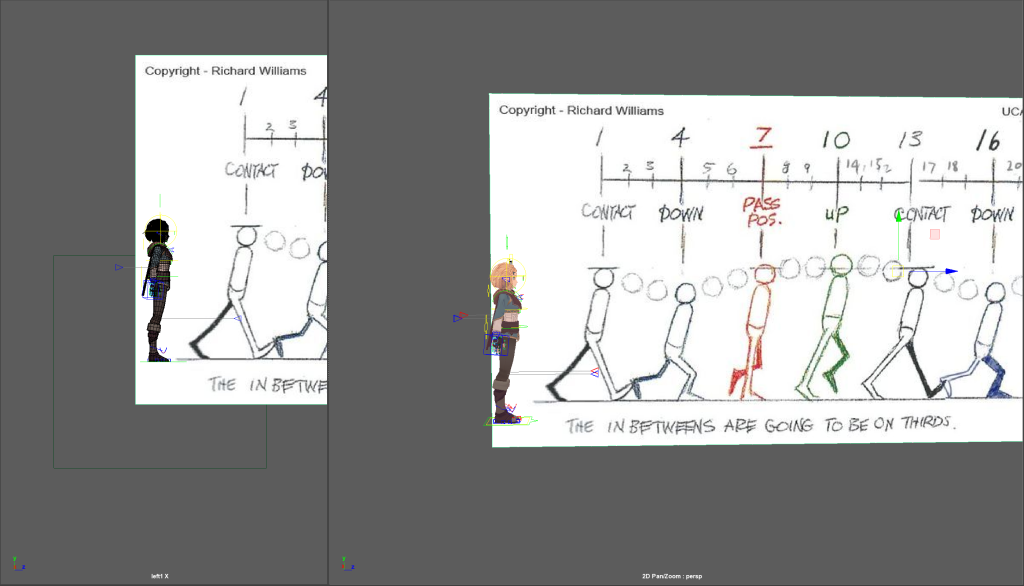
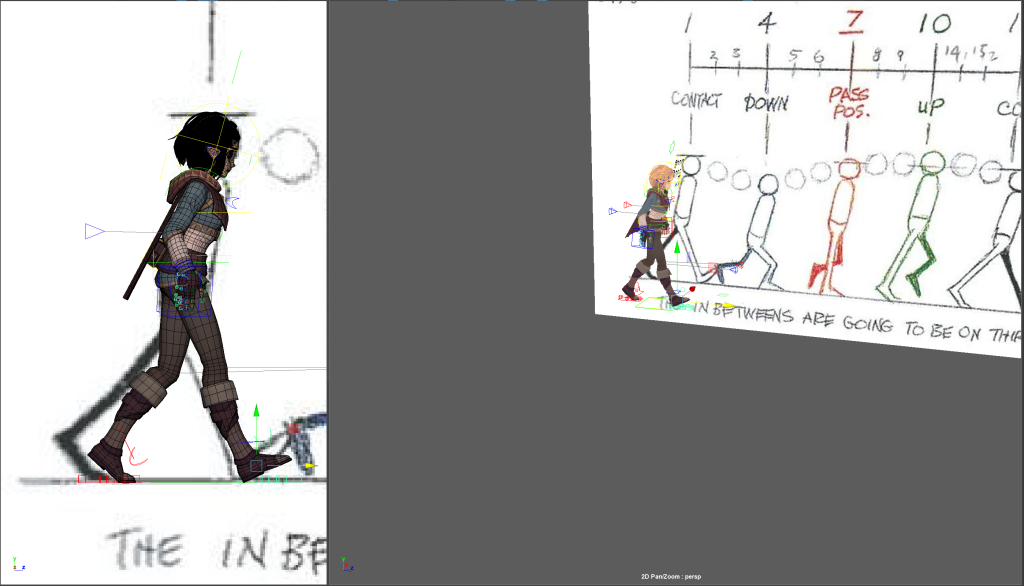
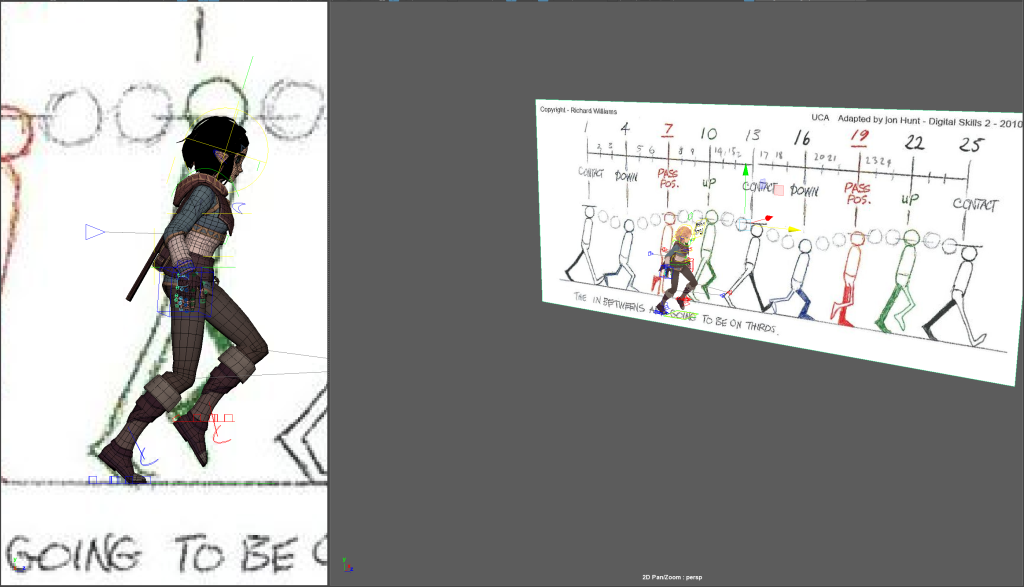
After importing the character into Maya, I inserted a free image plane and placed, then scaled, the guide next to the character. I then key framed the each element on the character that I would be changing. I started by placing the character in the key positions. I initially had problems with the key framing process as I didn’t realize I had to keyframe each aspect of the character, for example I had to keyframe the back rotation of the foot separately from from rotation. Once I realized this I was able to move forwards with the project. Unfortunately, Maya crashed before I was able to get screenshots of the initial process.
Parts of the character I keyframed include the upper and lower back as well as the rotation, placement and angle of the foot.
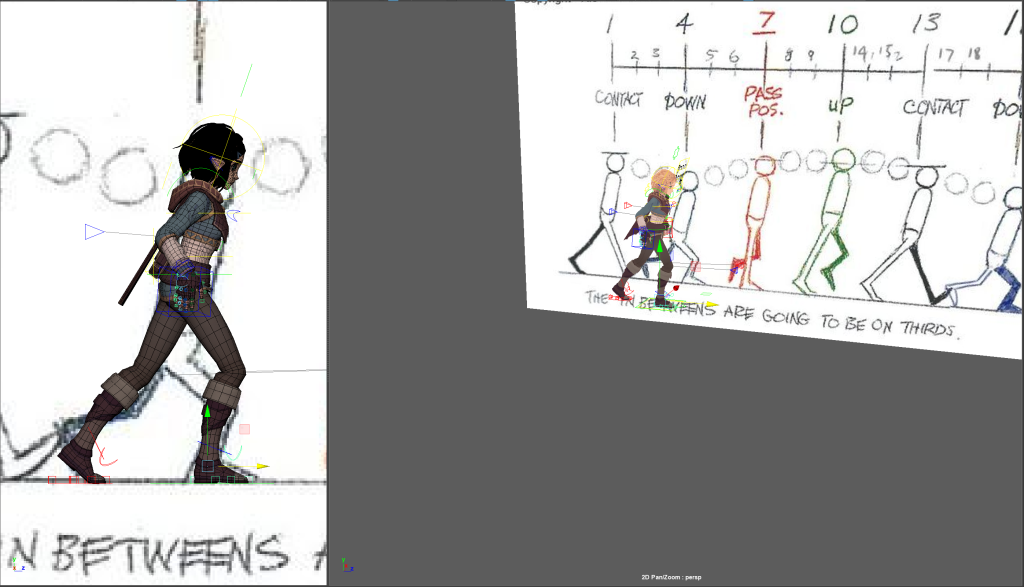
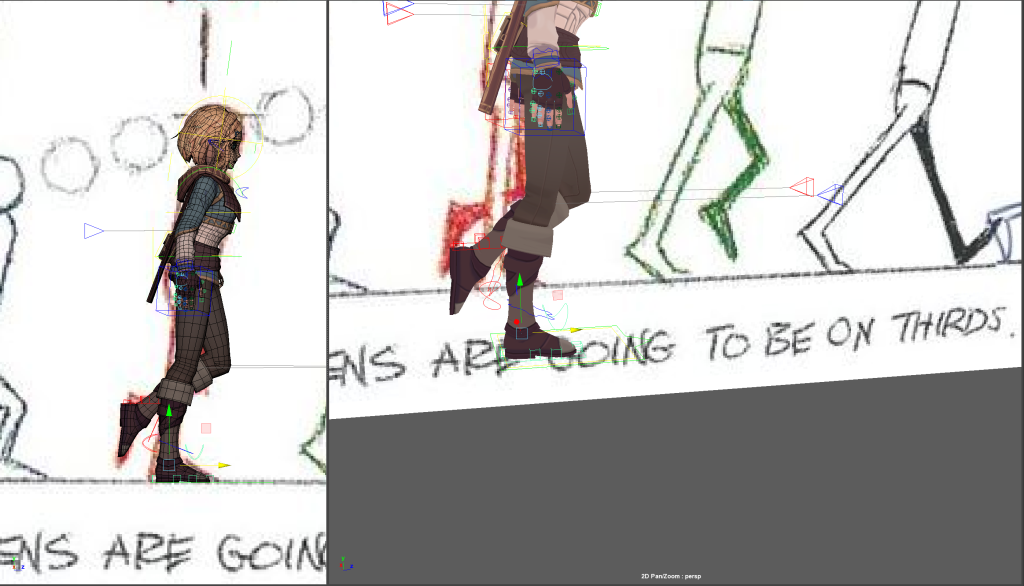
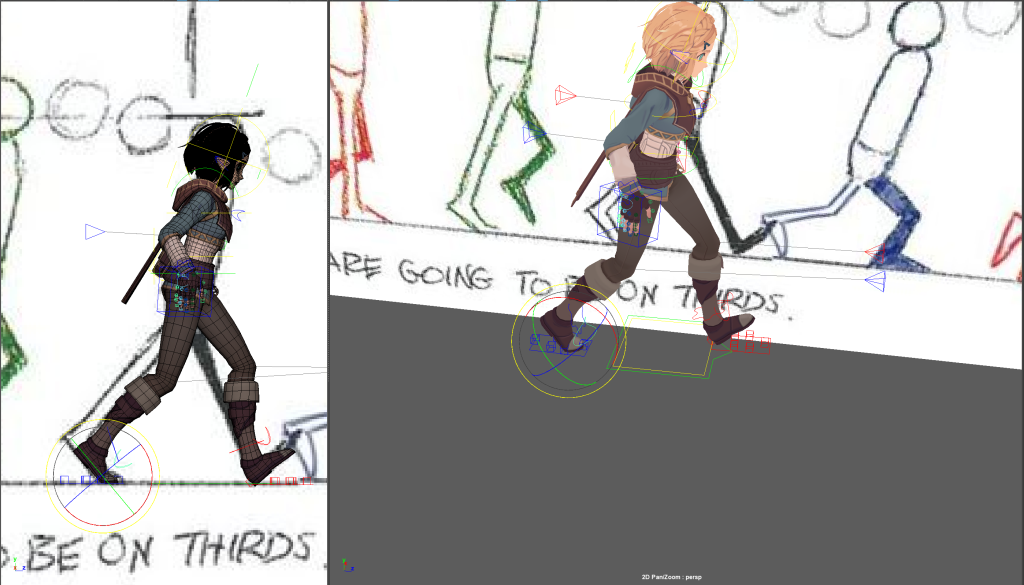
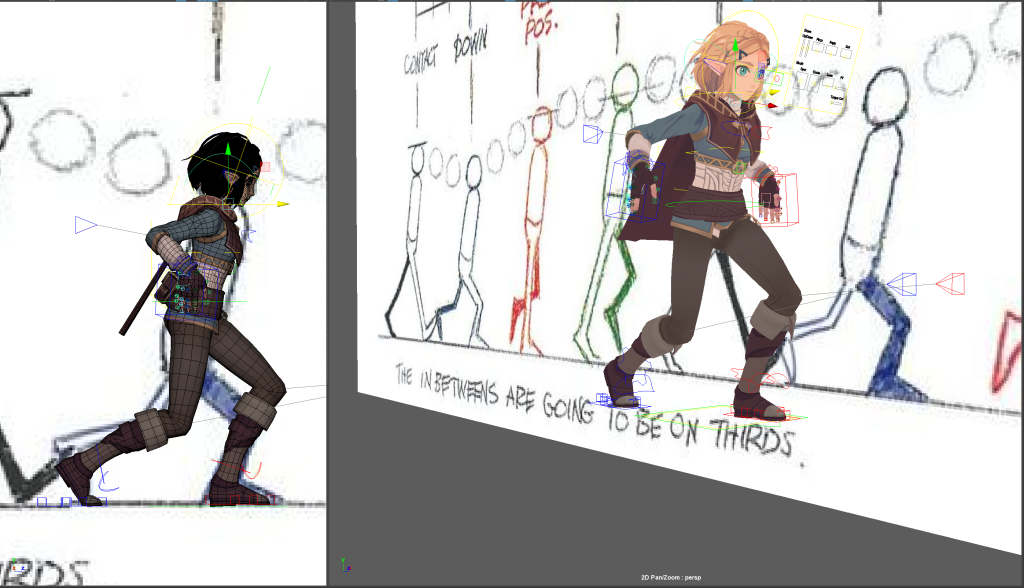
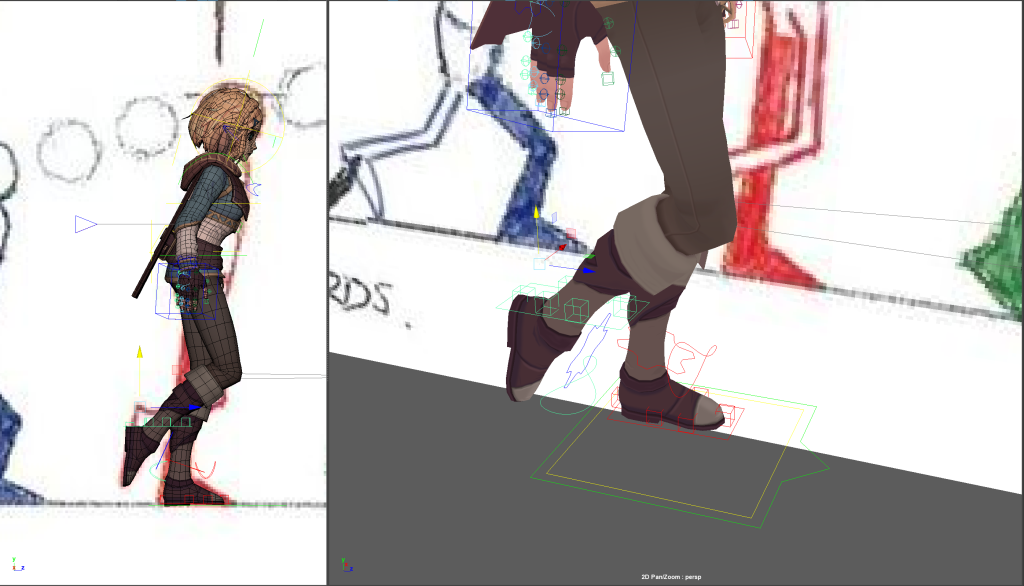
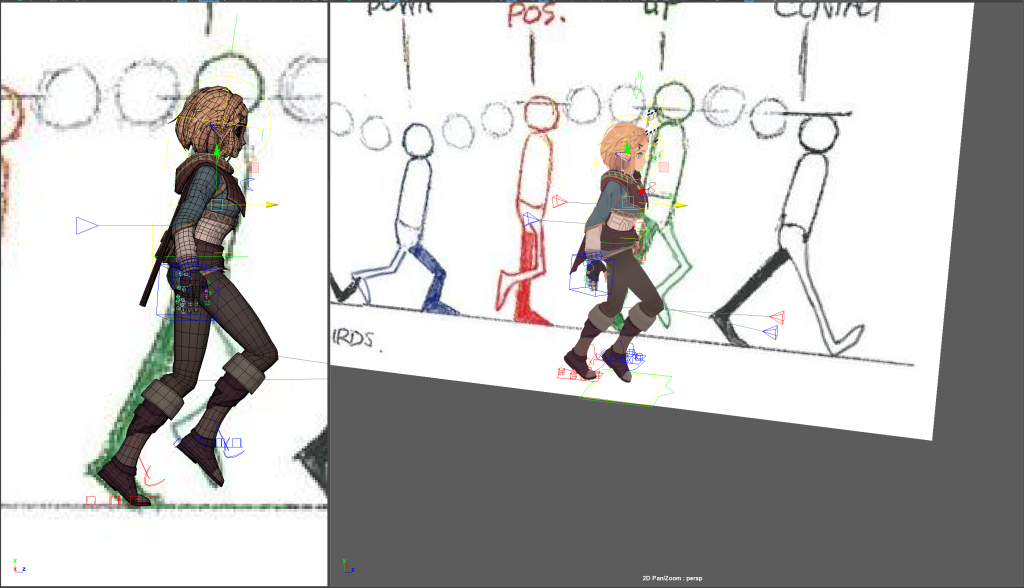
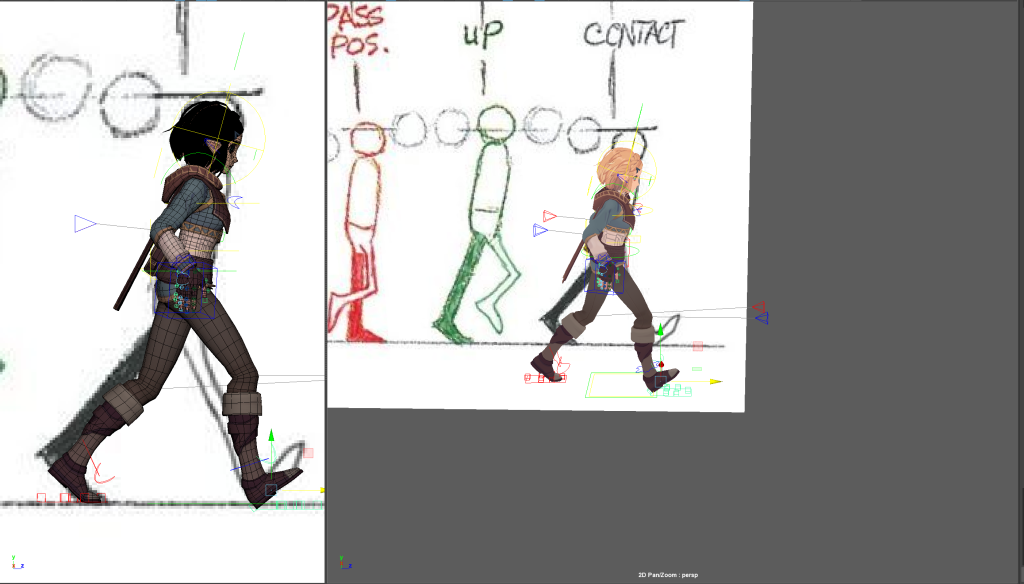
I also keyframed the movement of the arms as the character walked. This was done quite quickly and without a guide so it doesn’t match up to the steps properly.
Once I had finished the animation I used sequence render. After this I imported the render into After Effects and uploaded it to YouTube.