The first theme of Rapid Prototype Design is Fragments.
[24/02/2022]
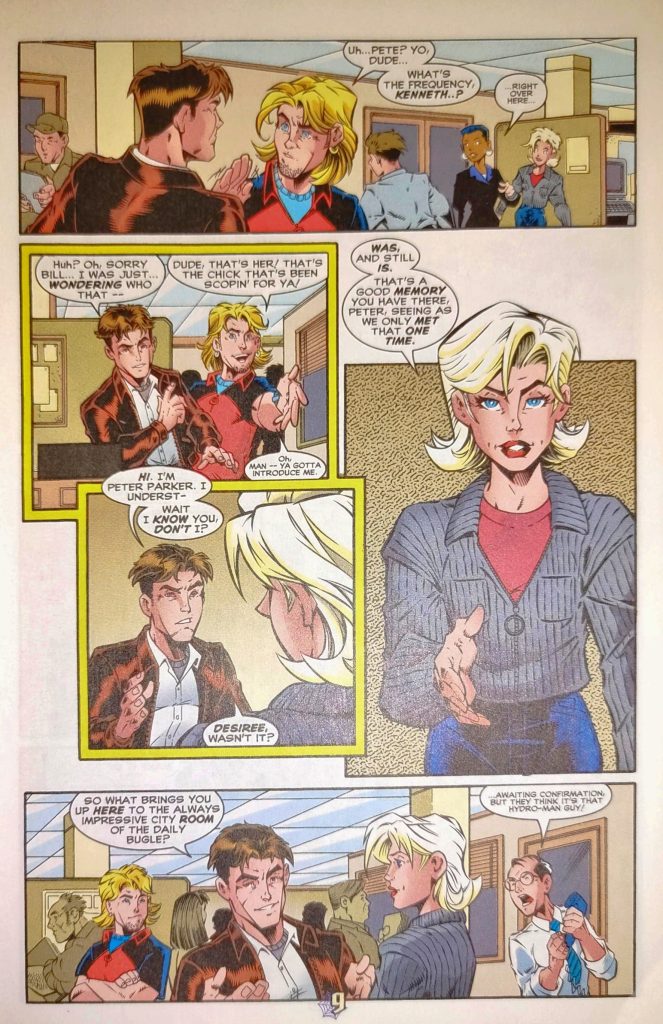
When coming up with initial ideas, I wrote down every word I could think of that even loosely related to the theme. As I was thinking of more thing to write down, I looked around my bedroom and saw a pile of comic books on my shelf. Looking through them for inspiration I realized the layout of a comic book could be seen as fragmented, that being fragmented into different panels. This gave me the idea to have the character moving through these panels as an element of the game.
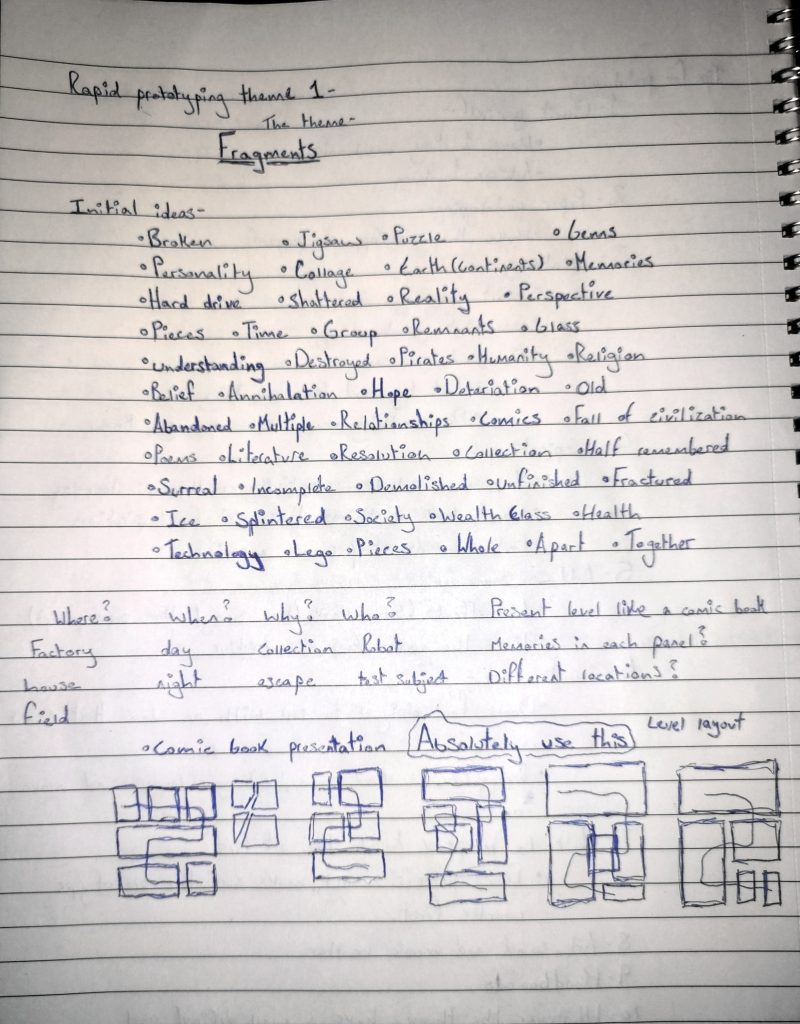
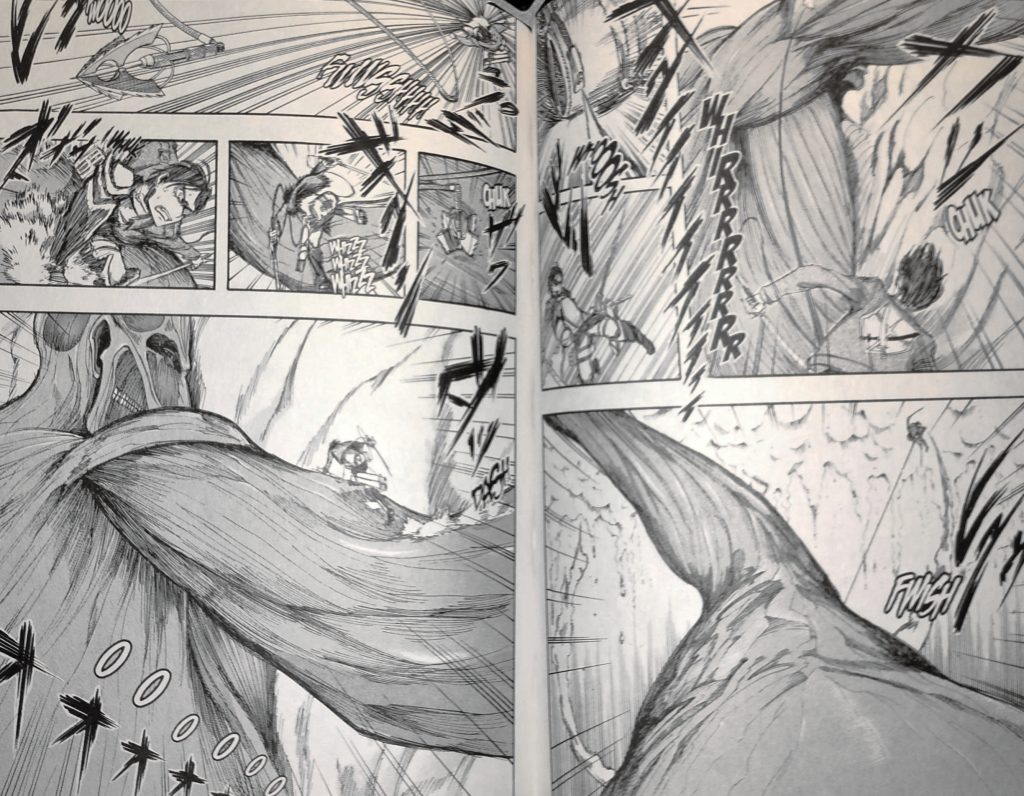
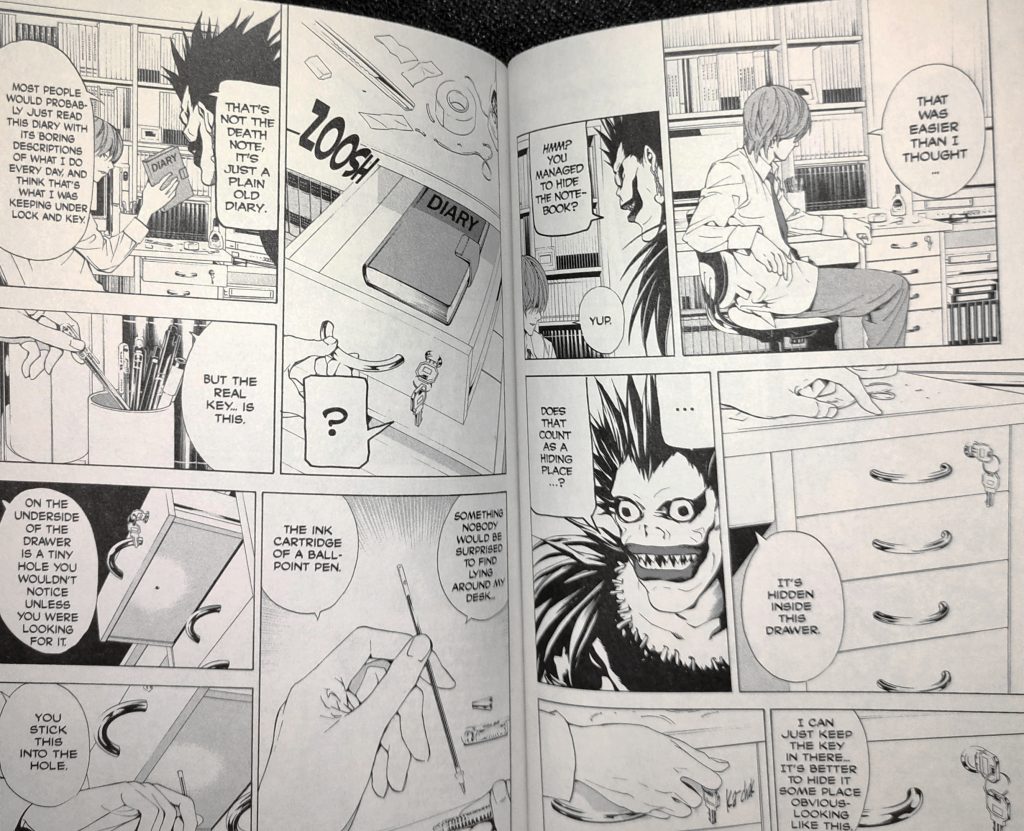
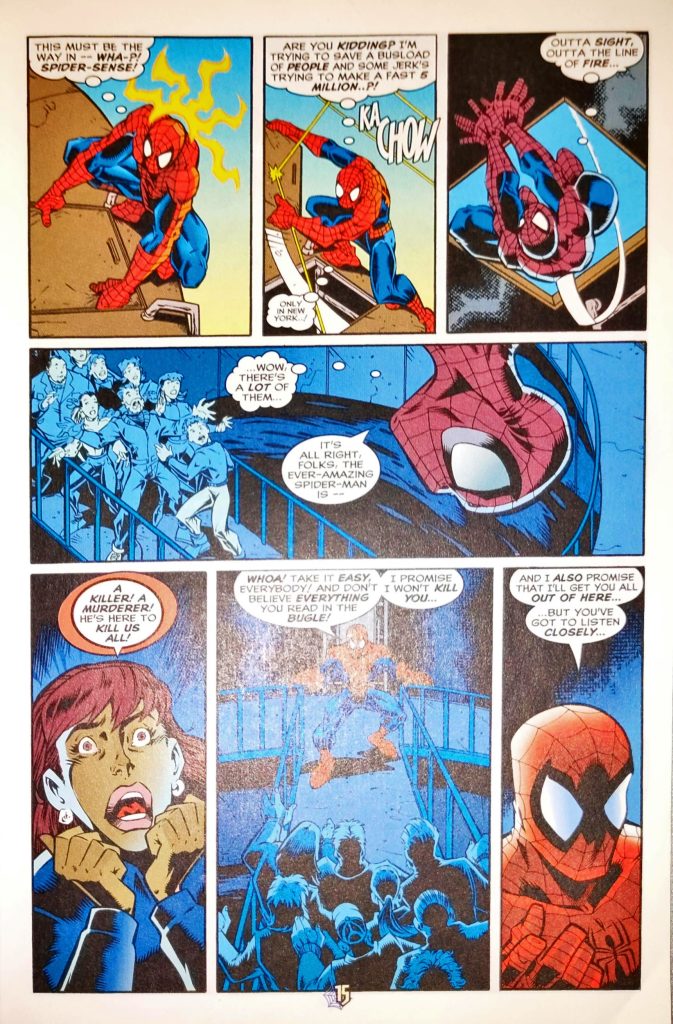
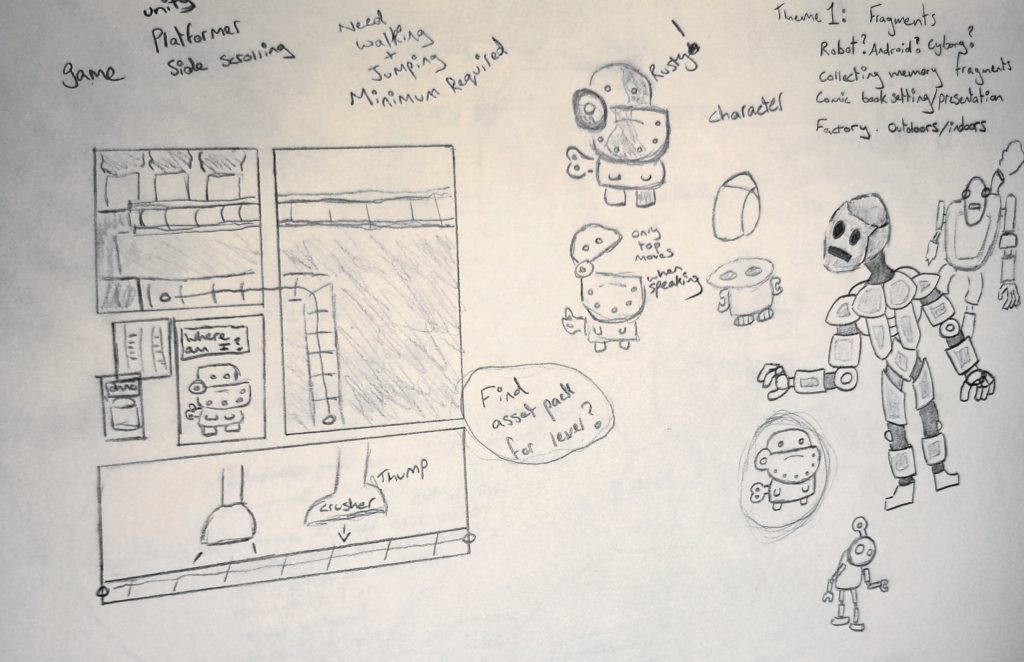
I decided to carry on developing the comic panel idea, sketching hypothetical level layouts into small panels. Little pieces of story are shown in smaller panels that wouldn’t fit gameplay elements. The idea of a fragmented technology was one I was keen on using. I ended up developing this into a robot character with a fragmented memory, the objective of the game would be to find the memory fragments throughout.
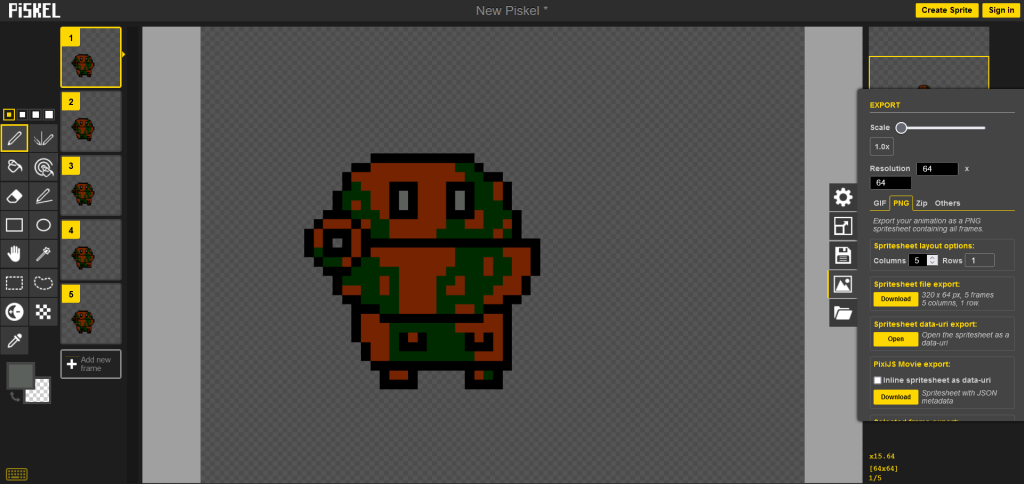
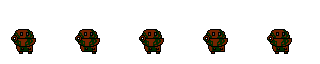
To create the games playable character, I used Piskel (Piskelapp.com). I drew out the character and then added four more frames, with slight differences to make a walking animation for the character.

[26/02/2022]
As I progressed with this idea I realized I had moved forwards with it far too quickly. I hadn’t done enough planning and it all fell apart when I tried to put it together in Unity.
Due to my previous failure to properly prepare, I have started again. I will still be moving forwards with the robot character although I will no longer be using the comic panel idea as I wasn’t able to make it functional or visually appealing in Unity.
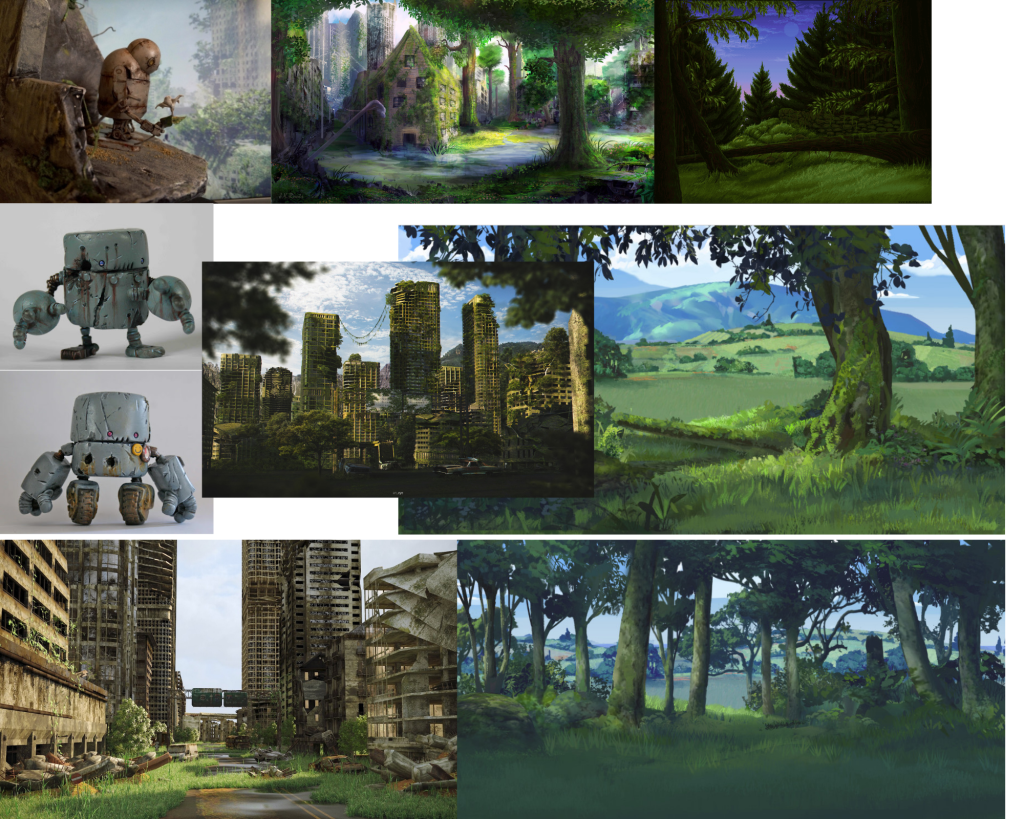
I started planning by making a mood board for visual inspiration. I gathered various images of overgrown cities and forest environments as I want my world for the game to be fragmented, similar to the playable character. The fragmentation of the world will be visible through fragments of an old world before it was reclaimed by nature. I still want to go ahead with the robot character so I gathered a few images of rusted robots.
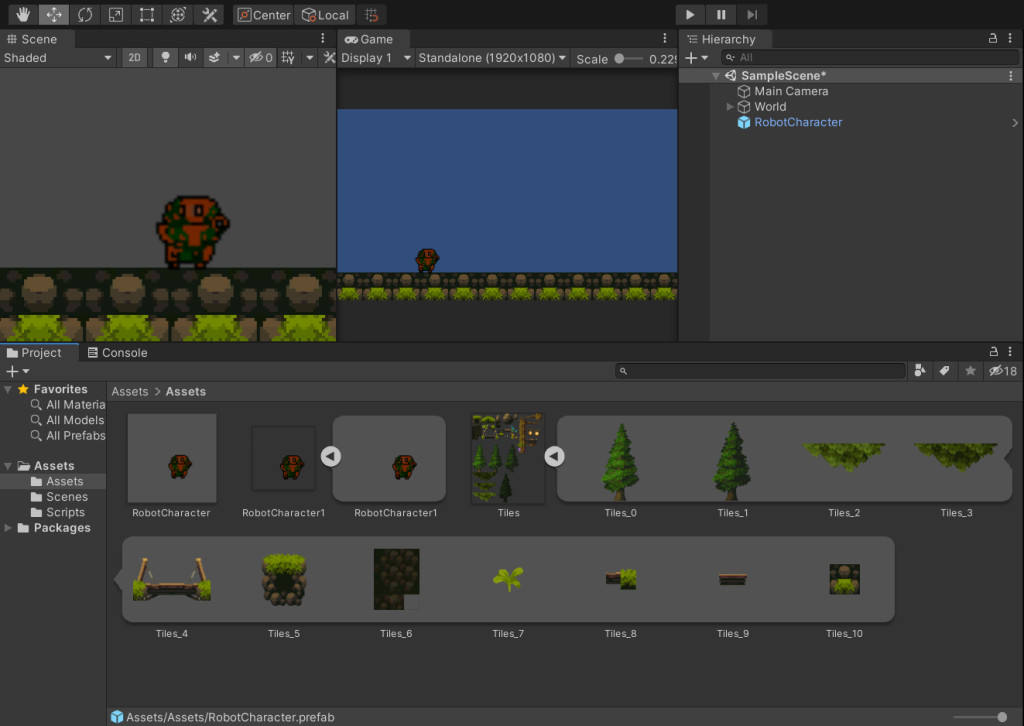
I already knew that this week I wanted to work in Unity so I made a new project and imported a free asset pack found on itch.io as well as the character I created. The asset pack I found, Fantasy pack (Anokolisa, 2021), fit the aesthetic I wanted well so I went with it, this pack was made for a platformer so I decided to make the game a platformer.
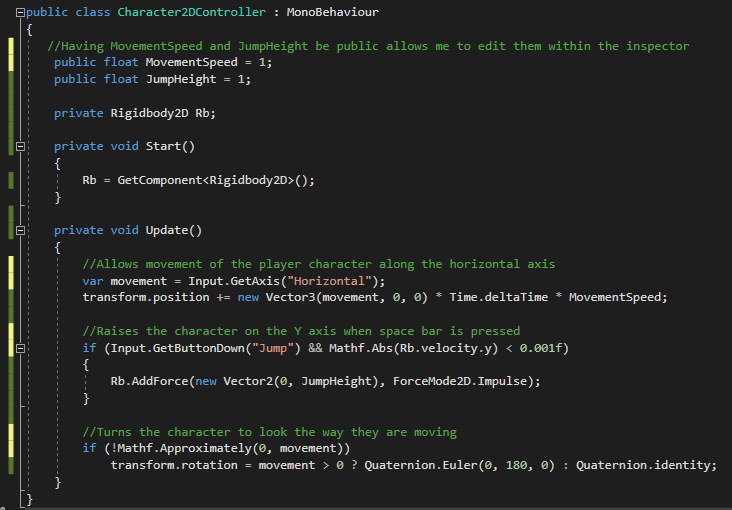
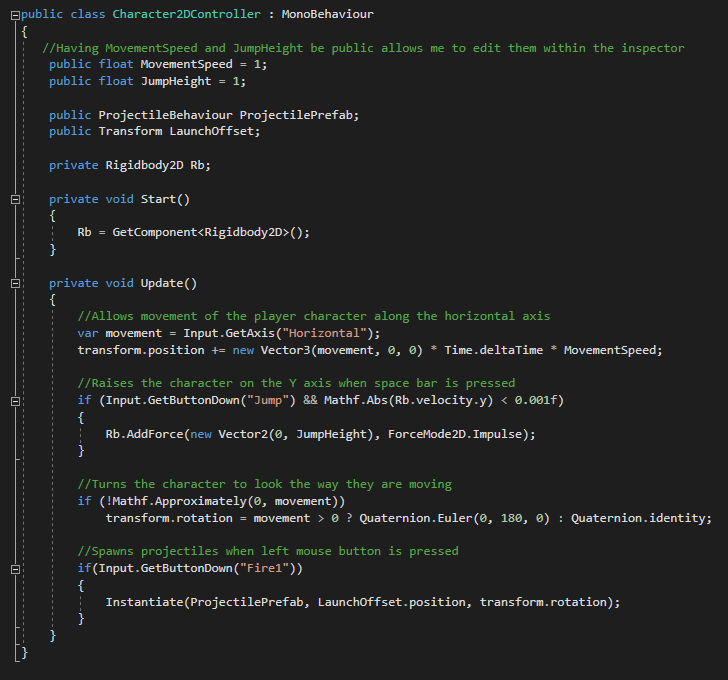
After I had added some ground and the character, I wrote a script for movement and jumping and added it to the character.
After I had added the movement and jumping, I added projectiles for the character to shoot at enemies. I started this by adding a sprite for the projectile, a place holder for now, and adding a Circle Collider 2D and a Rigidbody 2D to it.
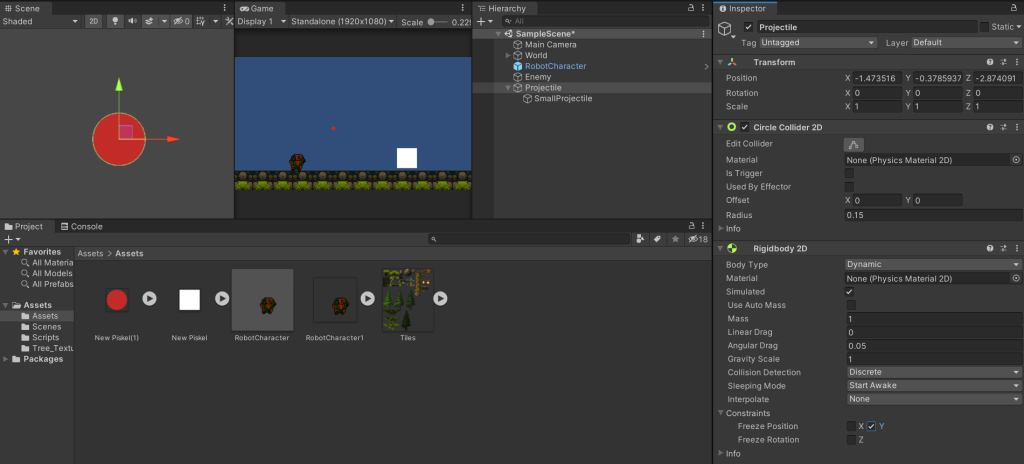
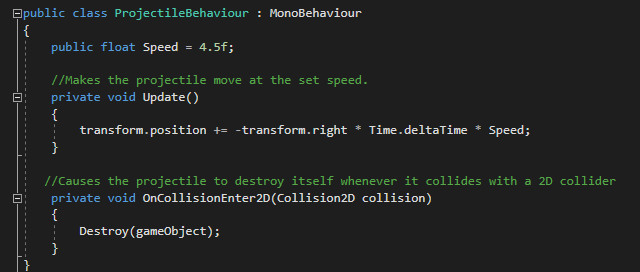
I then wrote the script for the movement and destruction of the projectiles, then added a function to the player controller script that causes a projectile to spawn when left mouse button is pressed.
[27/02/2022]
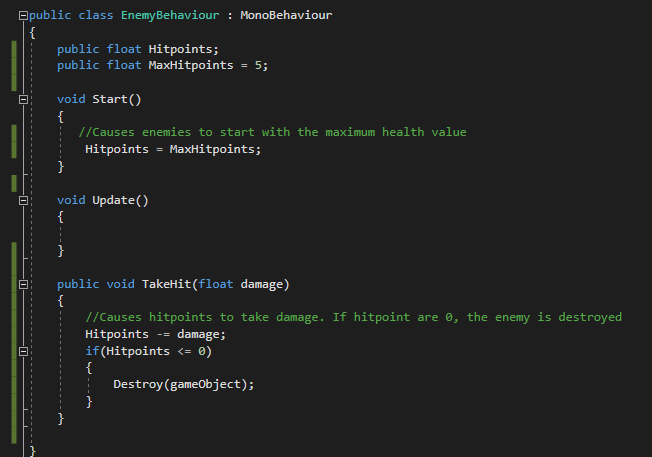
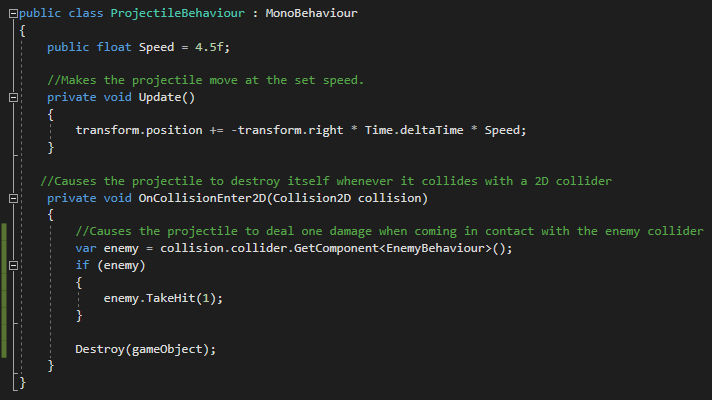
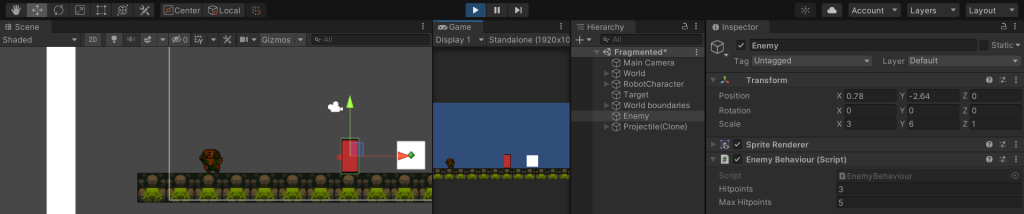
I added an enemy with an attached script giving it health, I then altered the projectile script to make it deal damage to the enemy when it comes in contact with the enemies collider.
[28/02/2022]
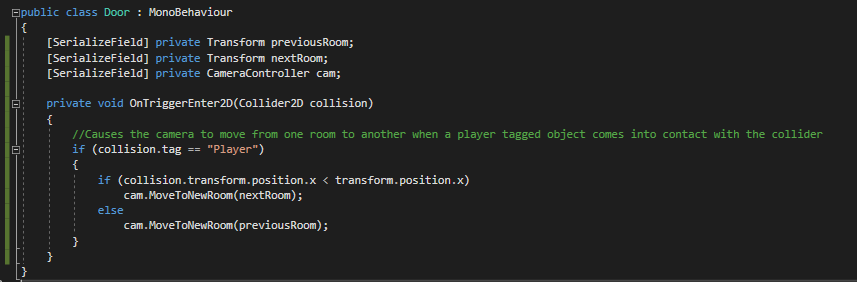
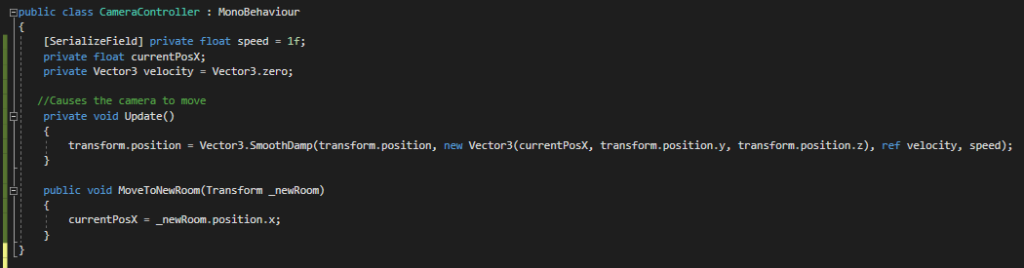
I added scripts that make the camera move when the player comes into contact with a collider in the level. This make the camera pan to the other side of the screen and then back when the player walks back into the collider.
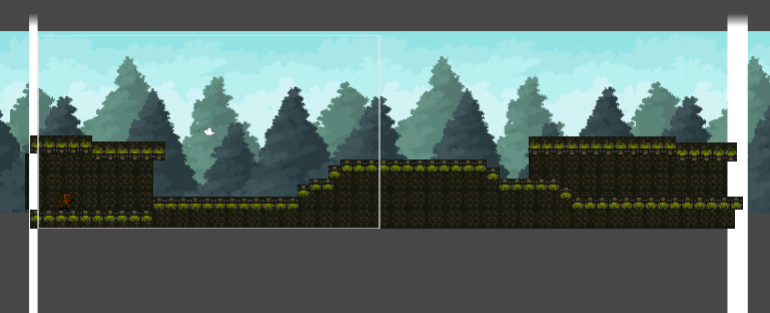
I also started dressing the level a little bit.
I then created a sprite for the enemies and assigned it to the prefab.
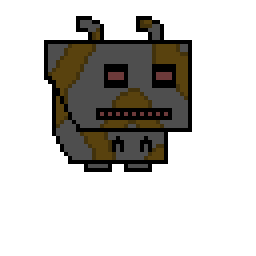
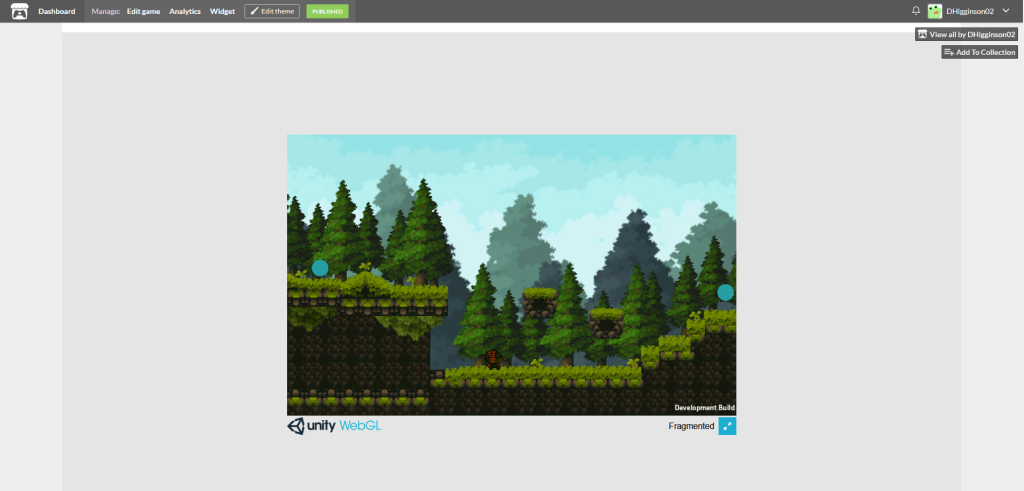
After this, I decorated the world and added a few enemies. I also added small blue orbs called memories. These will be picked up by the player, when a certain amount is reached the player will gain a new ability.
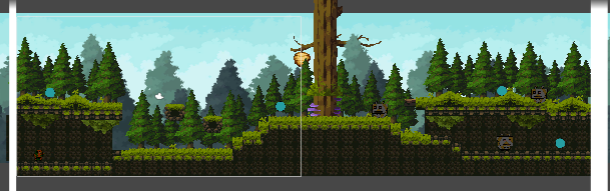
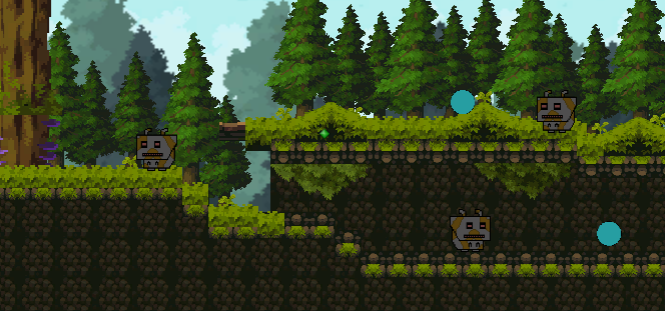
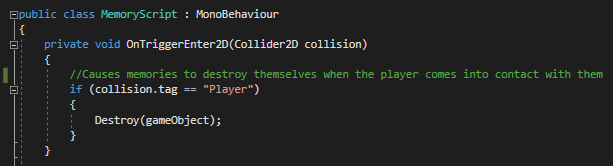
Due to this being a prototype, when the player walks into a memory orb it just destroys it.
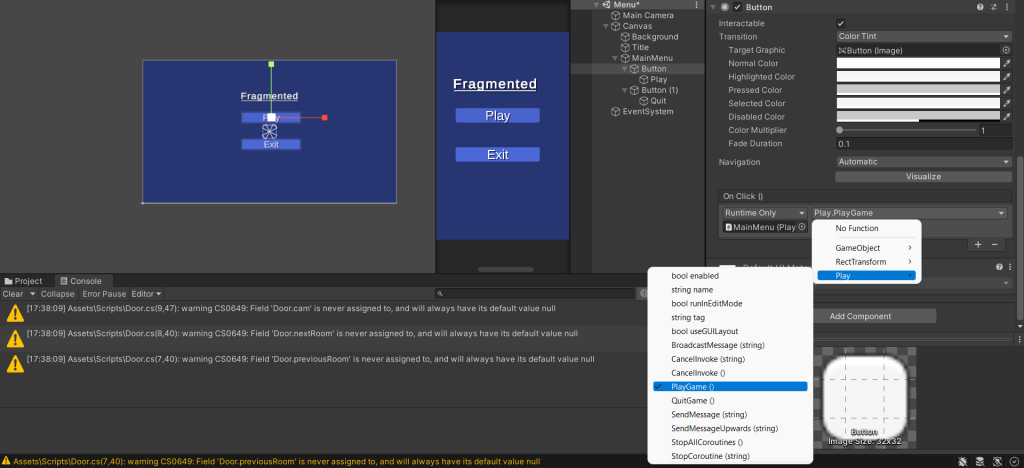
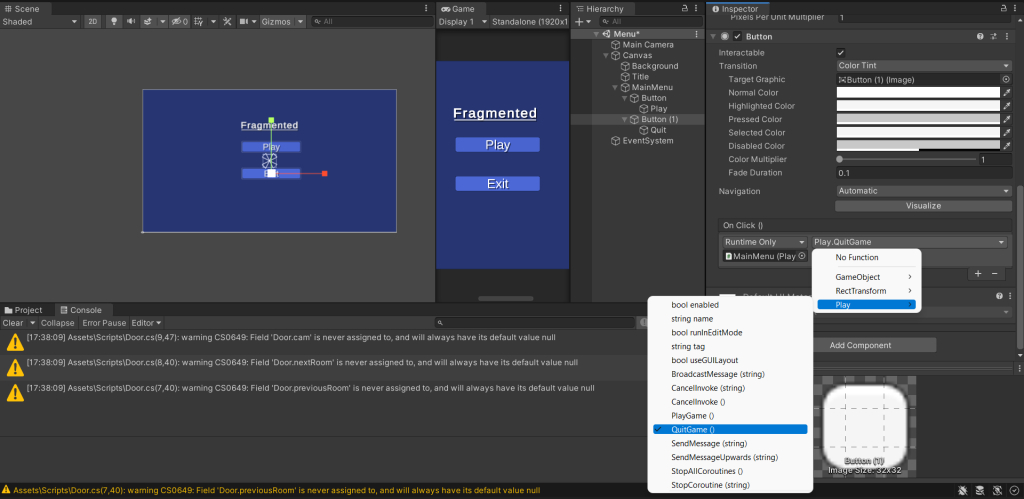
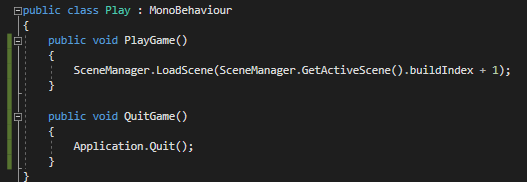
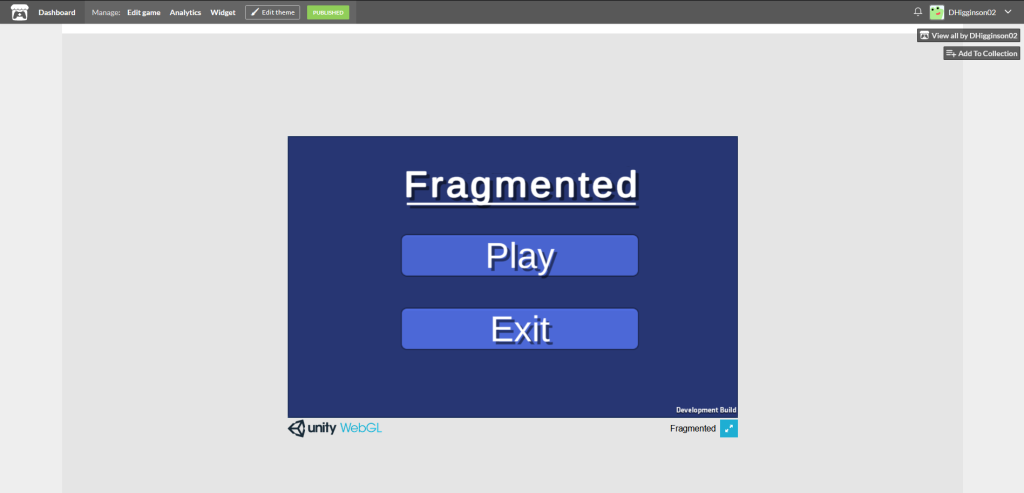
I then made a simple main menu, adding title and two buttons. One to play the game and one to quit the game. The script for play moves the player to the next scene in the scene index rather than loading a specific scene. Due to there only being two scenes, I didn’t feel it necessary to specify which scene to move to.
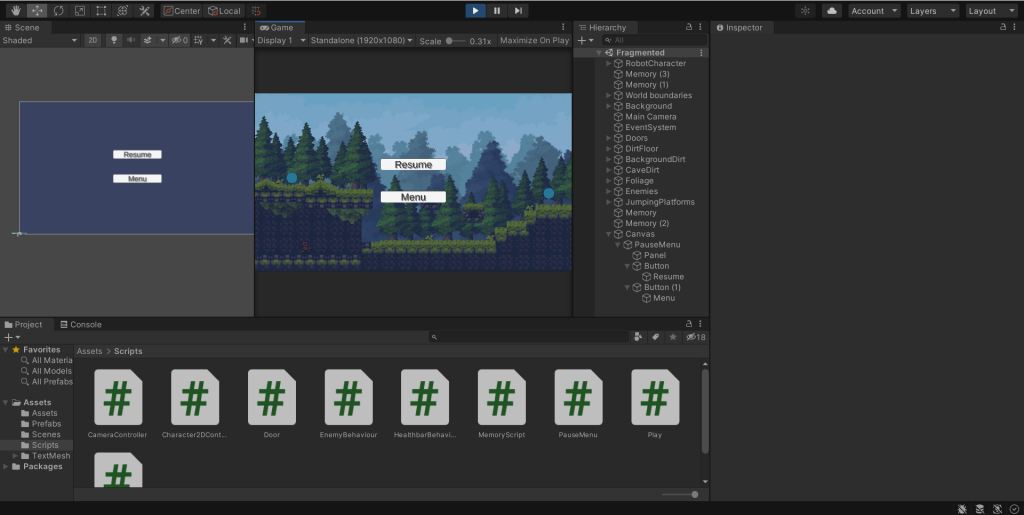
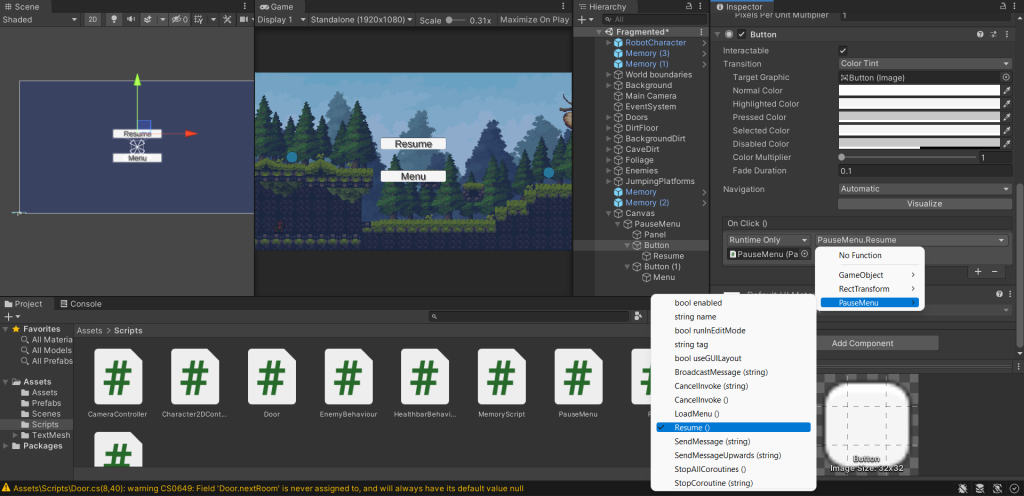
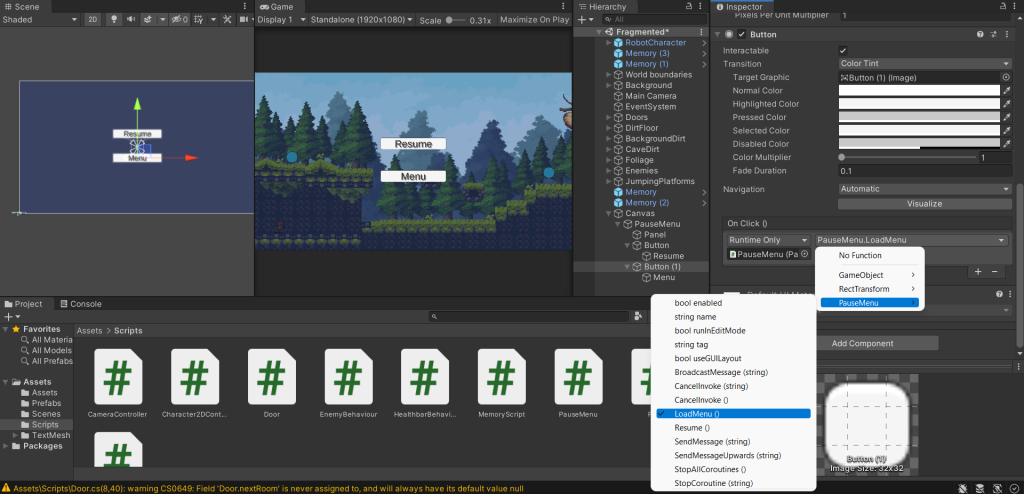
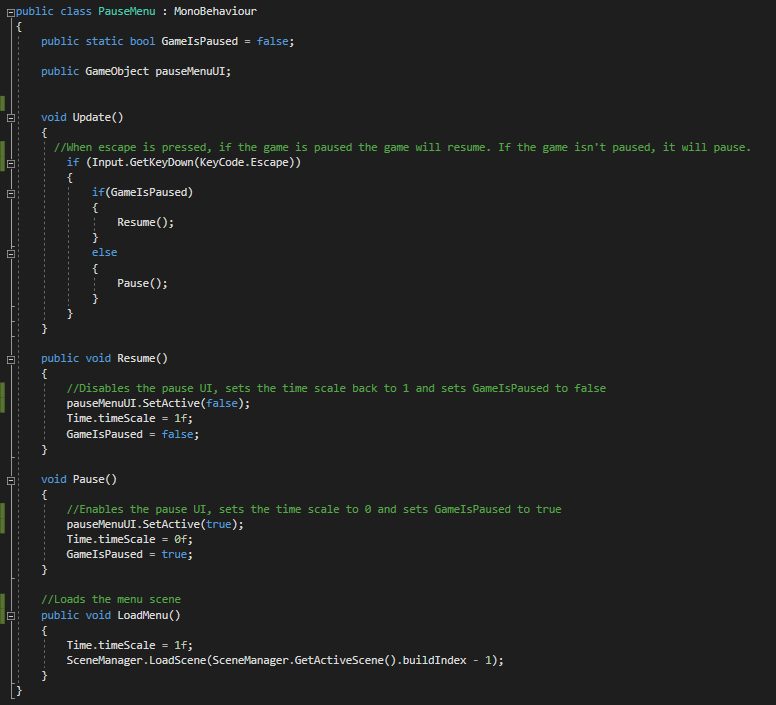
Finally, I added a pause menu. This allows the player to pause the game by pressing the escape key. There is a resume button to resume the game and a menu button to return the player to the main menu.
After I had finished the prototype as much as I would be this week, I built it on WebGL and uploaded it to itch.io.
Fragmented is available to try at: https://dhigginson02.itch.io/fragmented-prototype
Mood board references
Jamal, A (2020) Abandoned City Environment [Digital art] Available online: https://www.artstation.com/artwork/Z5q6x0 [Accessed 26/02/2022]
Cayci, K (2019) Abandoned City [Digital art] Available online: https://www.artstation.com/artwork/58eyxw [Accessed 26/02/2022]
SpacecowSmith (2011) Rusty Robots Series 1: Rollerboy [Photograph] Available online: http://spacecowsmith.blogspot.com/2011/10/rusty-robots-series-1-rollerboy.html [Accessed 26/02/2022]
SpacecowSmith (2011) Rusty Robots Series 1: Bumble [Photograph] Available online: http://spacecowsmith.blogspot.com/2011/06/rusty-robots-series-1-bumble.html [Accessed 26/02/2022]
Jaeden (2008) Forest pixel [Digital art] Available online: https://pixeljoint.com/pixelart/31402.htm [Accessed 26/02/2022]
SamuraiElit (2018) NieR: Automata – robot art [Digital art] Available online: https://vgtrainers.com/photo/n/nier_automata/nier_automata_robot_art/147-0-3158 [Accessed 26/02/2022]
JKRoots (2017) Overgrown City [Digital art] Available online: https://www.deviantart.com/jkroots/art/Overgrown-City-669511122 [Accessed 26/02/2022]
Edlin, T (2019) modular forest set [Digital art] Available online: https://www.artstation.com/artwork/4JVn2 [Accessed 26/02/2022]
Asset pack reference
Anokolisa (2021) Fantasy Asset Pack [Asset pack] Available online: https://anokolisa.itch.io/high-forest-assets-pack [Accessed 26/02/2022]