The third theme of Rapid Prototype Design is Ten Seconds or Less, this can be interpreted however we want.
[14/03/2022]
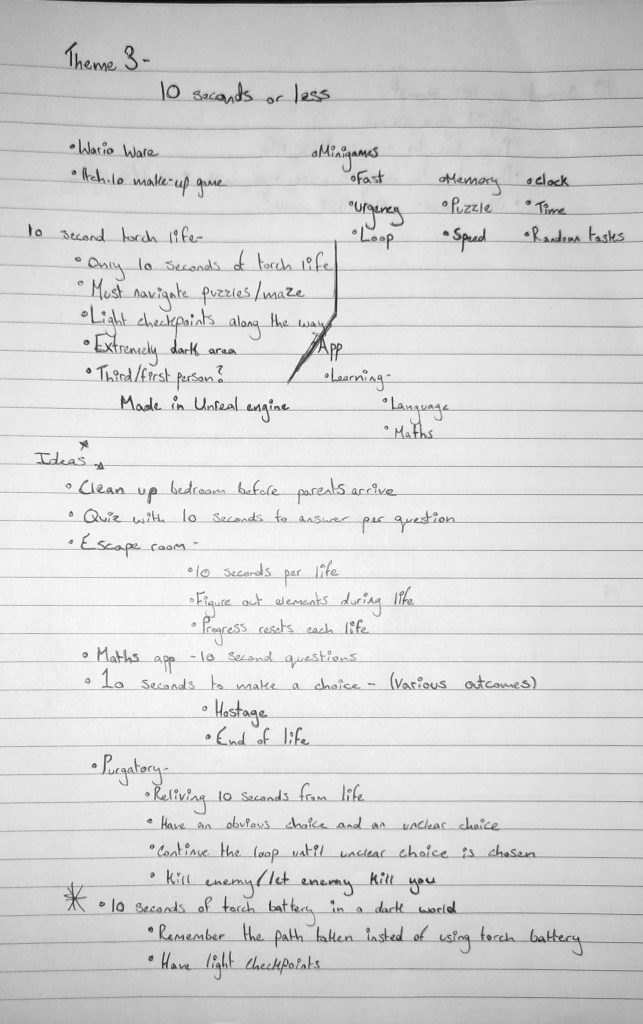
I started by writing various associated words but then, differently to the last two prototypes, I wrote down various different ideas instead of going with the first one that came to mind. The idea I decided to develop is a puzzle game with that only allows the player ten seconds of torch life to use while playing.
[17/03/2022]
I decided to develop this prototype in Unreal as it’s an engine I’m more familiar with. I started by loading a first person character preset. This provides a first person character with walking and shooting functionality as well as animations. As I didn’t know how to make a flashlight that had battery light or could be toggled, I looked up a YouTube tutorial. I found one by Matt Aspland (2020)
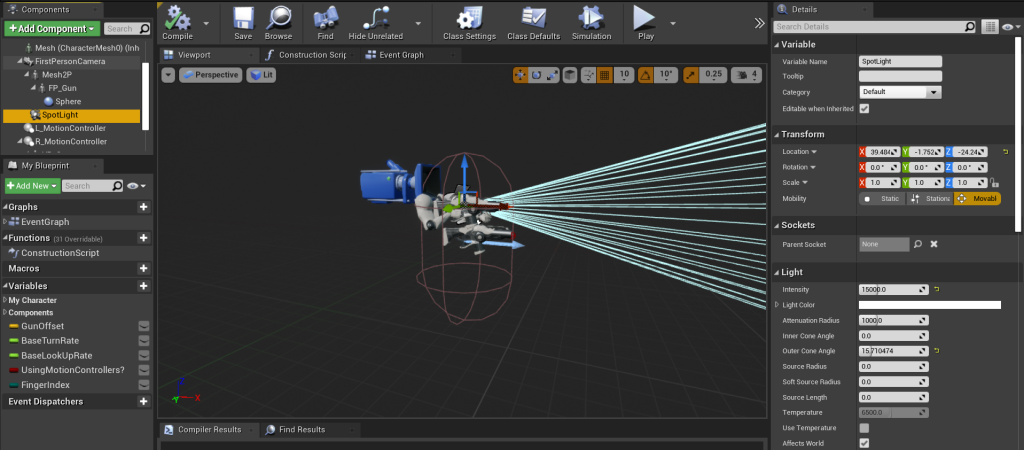
Following the tutorial, I went into the first person blueprint and added a spotlight. I parented this to the camera so that it would always be pointing where the player is looking.
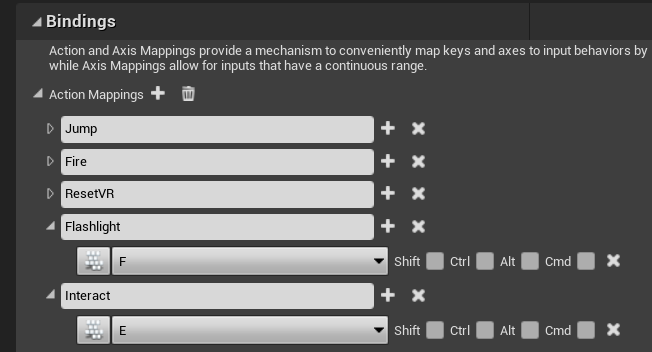
I added actions mappings for toggling the flashlight and interacting with the flashlight battery. This is so I can call the mapping rather than the key itself.
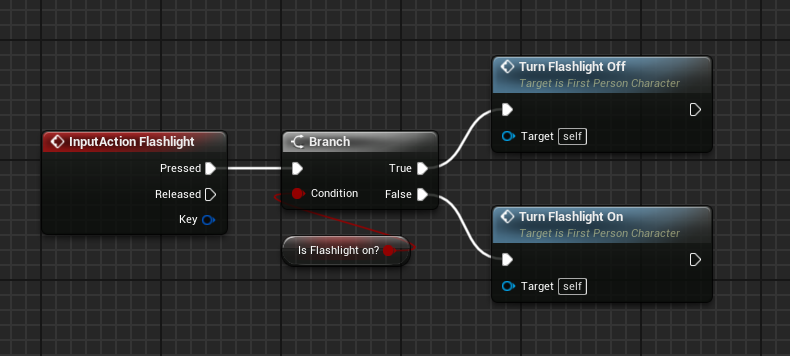
The next thing I did was add an input action for the flashlight action mapping and connected it to a branch. I created a variable named Is Flashlight on? and connected it to the branches condition. I then added a set visibility node, set the spotlight I had added to the character and joint it to the target on set visibility. After this I set is Flashlight on? and connected the output of set visibility to it. This would be to turn the flashlight off. I copied these three nodes and pasted them below, toggling new visibility and Is Flashlight on?, this would turn the flashlight on. Then, for easy accessibility, I group the two as separate functions. All of this allowed me to turn the flashlight on or off by pressing F.
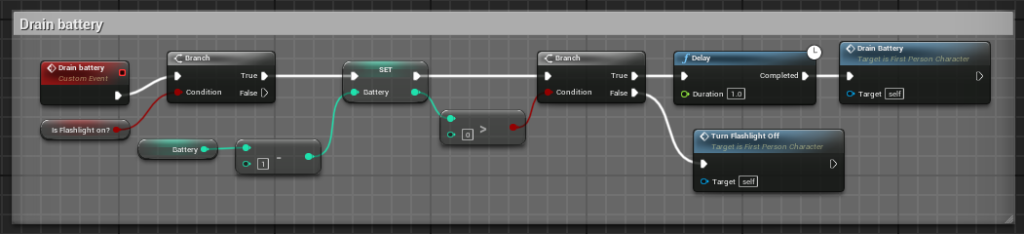
I then needed to add battery life so that the battery could run out. Firstly, I added a custom event and named it Drain battery. To this, I added a branch and in the condition, place Is Flashlight on?. Out of the true of the branch, I set battery and connected a int – int node, into this I placed battery. This would take the designated amount away from the battery life. I then connected a branch to the output of the set batter and connected a int > int node to the set battery and new branch. This would cause the flashlight to turn off if the designated amount was reached. Out of the true of the new branch, I added a delay node and set the duration as 1. I added the drain battery event to this, targeting the first person character. This would cause the designated drain to take effect every second if the torch had battery life remaining. Into the false of the branch, I attached the Turn Flashlight off function I created earlier, causing the flashlight to turn off if the battery ran out.
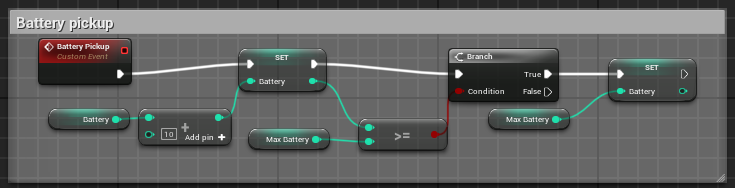
After this, I needed to make the battery pickup available to the player. I created a new actor and added a box collider to it. In the event graph I made a custom event, I named it battery pickup, and set the battery as the output. To the battery, I attached an int + int node and in this, I added the battery. This would set the life of the battery to the designated amount. I then attached a branch to the output of the set battery, connecting an int >= between the set battery and the new branch condition. To the true of the new branch, I again set the battery and attached the a max battery integer I made. I attached this and added it to the int >= int node and set the value as 10. This would cause the battery to cap at 10. This all allows the player to pickup batteries that recharge the flashlight, though the battery life cannot go higher than the set 10.
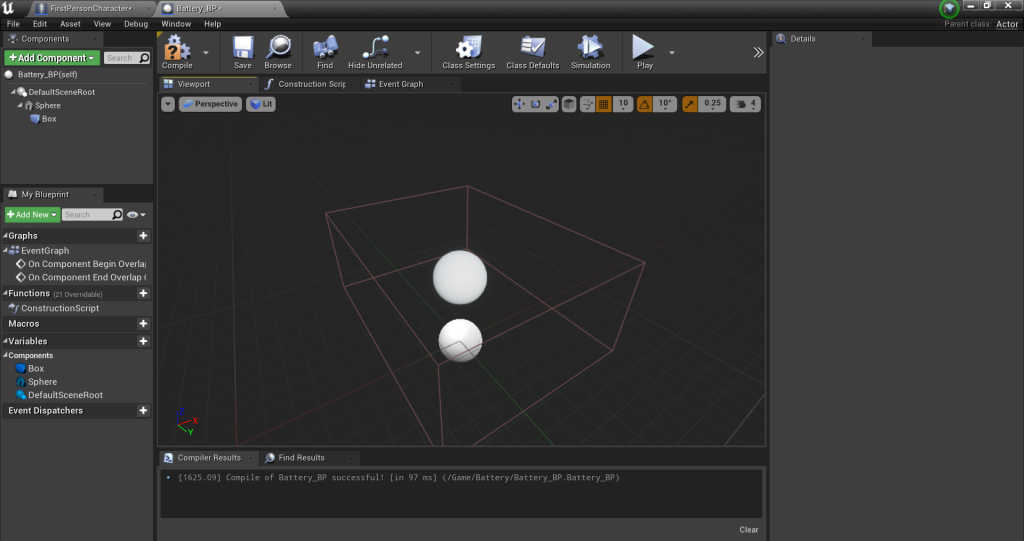
The battery actor is a sphere as I was testing the functionality.
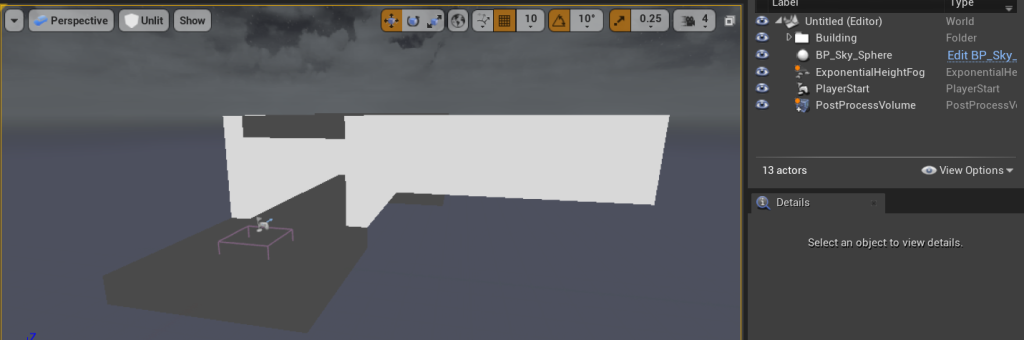
In the empty world, I added a BP sky sphere, setting the sun height to -1 and the sun brightness to 0. I then added Post Process Volume and set the minimum brightness to 4.7 and the max brightness to 5. After that I added exponential height fog, set the density to one and enabled volumetric fog. This would make the environment extremely dark and make the light much more effective.
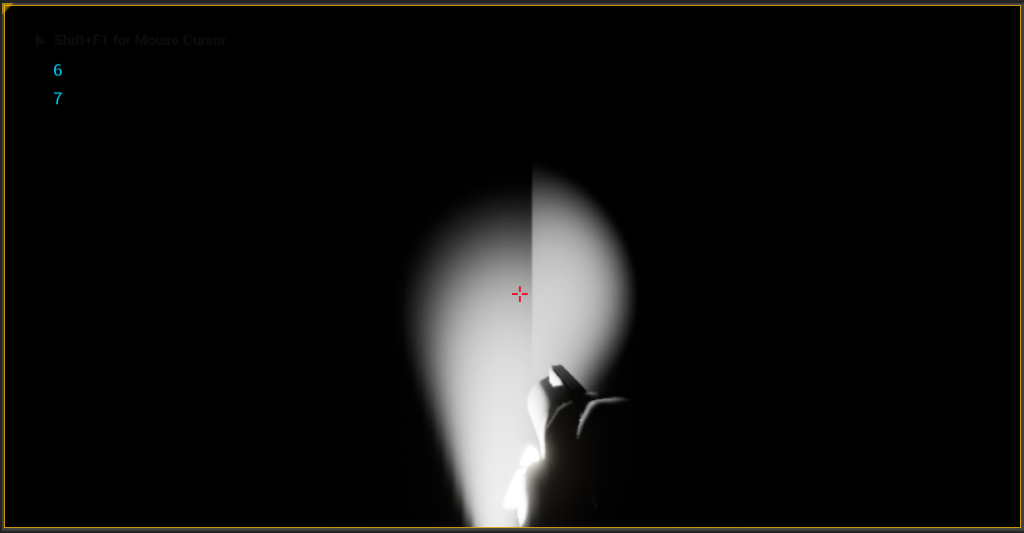
[17/03/2022]
Using two asset packs, Dungeon Lamps (2018) and Fantasy Cave Environment Set (2017), I built out the level for the prototype. It is a small maze with the only lighting being small rooms I placed as checkpoints. The player has to navigate the maze, using these checkpoints as markers of where they are.
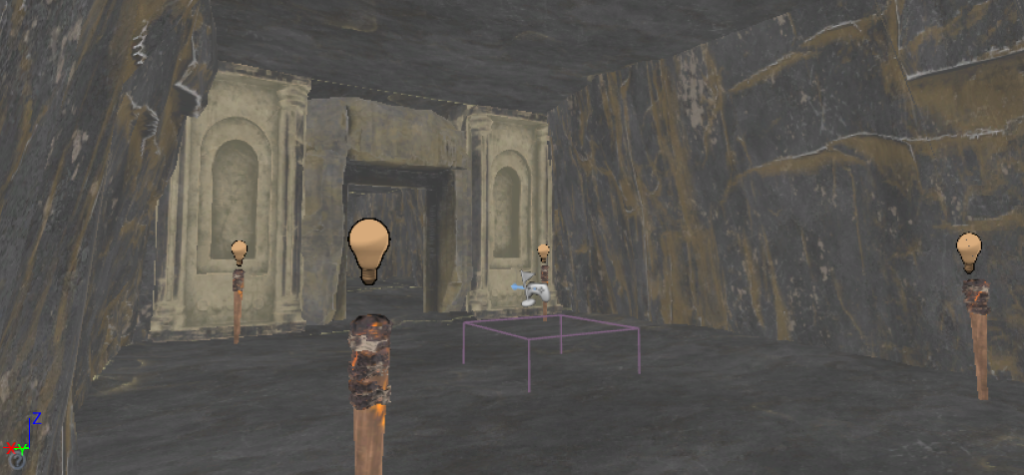
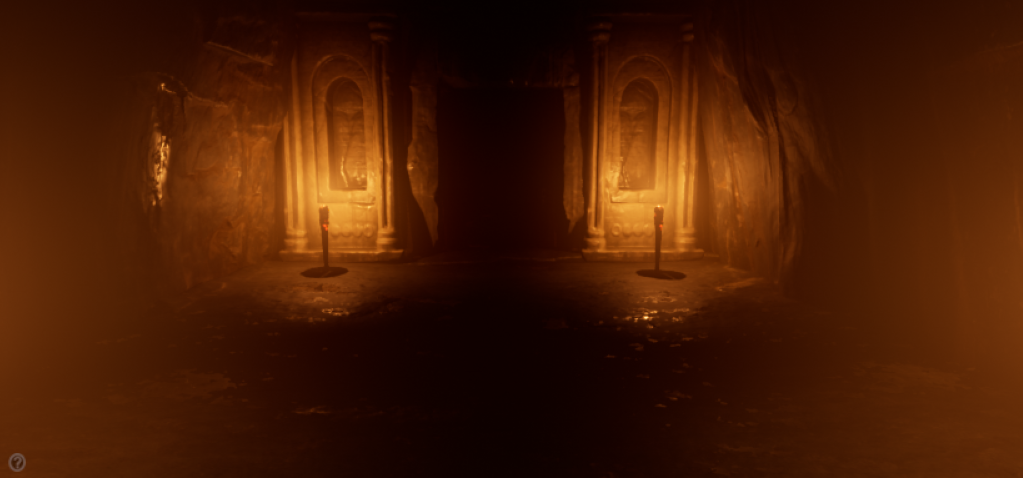
Around the level, I have placed small spheres that the player can pick up to replenish their battery life.
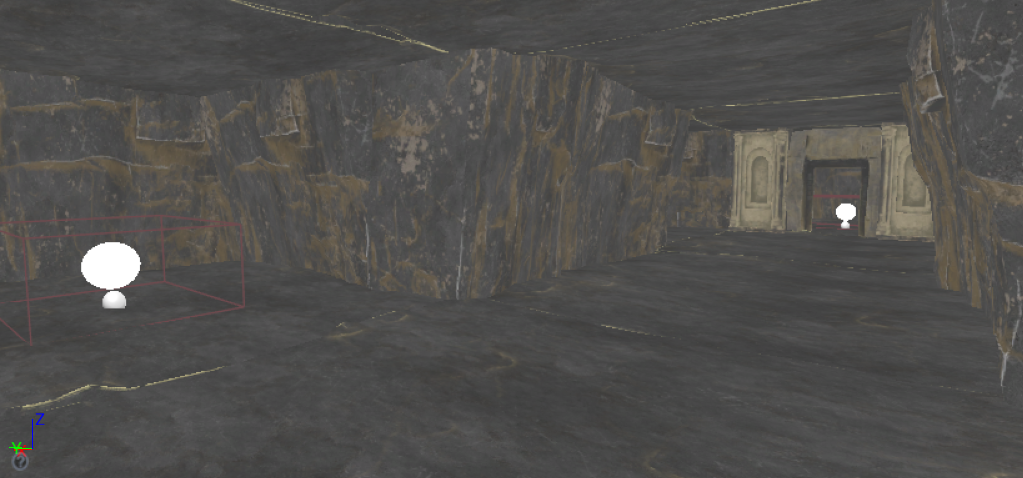
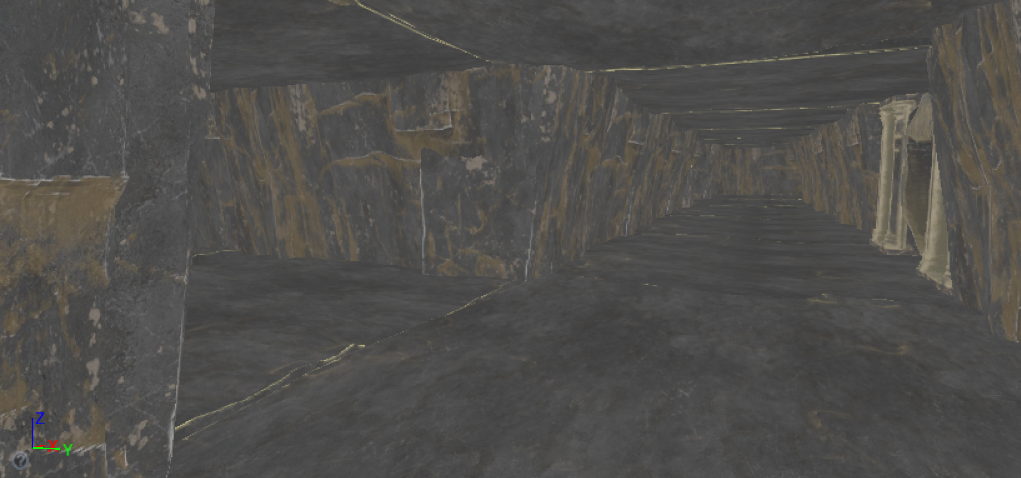
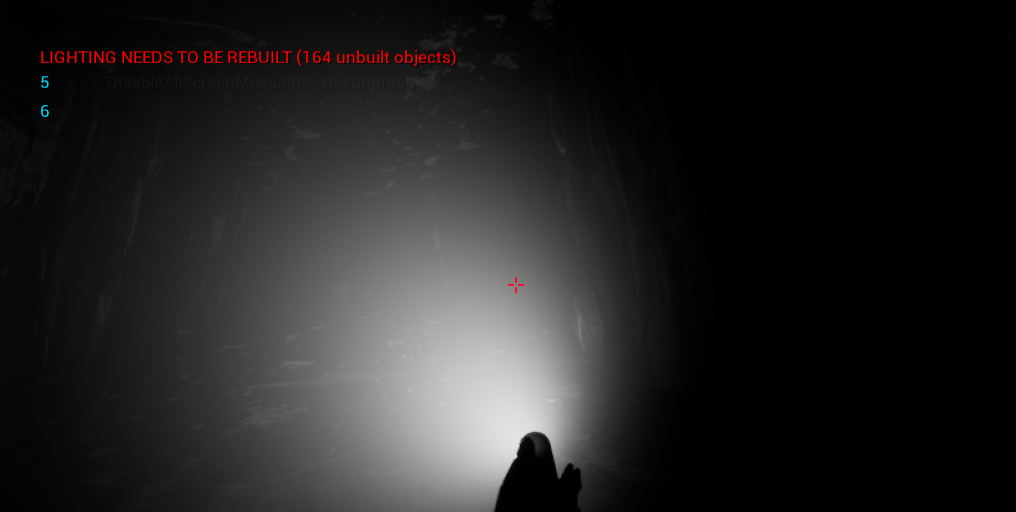
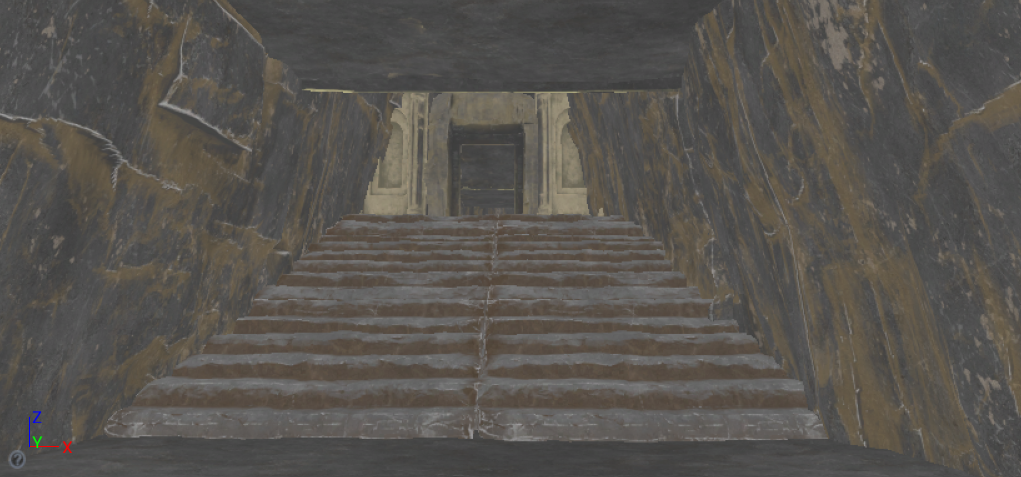
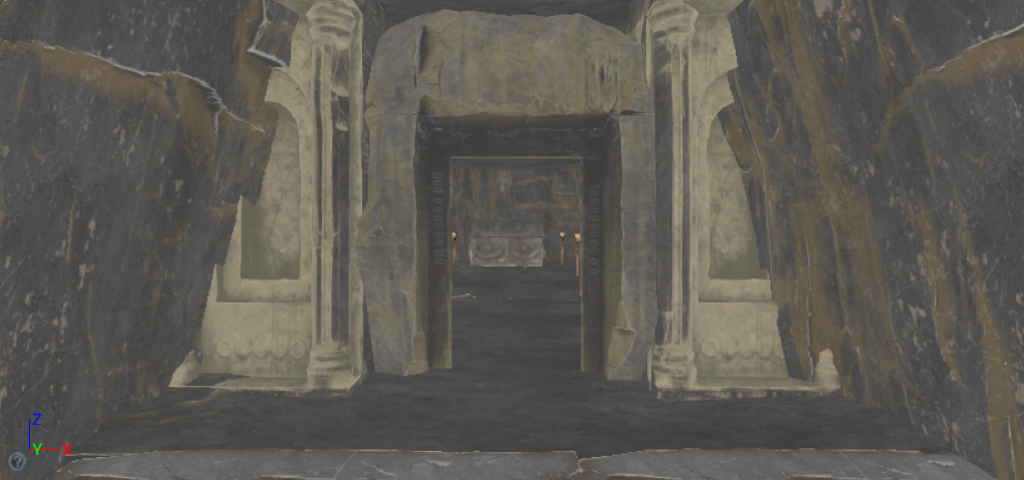
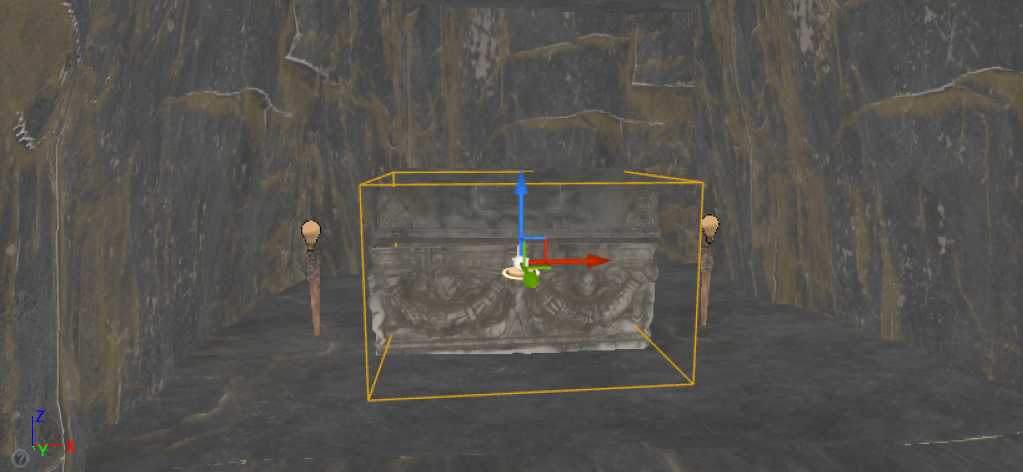
When the player reaches the end of the level, they come upon a staircase that leads to a long room with a sarcophagus at the end of it.
[20/03/2022]
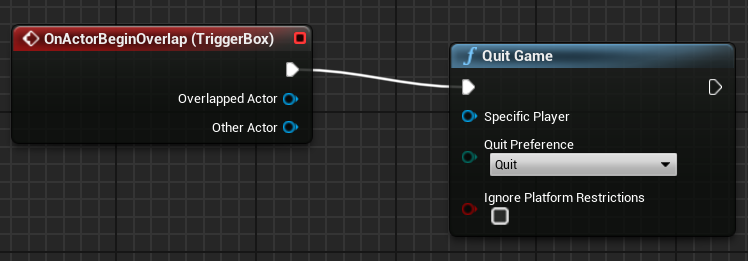
To add an end to the game, I placed a trigger over the sarcophagus and created a reference in the level blueprint, attaching quit game to it.
Although playable and able to be finished, I cannot record a video of the game. Any attempt results in stuttering or frozen footage. I am unsure as to whether this is related to the game or my laptop but I would assume it is both.
Aspland, M (2020) Battery Operated Flashlight With Pickups | Updated – Unreal Engine 4 Tutorial [Youtube video] Available online: https://www.youtube.com/watch?v=qm15aC9SCGY [Accessed 17/03/2022]
MaxStudios (2018) Dungeon Lamps [Asset Pack] Available online: https://www.unrealengine.com/marketplace/en-US/product/dungeon-lamps [Accessed: 18/03/2022]
Rutkovskyi, D (2017) Fantasy Cave Environment Set [Asset Pack] Available online: https://www.unrealengine.com/marketplace/en-US/product/fantasy-cave-environment-set [Accessed 18/03/2022]