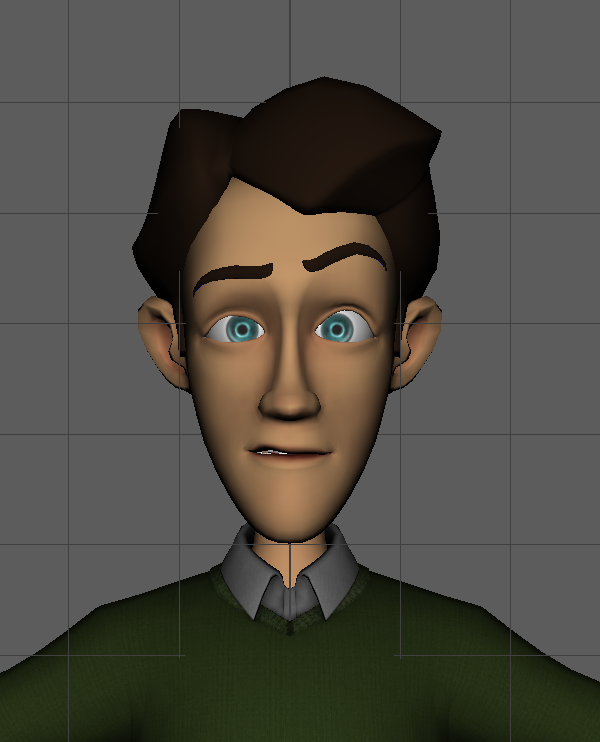
In today’s lab, we made blend shapes.
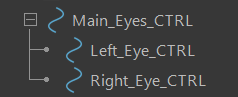
Starting out, I added three nurbs circles. I place two over the eyes and one around the circles, slightly manipulating it to form around the circles. I parented the left and right circle to the larger circle and renamed them to left, right and main eye controller.

I then duplicated the characters head.
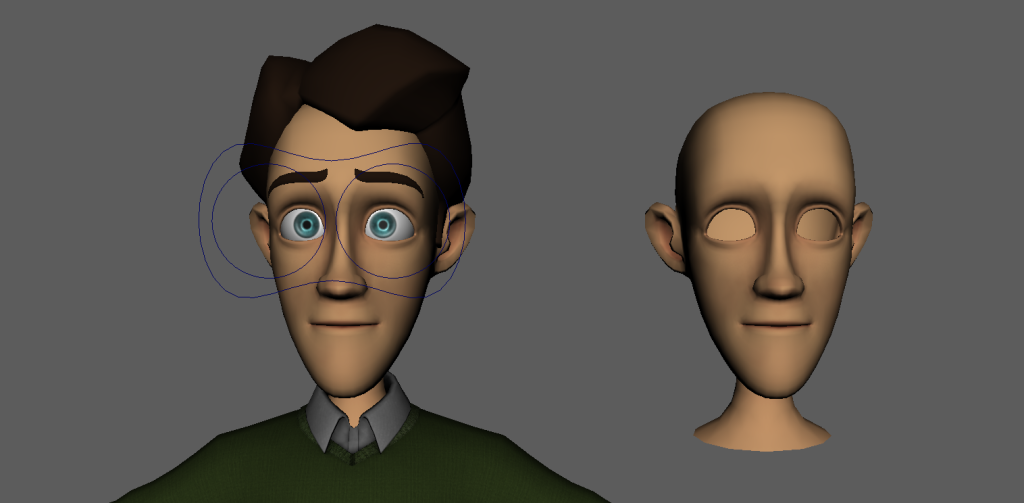
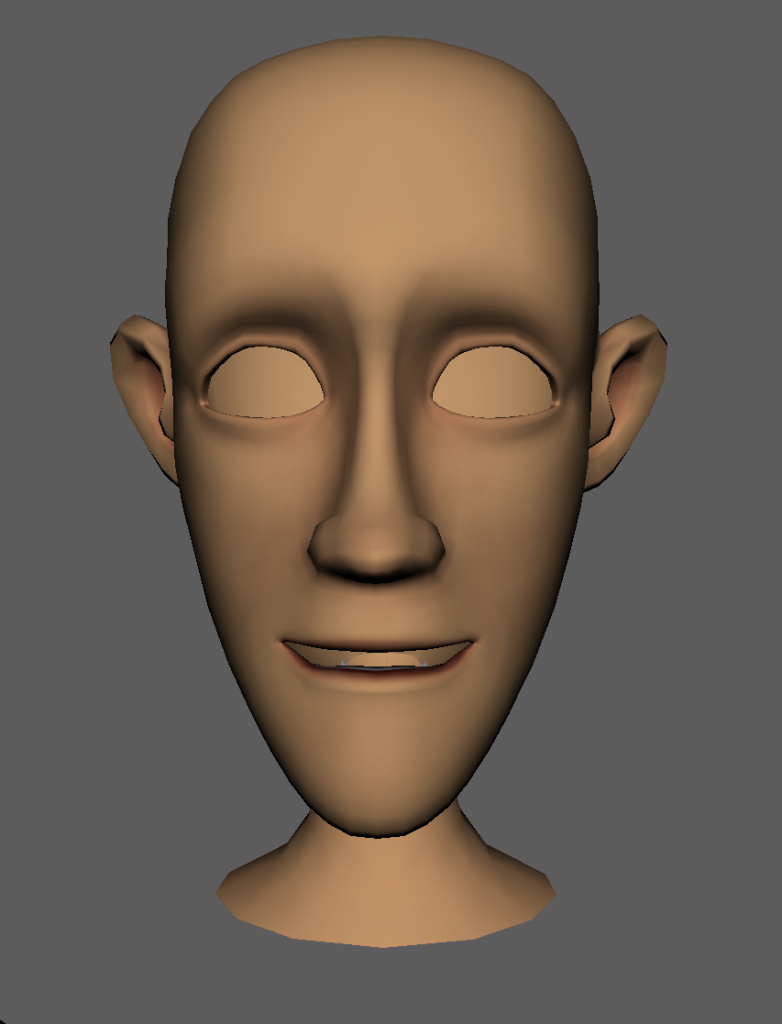
On the duplicated head, I selected vertices and used soft select to manipulate them. I made a smiling expression by manipulating the vertices around the mouth and eyes.
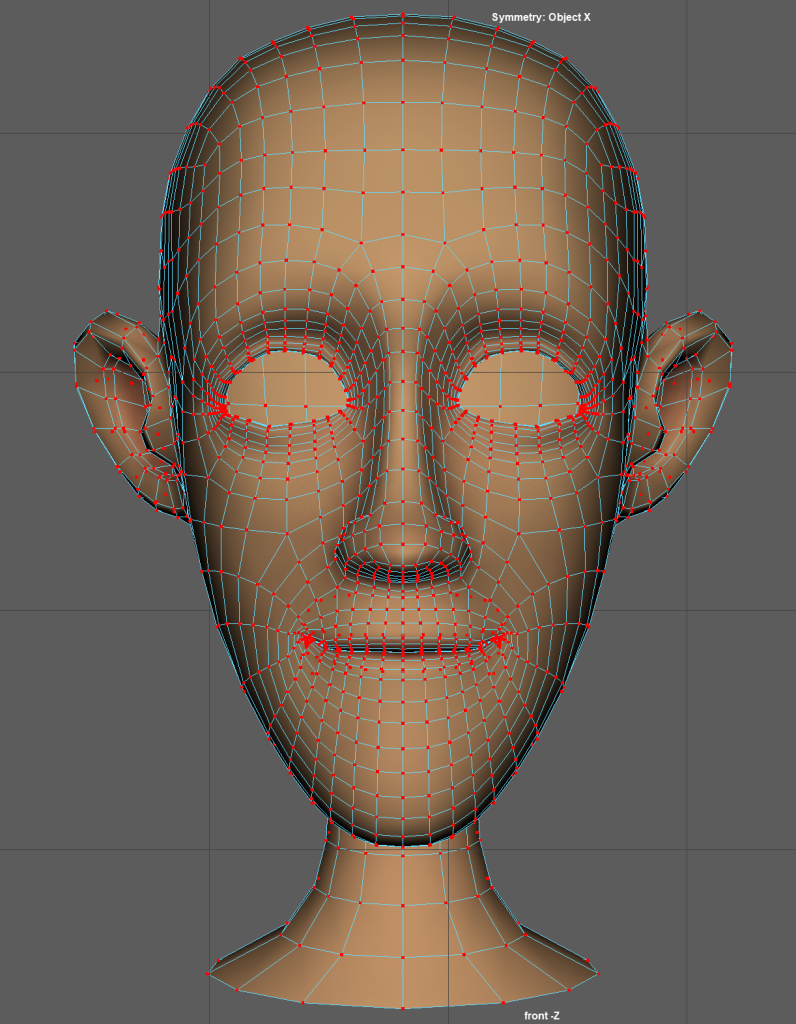
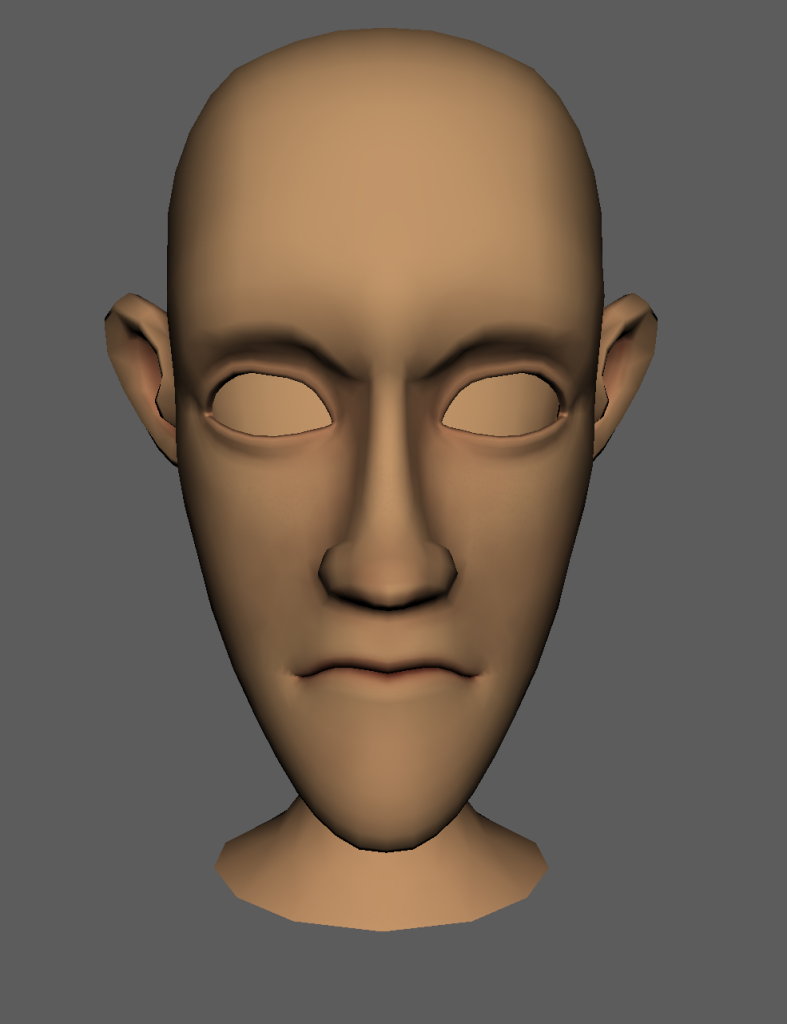
Using the same method, I duplicated the head and made an angry face.
I selected the newly made expressions then chose the main face, using the blend shapes tool with the deformation order on automatic, and applied it. This let me use the shape editor to apply the blend shapes to the main face using sliders. These sliders can be keyframed so that only certain levels of the expression are shown or expressions are combined.
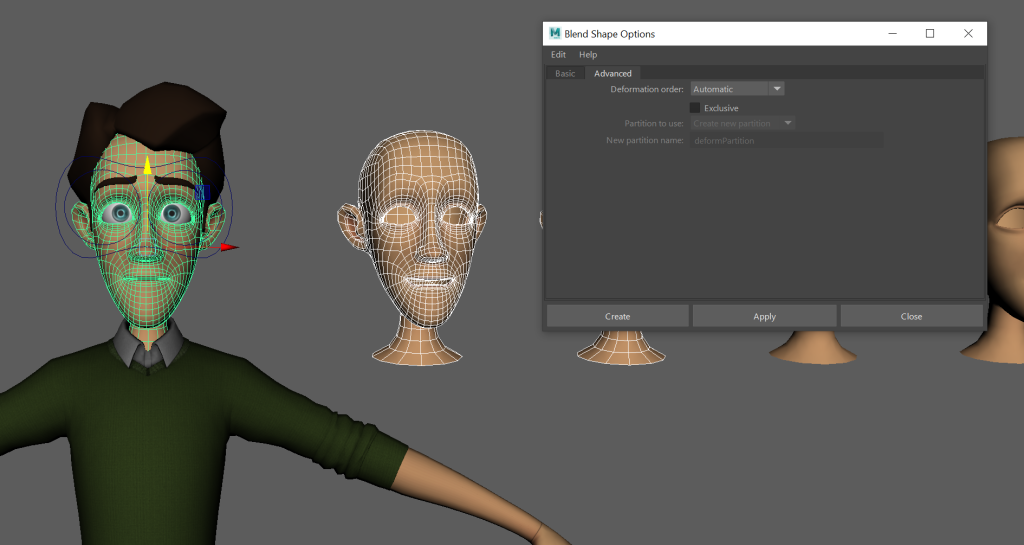
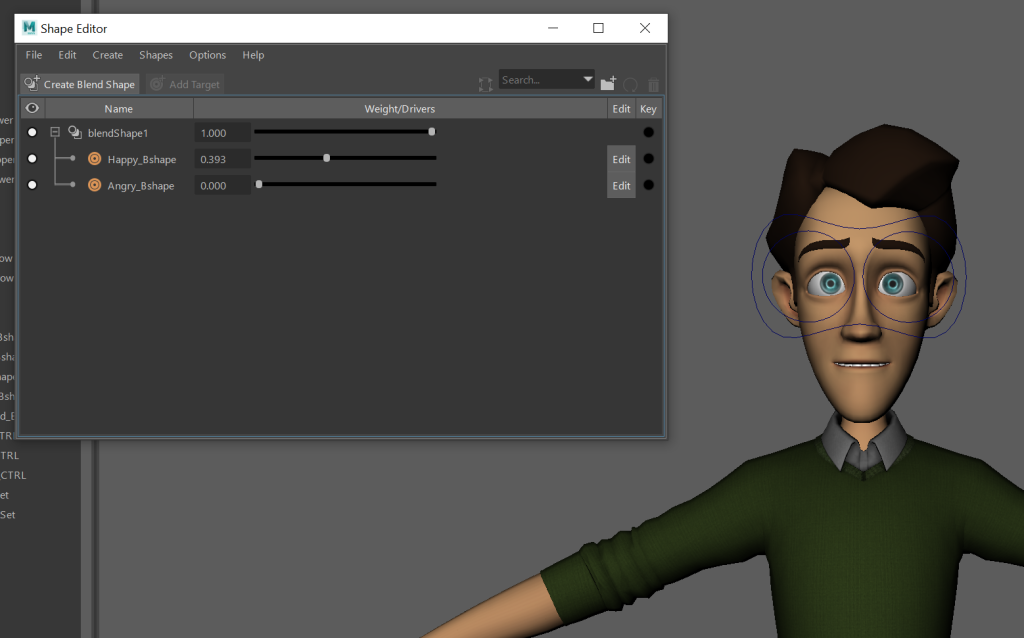
I joined the eyebrows and curves together so that they would move with the rest of the face so that it would be more expressive.
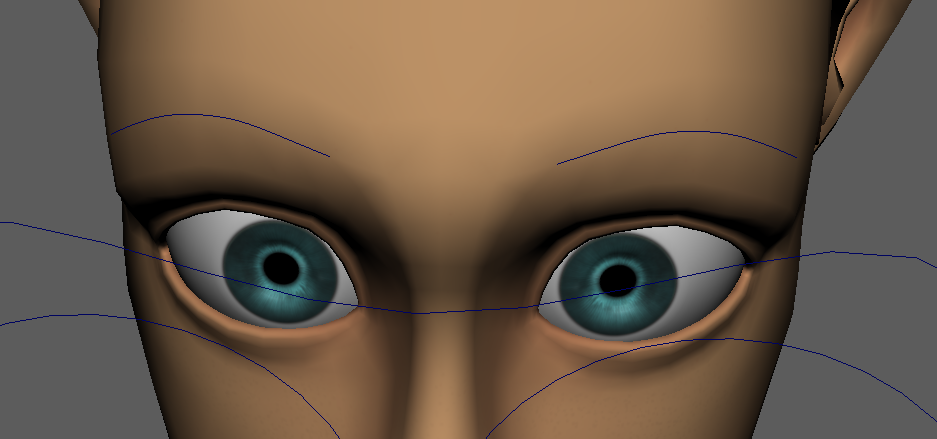
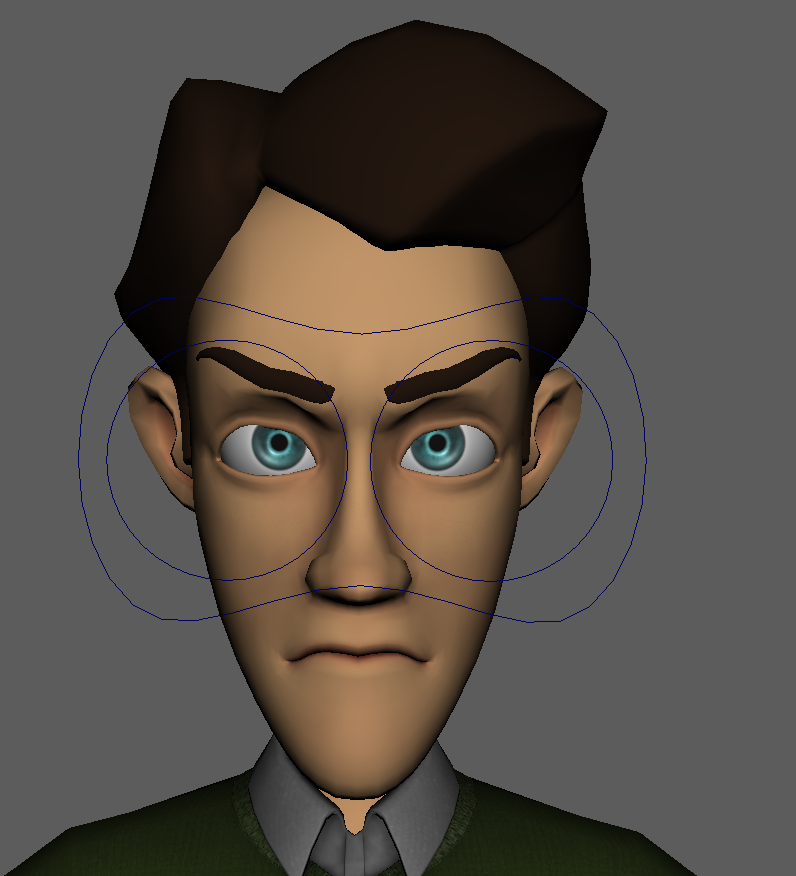
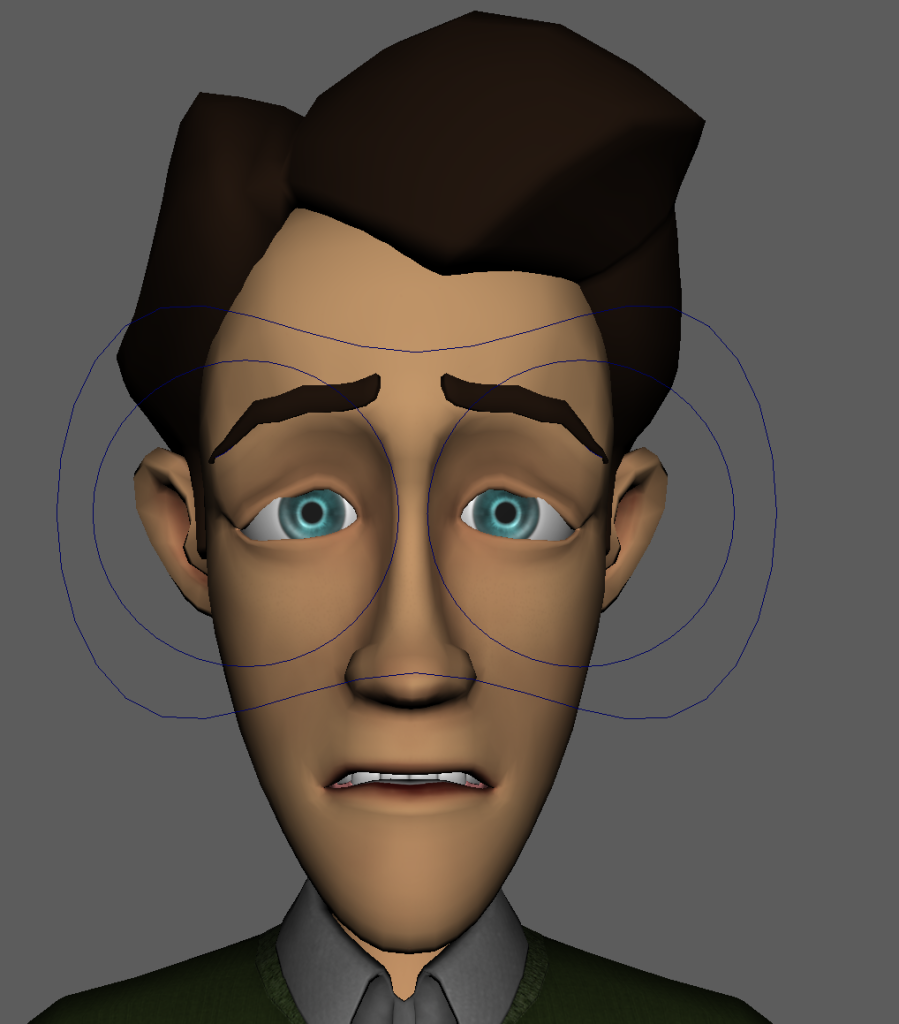
Once this was complete, I made three more expressions. These were sad, scared and confused.
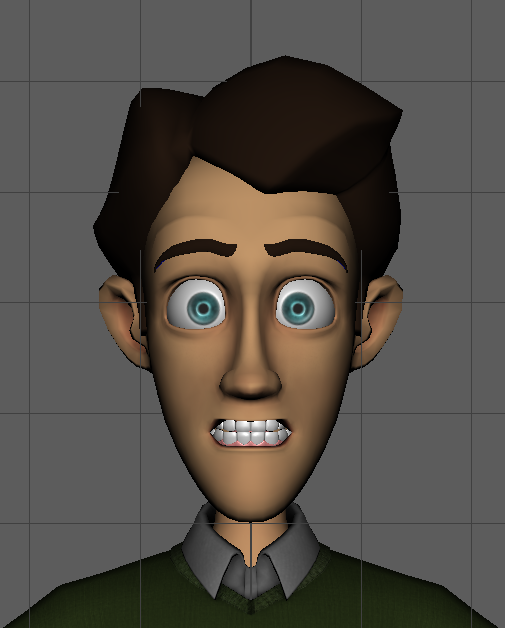
Although it gets the point across, I feel like this one was a bit too exaggerated.