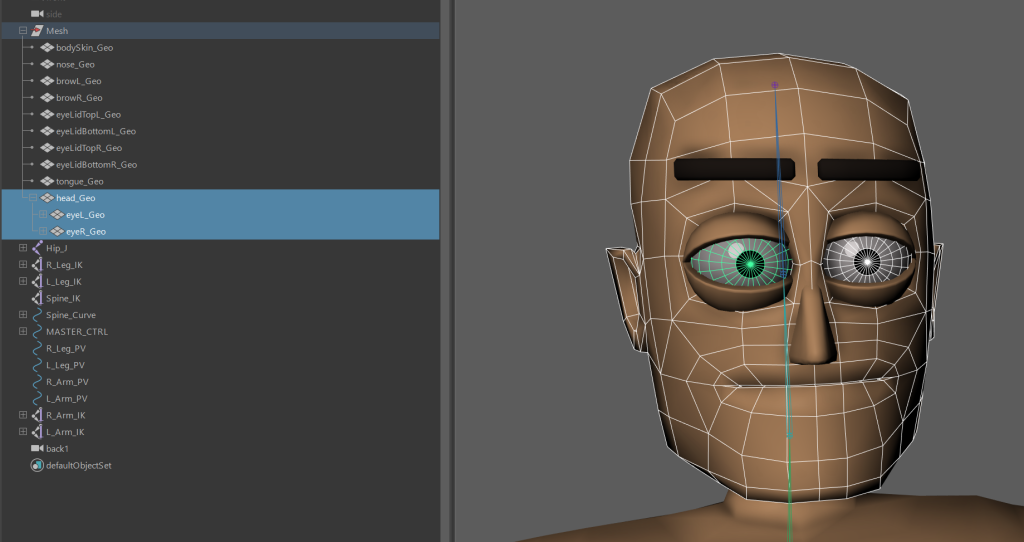
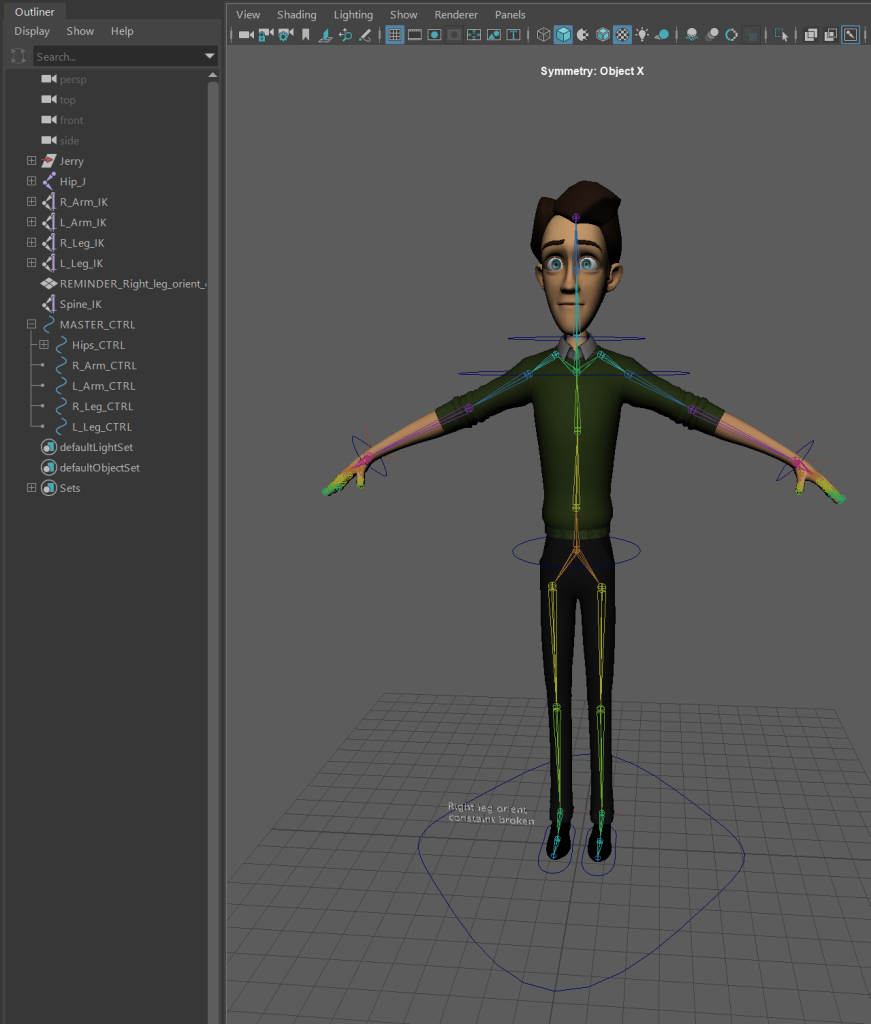
I started out by rigging a premade character though when it came to weight painting this character, I had trouble due to the layered clothing. I switched to a different premade model to overcome this problem.
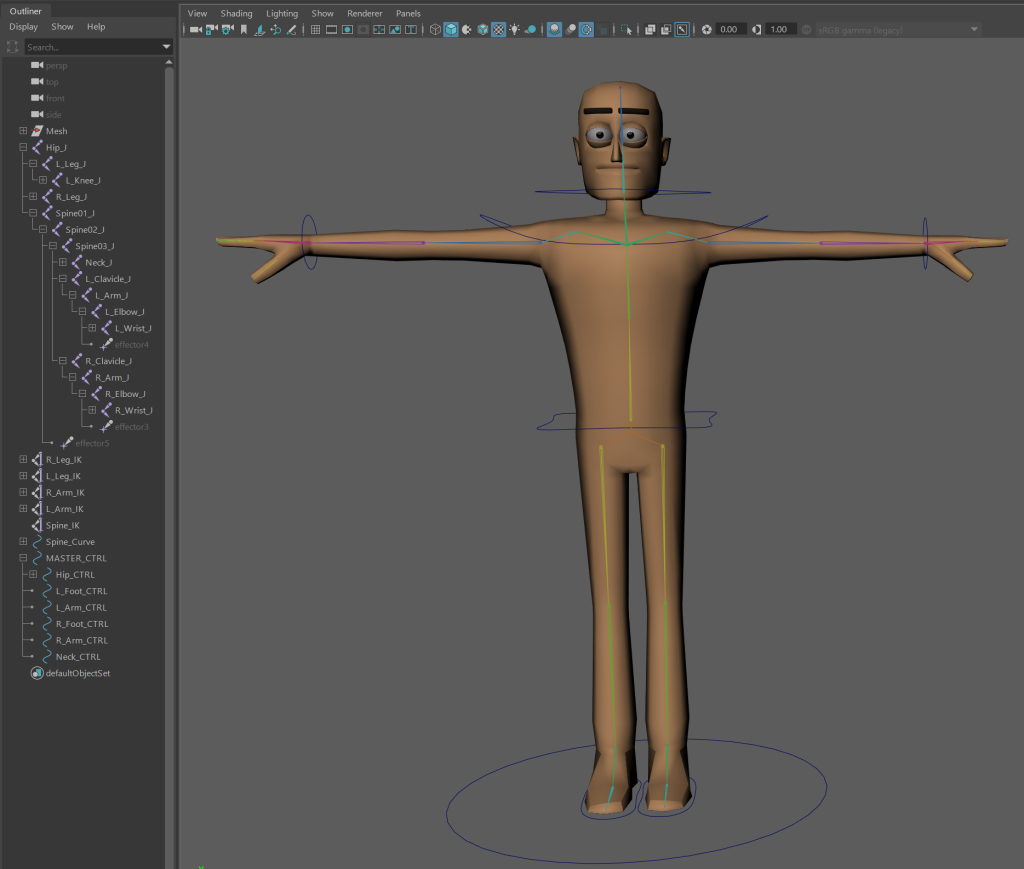
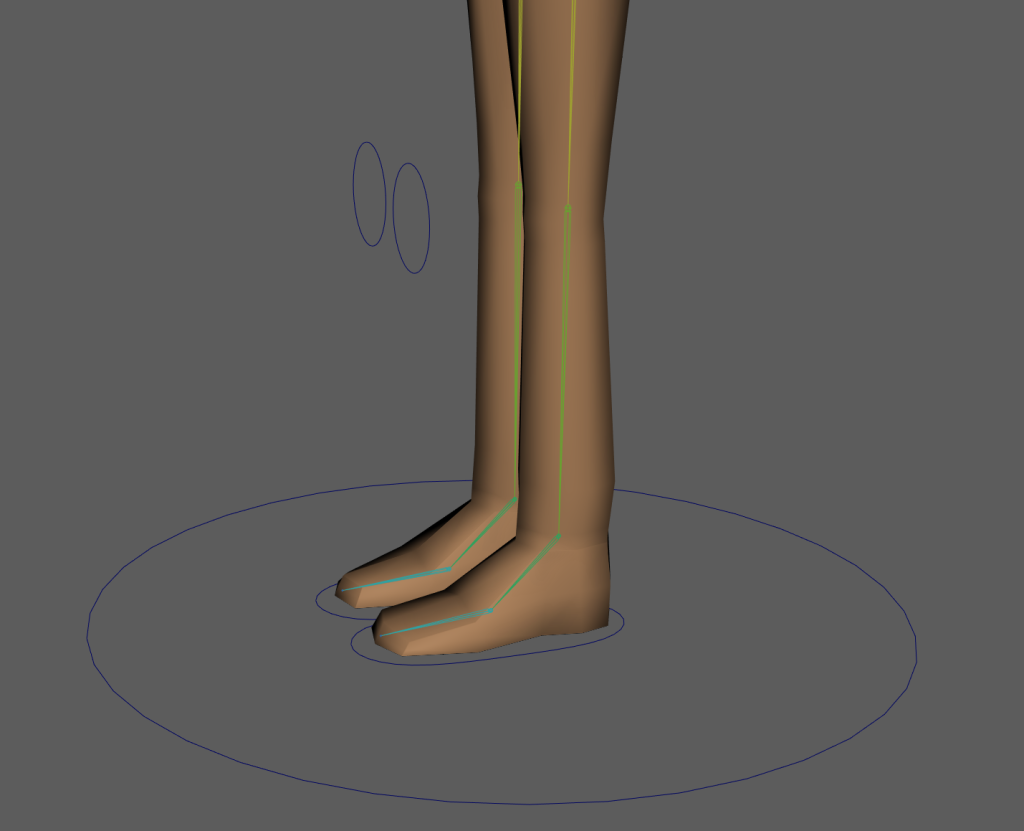
The torso and forearms are separate groups as well as the feet being hollow. This led to problems I couldn’t overcome.
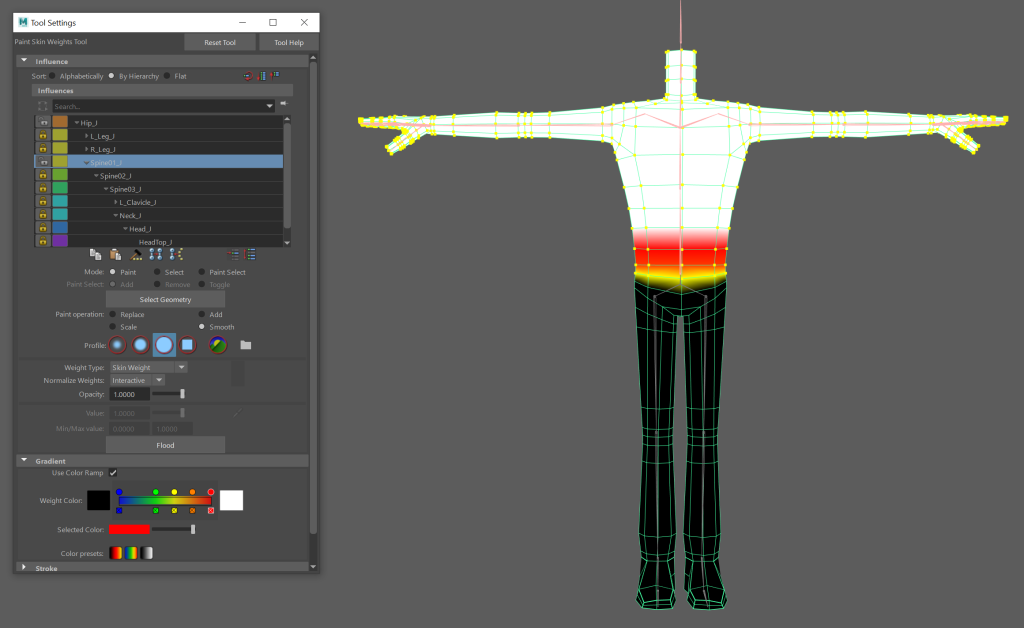
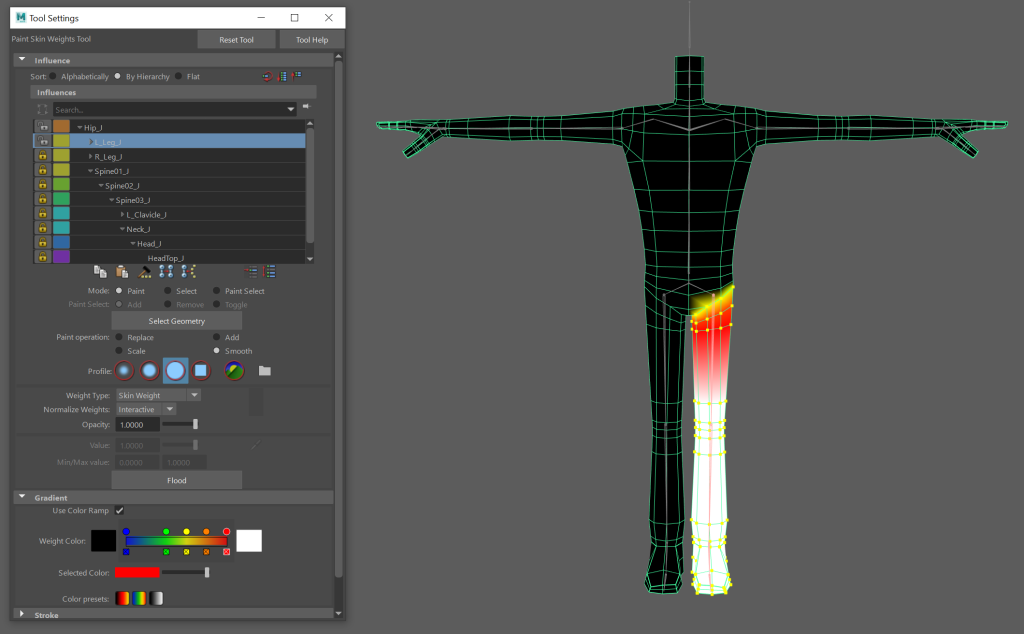
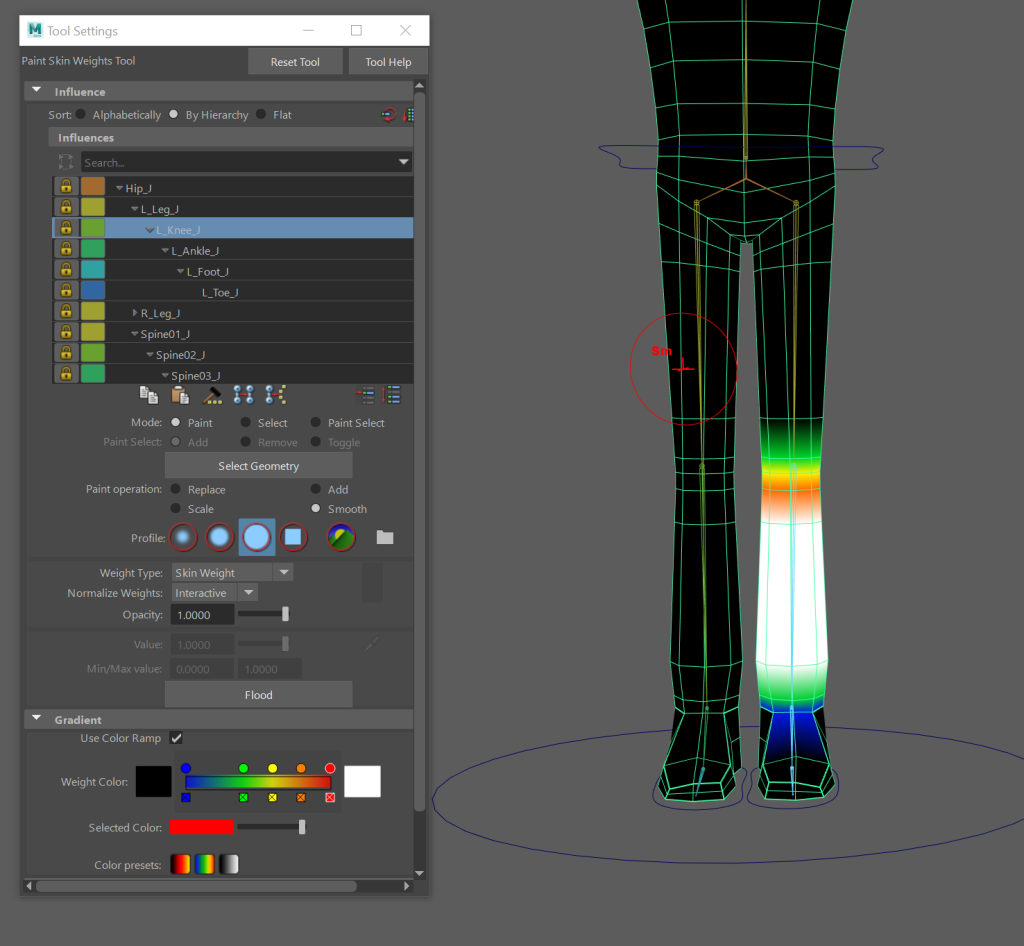
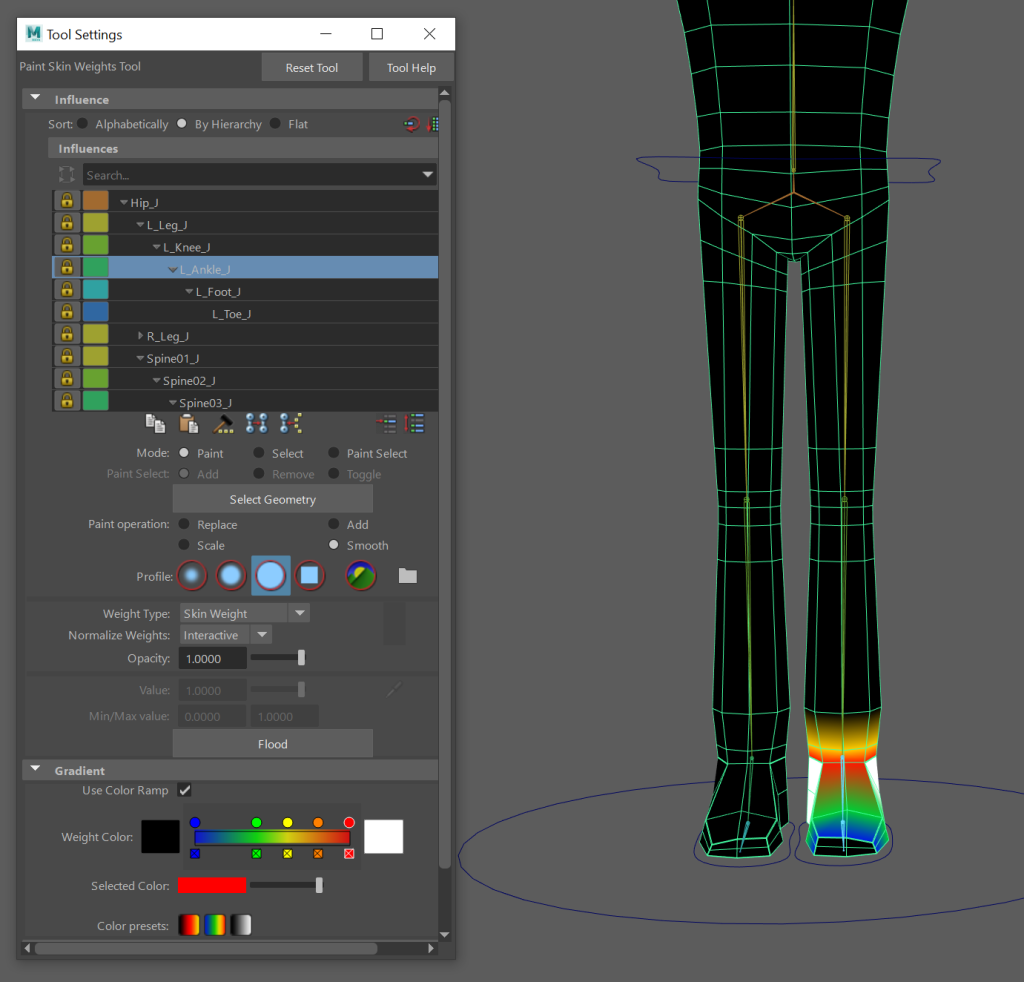
After rigging the character, I weight painted it. Following the order of Hips to Spine01 to Leg>Knee>Foot to Left Clavicle to Neck>Head to Spine02>Spine03 then finally Arm>Elbow>Hand>Fingers. I then mirrored the weight paint to have the weights on the right side exactly the same.
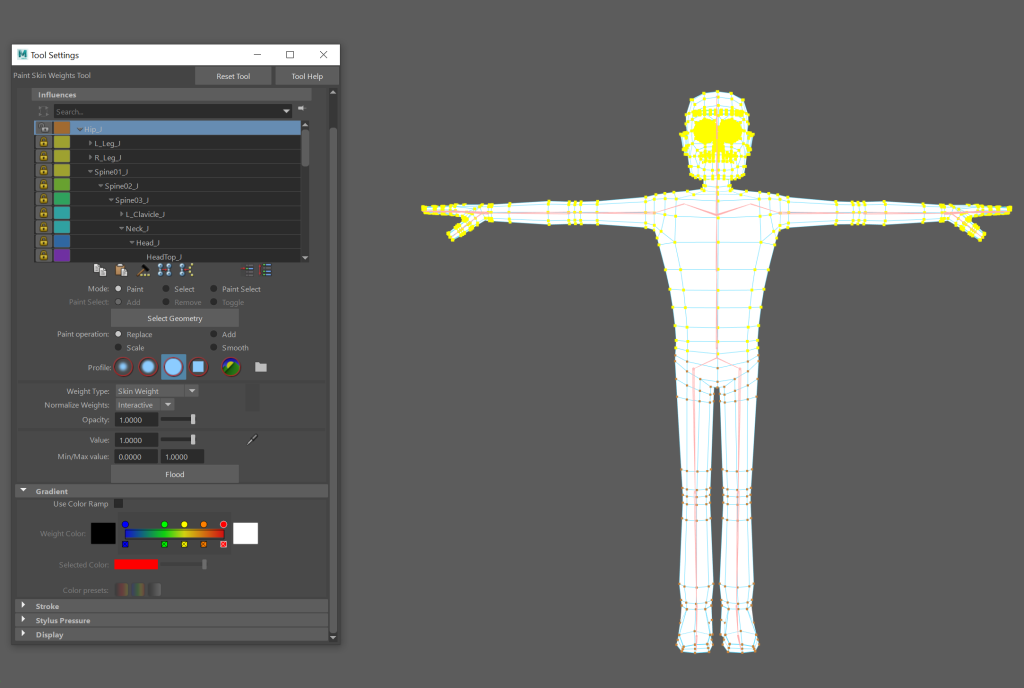
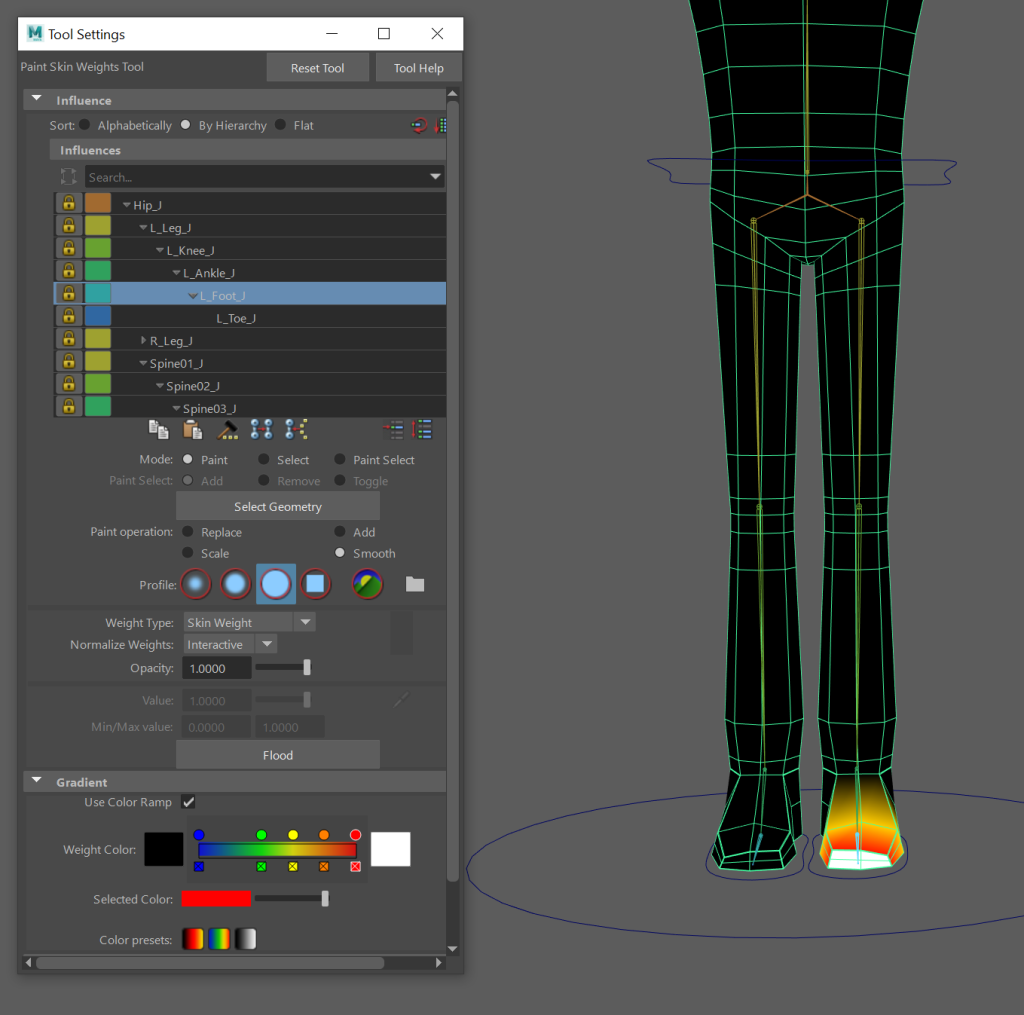
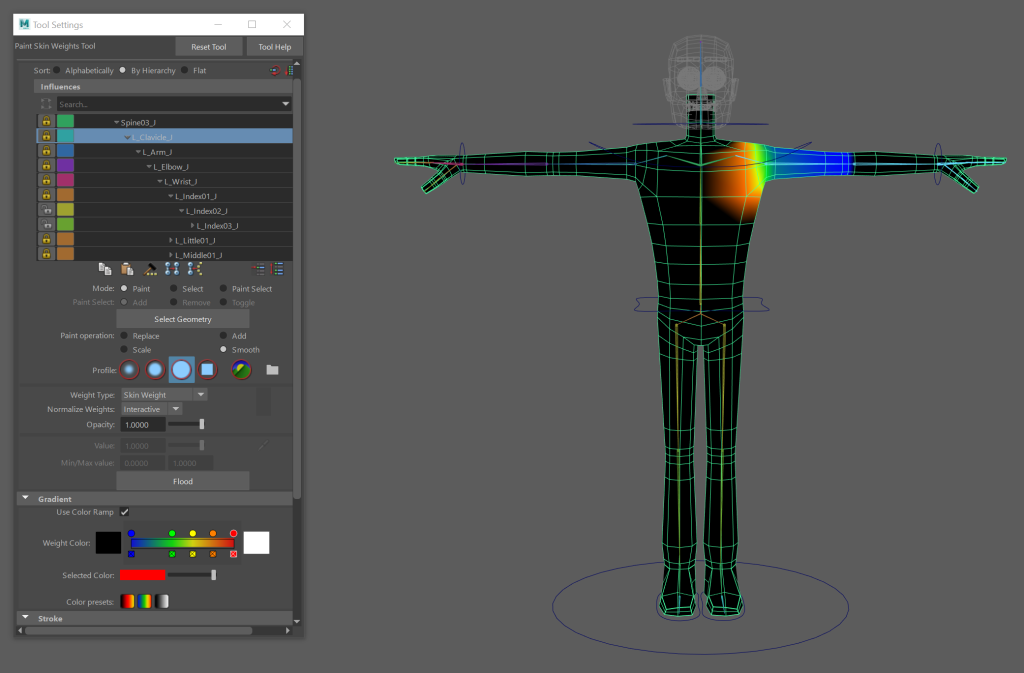
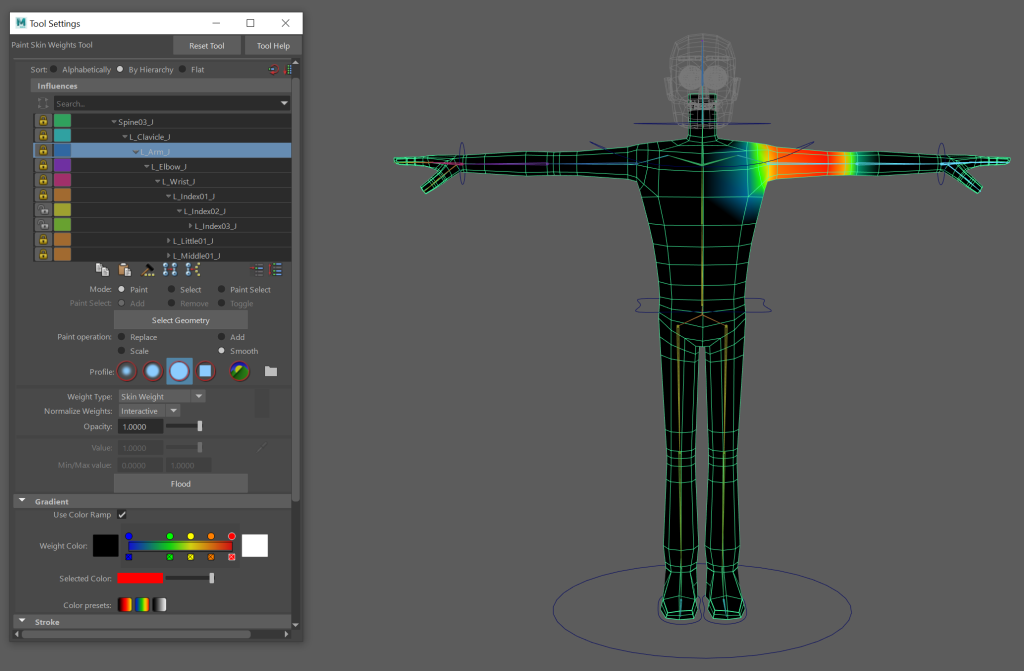
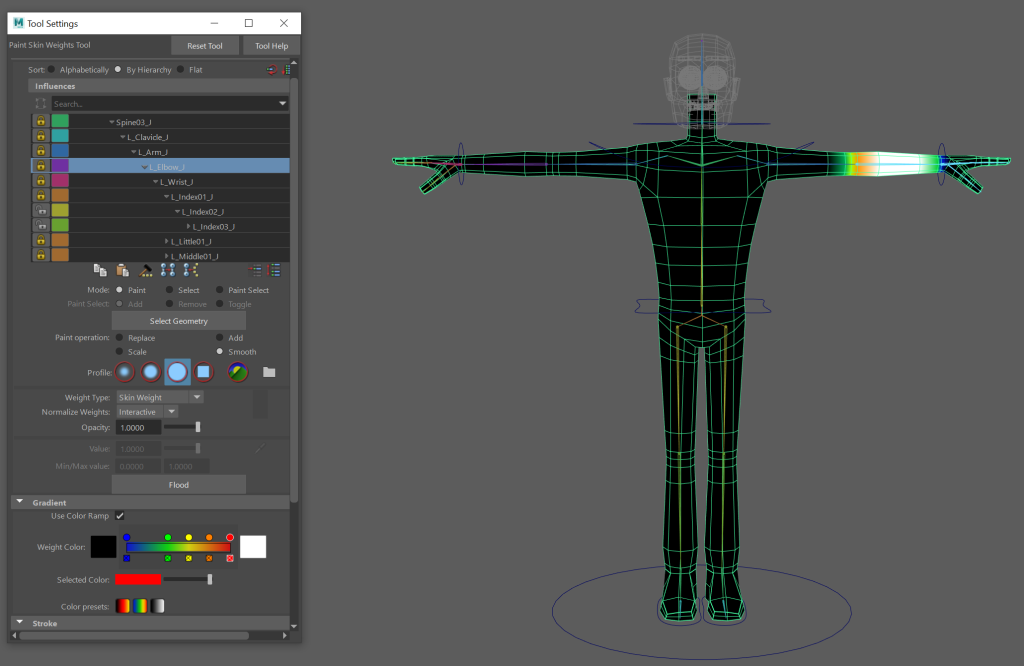
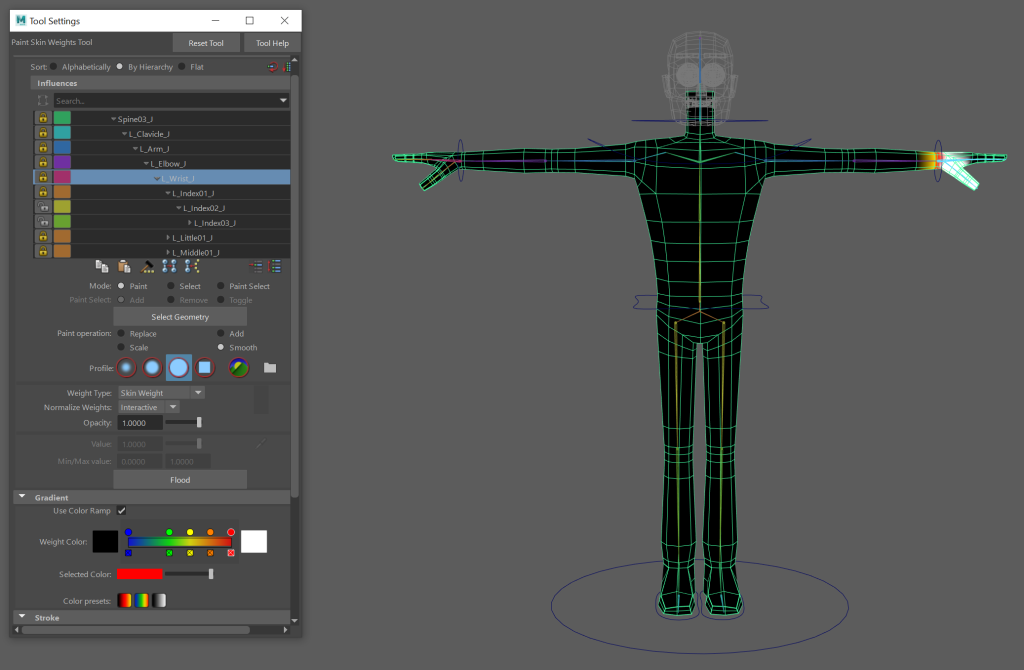
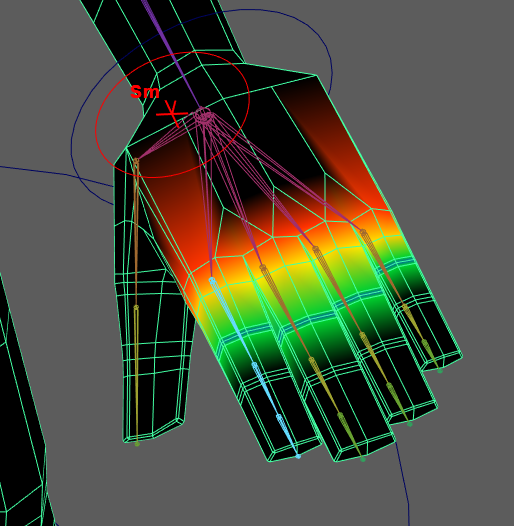
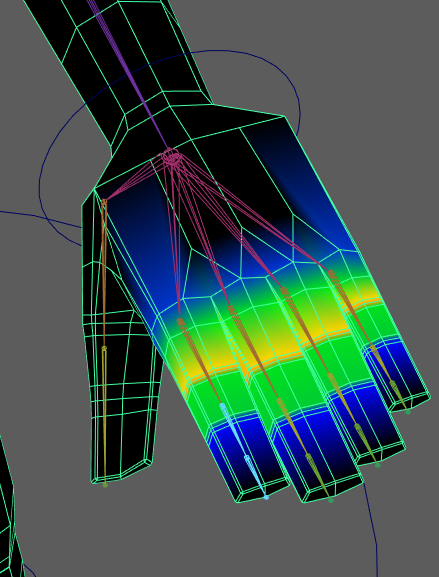
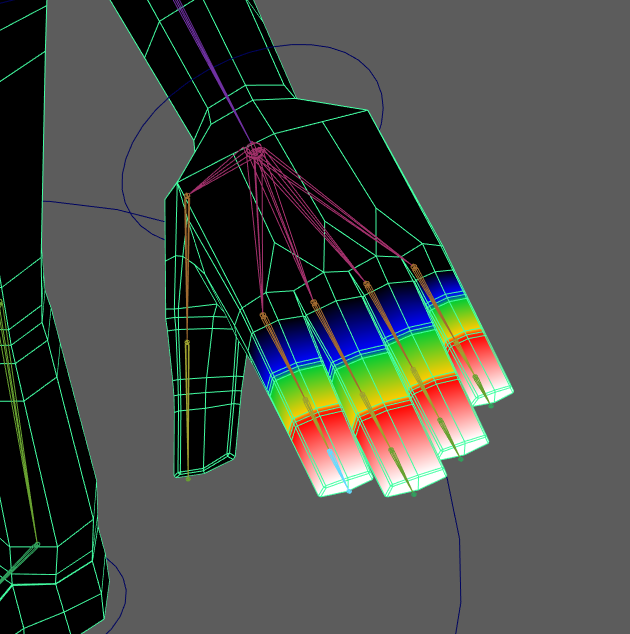
When weight painting the fingers, I only painted the chose the forefinger when painting but covered the three other fingers. This was for the sake of convenience as I wouldn’t need to move the other fingers individually when having my character form a fist.
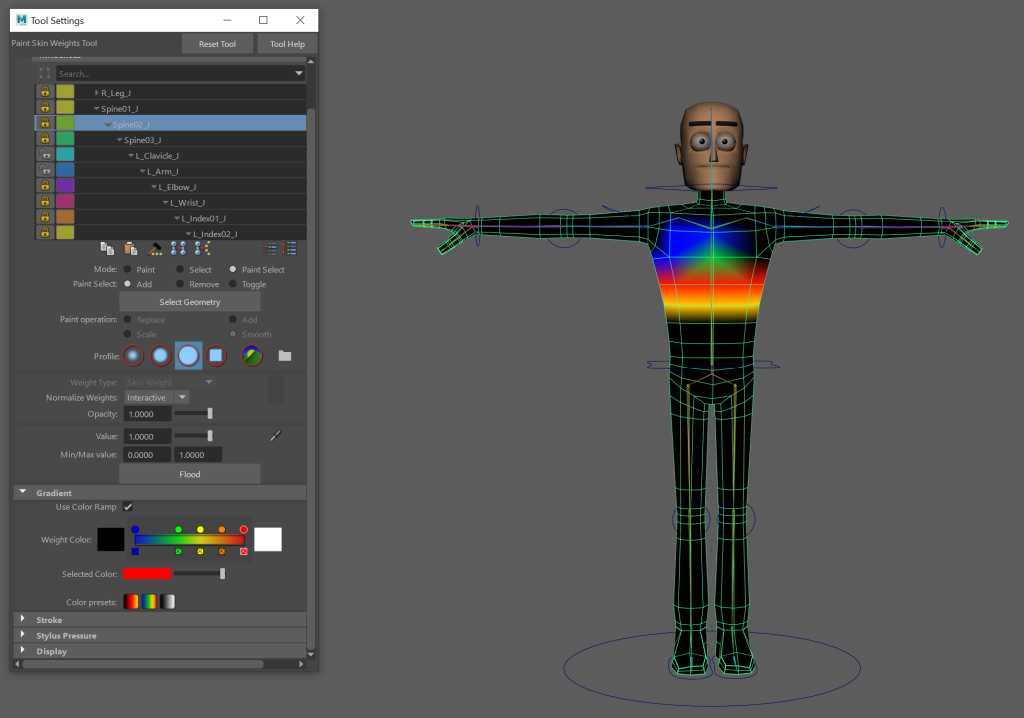
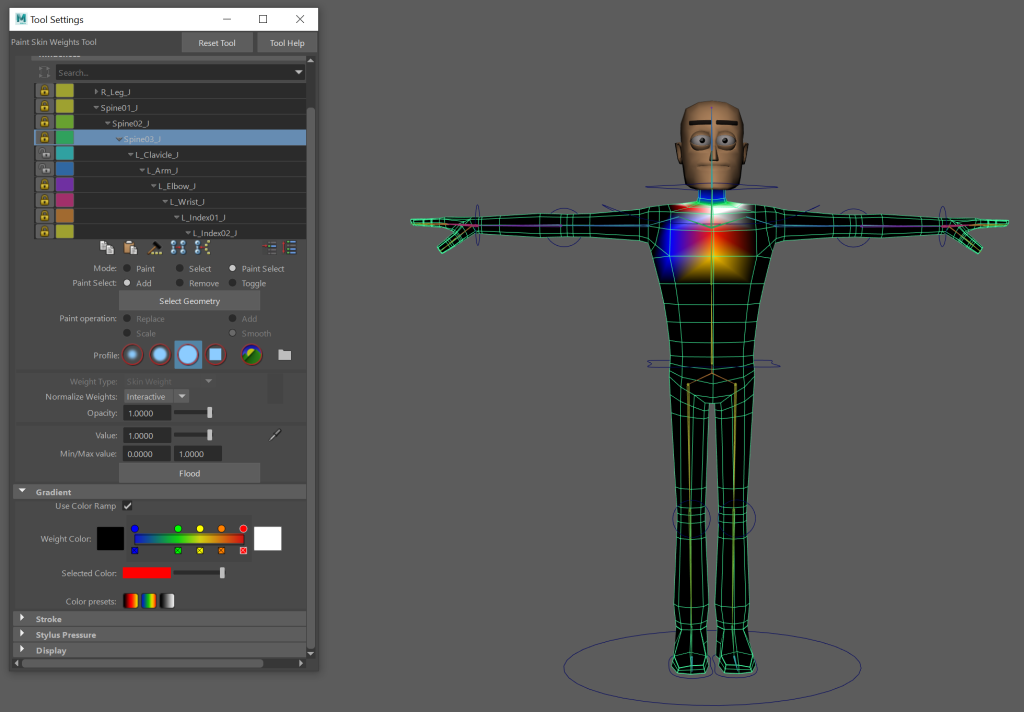
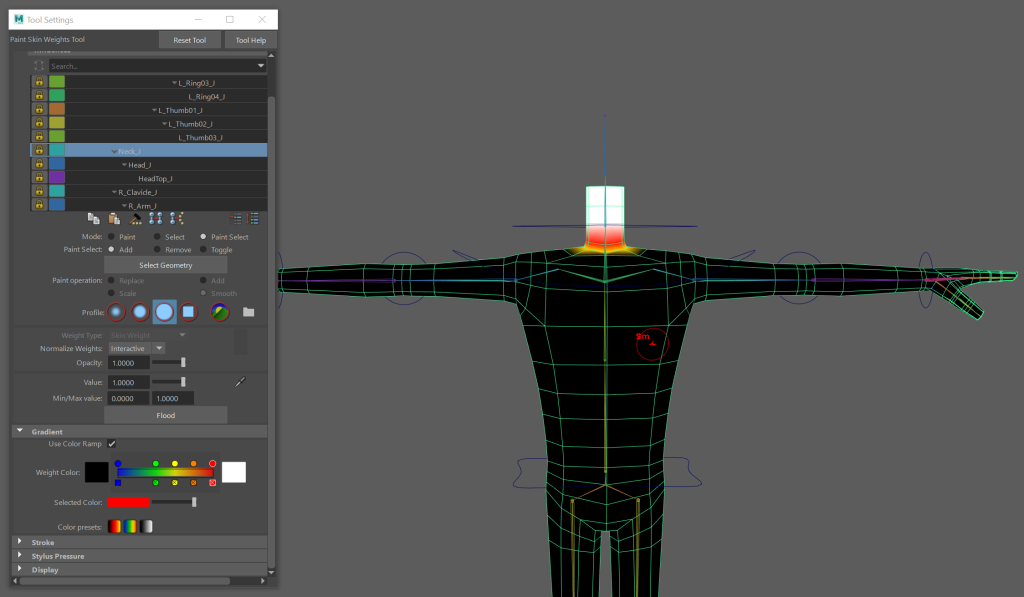
After I weight painted the character, I added pole vectors to the legs and arms.
When I added the pole vector to the arm, it deforms the model. I don’t currently have a solution for this problem but will add it when I have found one.
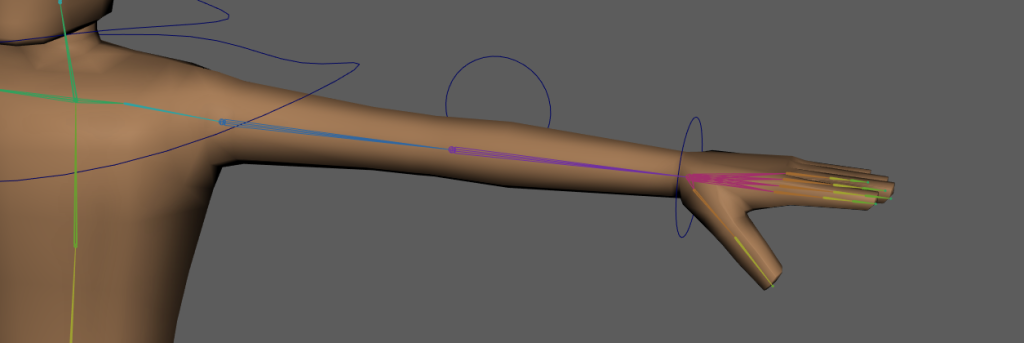
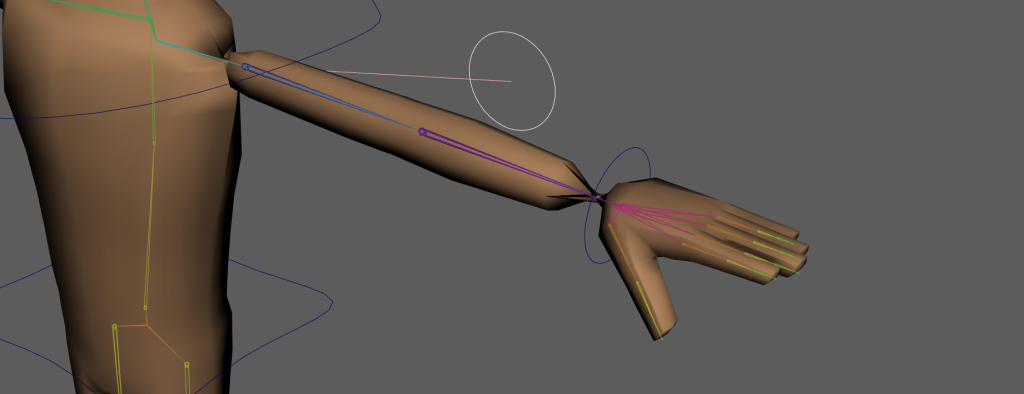
UPDATE: I move the elbow joint backwards by removing the skin and the IK, I then added the IK back, reskinned the character and reconnected the controller. I then added the pole vectors again and had no issues.
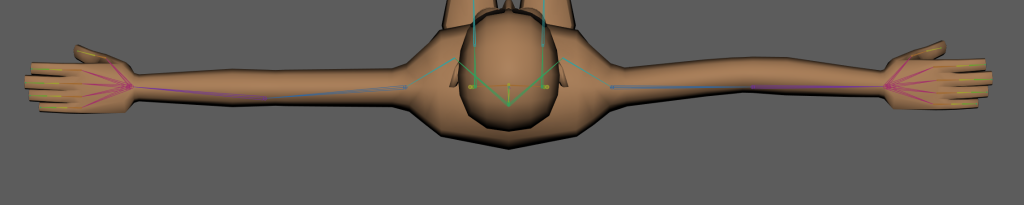
An update image of the characters arm joints.
After that I added the controls for the eyes. They worked initially but when parented to the neck, they sink into the head then through the back of it. I don’t have a solution for this either but will add it when I have found one.
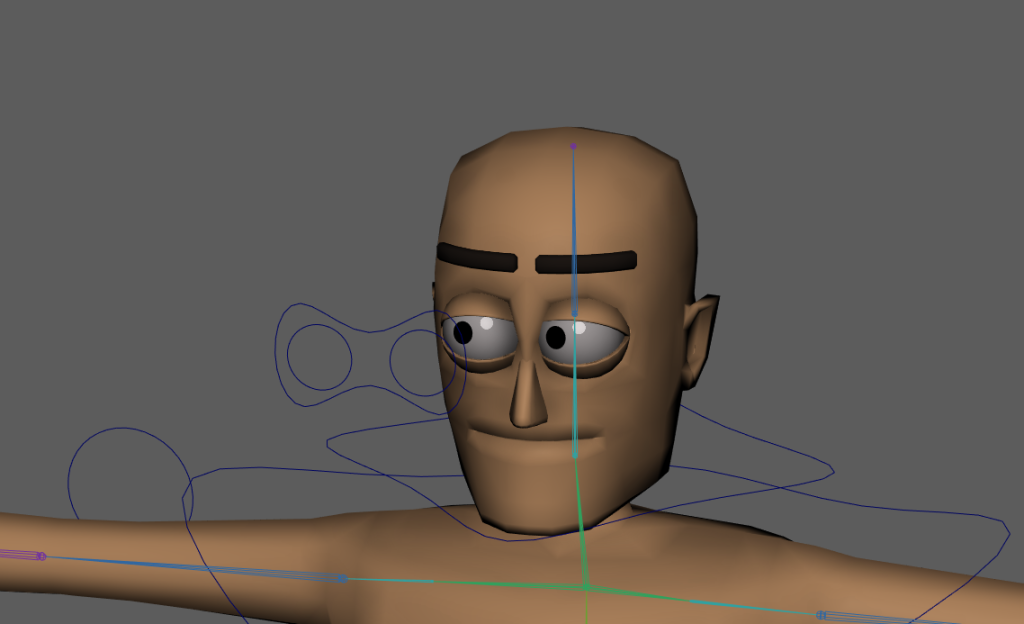
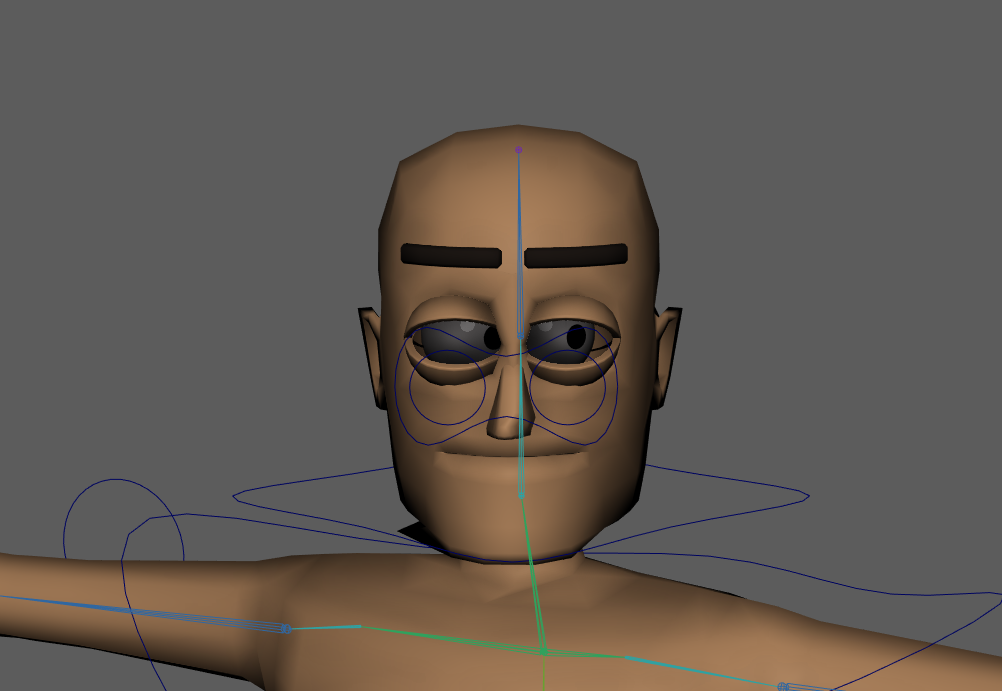
UPDATE: By weight painting the eyes as part of the head and grouping them with the head, they move with the head rather than individually.