This post will detail the completion of the Unreal Engine camera control lab content.
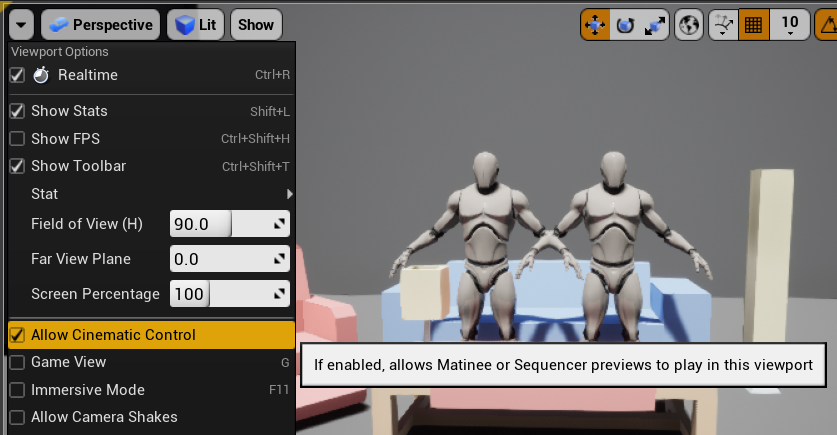
After opening the provided Unreal scene, I allowed cinematic control in the viewport settings. This would allow me to view the camera sequence in the viewport.
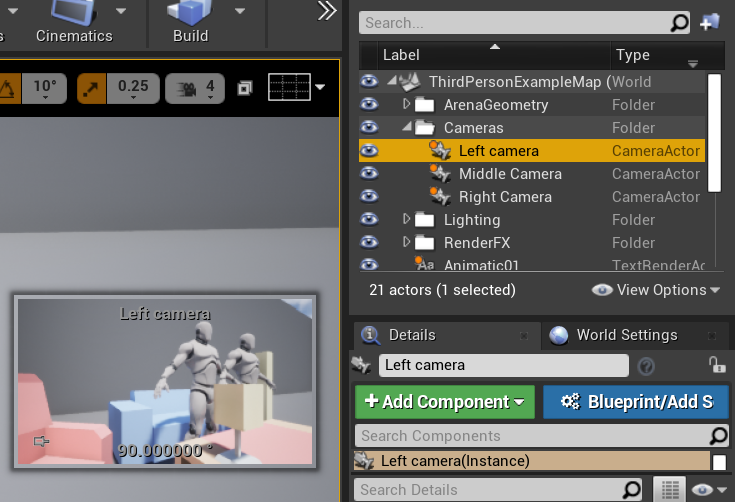
I then added three cameras at different angles around the scene.
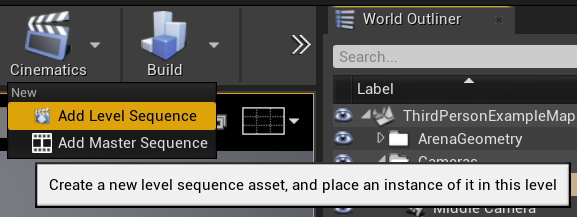
After that I added a new level sequence to the scene.
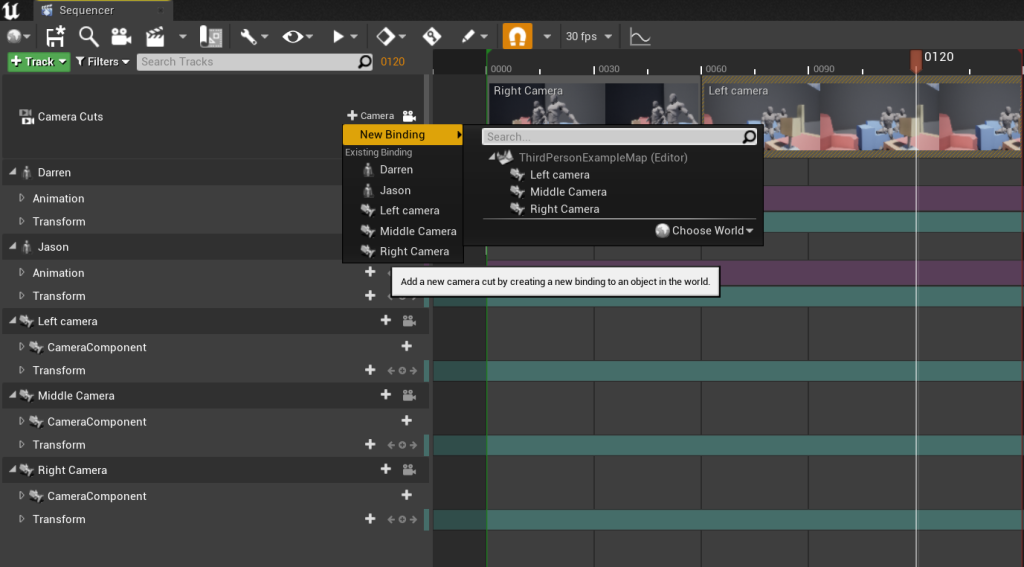
Within this sequence, I added the two characters and assigned idle animations. I then added the three cameras. At 60 frames I added a new binding for the left camera and then at 120 frames added another binding for the middle camera. This cases the cameras to cut at the assigned times.
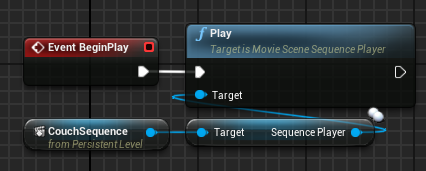
Once I had finished the sequence, I opened the level blueprint and added the sequence. I connected play sequence to this. I then added Event BeginPlay and connected it to the play function. This causes the sequence to play when I choose the play option.